12 Best Shopify Popup Apps to Boost Conversions in 2025
Discover the best Shopify popup apps to capture leads, reduce cart abandonment, and personalize the customer experience. This comprehensive guide provides actionable insights and practical tips for choosing the right popup solution for your store.
By The SaaS Hub Team · 2025-11-06
12 Best Shopify Popup Apps to Boost Conversions in 2025
Popups often get a bad rap, but a well-executed strategy turns them from a user experience nuisance into a powerful conversion engine. The right popup doesn't just interrupt; it engages, captures high-intent leads, reduces cart abandonment, and guides customers through their buying journey. The challenge isn't whether to use them, but which tool to choose from the hundreds available on the Shopify App Store.
Finding the perfect fit for your brand, budget, and growth stage is critical. A generic, one-size-fits-all popup can do more harm than good, alienating potential customers and cheapening your brand aesthetic. To truly succeed, you need an app that aligns with your specific goals, whether that's building an email list from scratch, recovering abandoned carts with targeted offers, or personalizing the shopping experience with advanced segmentation.
This guide cuts through the marketing noise. We've compiled a comprehensive analysis of the best Shopify popup apps, moving beyond basic feature lists to provide actionable insights. For each app, we'll dive into:
- Ideal Use Cases: Who is this app built for and what problems does it solve best?
- Unique Strengths: What specific features make it stand out from the competition?
- Practical Implementation: Real-world examples and quick setup tips to maximize impact.
We’ve included detailed breakdowns, screenshots, and direct links for each option. Whether you’re a D2C startup launching your first store or a scaling brand aiming to personalize every touchpoint, this is your definitive roadmap to choosing the right tool and converting more visitors into loyal customers.
1. Shopify App Store – Pop‑ups category
Before diving into individual third-party tools, the best place to start your search for the best Shopify popup apps is Shopify’s own App Store. It’s the official, centralized marketplace where you can discover, compare, and safely install over 300 different popup solutions. The platform acts as a foundational resource, ensuring every app listed meets specific compatibility and performance standards set by Shopify.
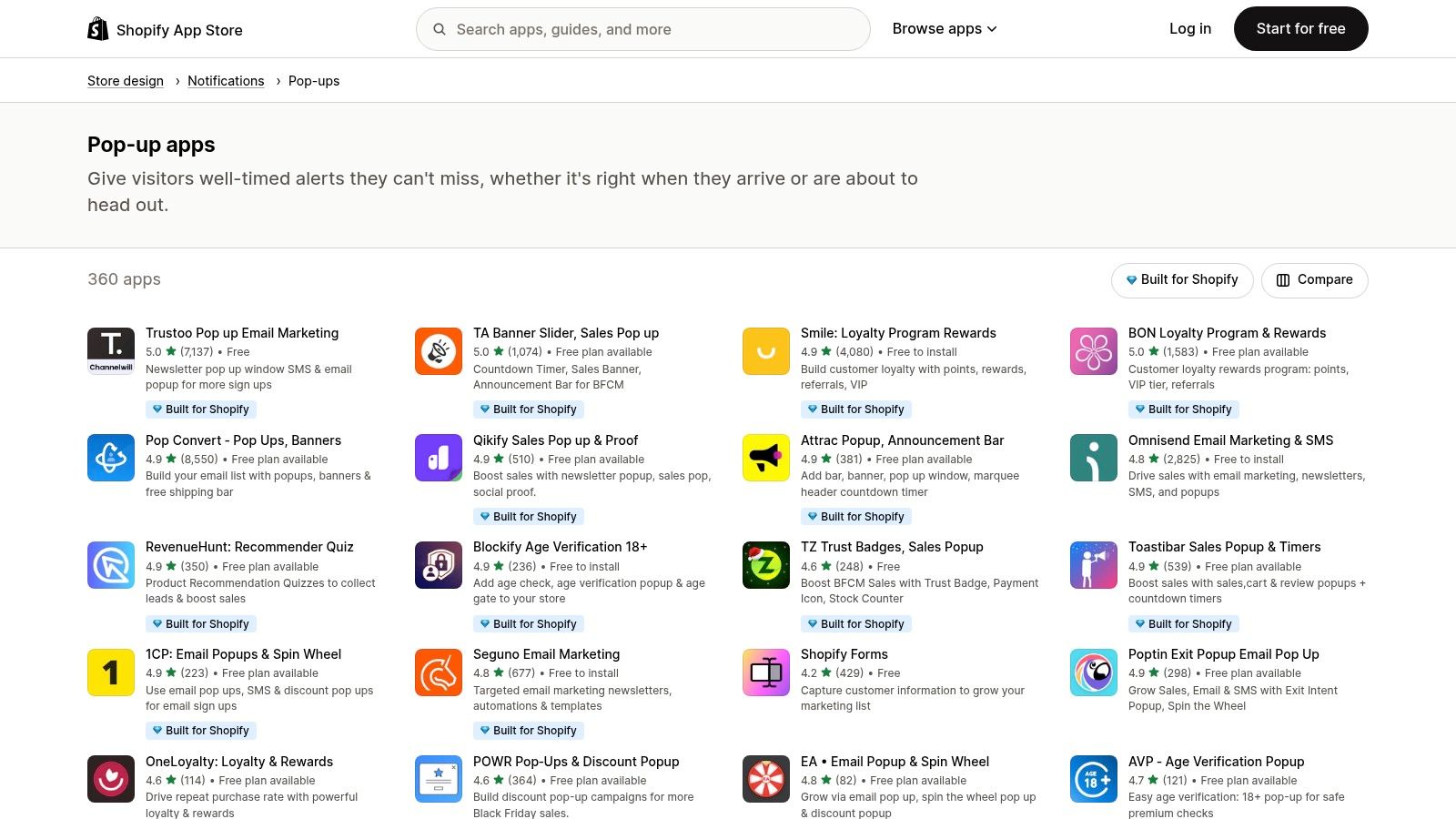
The primary advantage is trust and integration. Billing is handled directly through your Shopify account, and one-click installation simplifies the setup process immensely. You can leverage powerful filters to narrow down options by price, rating, or features, and read verified reviews from other merchants to gauge real-world performance. A key insight is to look for apps with the "Built for Shopify" badge, as this indicates a higher level of quality, speed, and seamless integration with the Shopify admin interface.
Practical Tips for Navigation
- Filter Strategically: Start by filtering for apps with a high number of recent, positive reviews (e.g., 4.5 stars or higher with over 100 reviews) and those updated within the last few months. This practical step weeds out outdated or poorly supported options.
- Analyze Pricing Models: Pay close attention to how apps charge. For a high-traffic store, a pageview-based model can become unexpectedly expensive during a sale. A real insight is to calculate your potential costs for a peak month, not just an average one, before committing.
- Check Theme Compatibility: Read the app's description and recent reviews for mentions of conflicts with your specific theme. For example, if you use the Dawn theme, search reviews for the word "Dawn" to spot potential issues.
FeatureDetailsSelectionOver 300 popup-related applicationsInstallationOne-click install and unified billing through your Shopify accountTrust SignalsVerified merchant reviews, "Built for Shopify" badges, developer responsesPricingVaries; includes free, freemium, and subscription-based models
While the sheer volume of choices can be daunting, using the Shopify App Store as your primary research hub is the safest and most efficient approach. It provides the necessary tools and social proof to make an informed decision, ensuring any app you choose is vetted for the ecosystem. For more information on different tools, you can also explore a variety of marketing and conversion resources.
Website: https://apps.shopify.com/categories/store-design-notifications-pop-ups
2. OptiMonk
OptiMonk is a mature conversion rate optimization (CRO) suite that has established itself as one of the best Shopify popup apps for data-driven merchants. It moves beyond simple email capture to offer a comprehensive toolkit focused on personalization and revenue attribution. Its powerful drag-and-drop editor, combined with an extensive library of over 300 templates, allows you to create highly customized campaigns, from exit-intent offers to gamified "Spin the Wheel" popups designed to boost engagement.
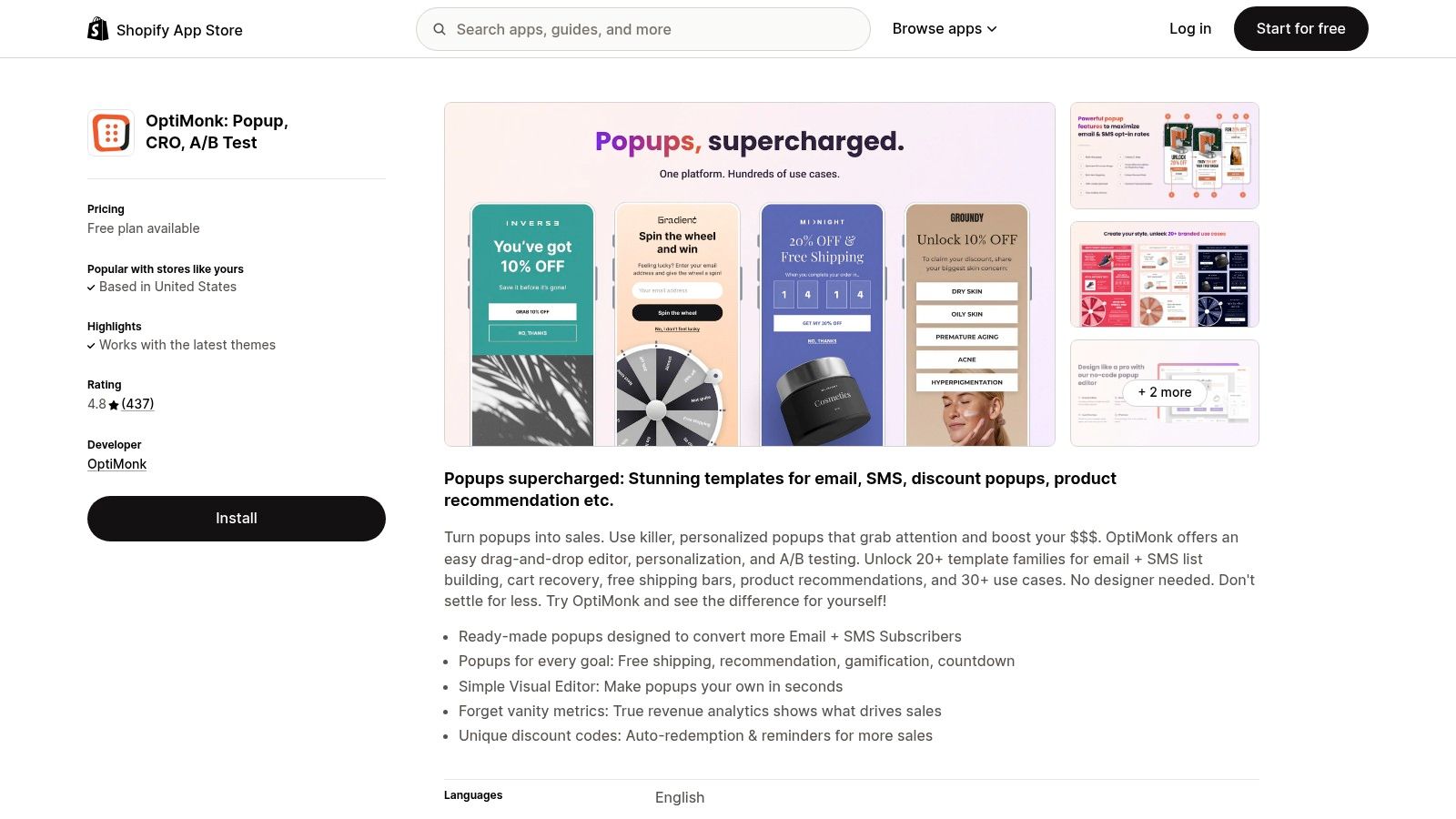
The primary insight into OptiMonk is its advanced segmentation and analytics. You can target visitors based on a wide array of triggers, such as cart value, Shopify tags, or browsing history, ensuring your message is always relevant. For a practical example, you can show a free shipping popup only to visitors from the USA who have over $50 in their cart and are about to leave the page. The platform also ties every campaign directly to revenue, helping you understand precisely which popups are driving sales.
Practical Tips for Navigation
- Start with Templates: Don't build from scratch. Leverage the 300+ templates and filter by goal (e.g., "Reduce cart abandonment"). A practical example is choosing a pre-built exit-intent template with a strong headline like "Wait! Before You Go..." and simply adding your brand's colors and logo.
- Utilize A/B Testing: For your main email popup, create two versions. Test a 10% discount offer against a free shipping offer. OptiMonk's A/B testing feature will show you which incentive generates not just more sign-ups, but more first-time buyers.
- Integrate with Your Stack: Immediately connect OptiMonk to your email service provider (like Klaviyo or Mailchimp) and Google Analytics 4. This practical step ensures new leads are synced automatically and you can track popup performance within your broader analytics dashboard.
FeatureDetailsKey DifferentiatorAdvanced segmentation, A/B testing, and direct revenue attributionBest ForGrowing stores focused on data-driven optimization and personalizationProsGenerous free plan for small stores, strong integration breadthConsPageview-based pricing can get expensive for high-traffic sites
While the depth of features may feel complex at first, OptiMonk’s focus on measurable ROI makes it a powerful asset for merchants serious about maximizing conversions. Its proven longevity and robust feature set secure its place as a top-tier choice in the Shopify ecosystem.
Website: https://apps.shopify.com/optimonk
3. Privy – Email, SMS & Pop Ups
Privy is an all-in-one conversion and marketing platform that tightly bundles popups with powerful email and SMS automation. Instead of just capturing leads, Privy allows merchants to immediately engage them through follow-up campaigns, making it one of the best Shopify popup apps for stores seeking a consolidated solution. A key insight is that its strength lies in connecting the initial interaction (a popup) with the entire customer journey, from welcome series to cart abandonment reminders, all within one dashboard.
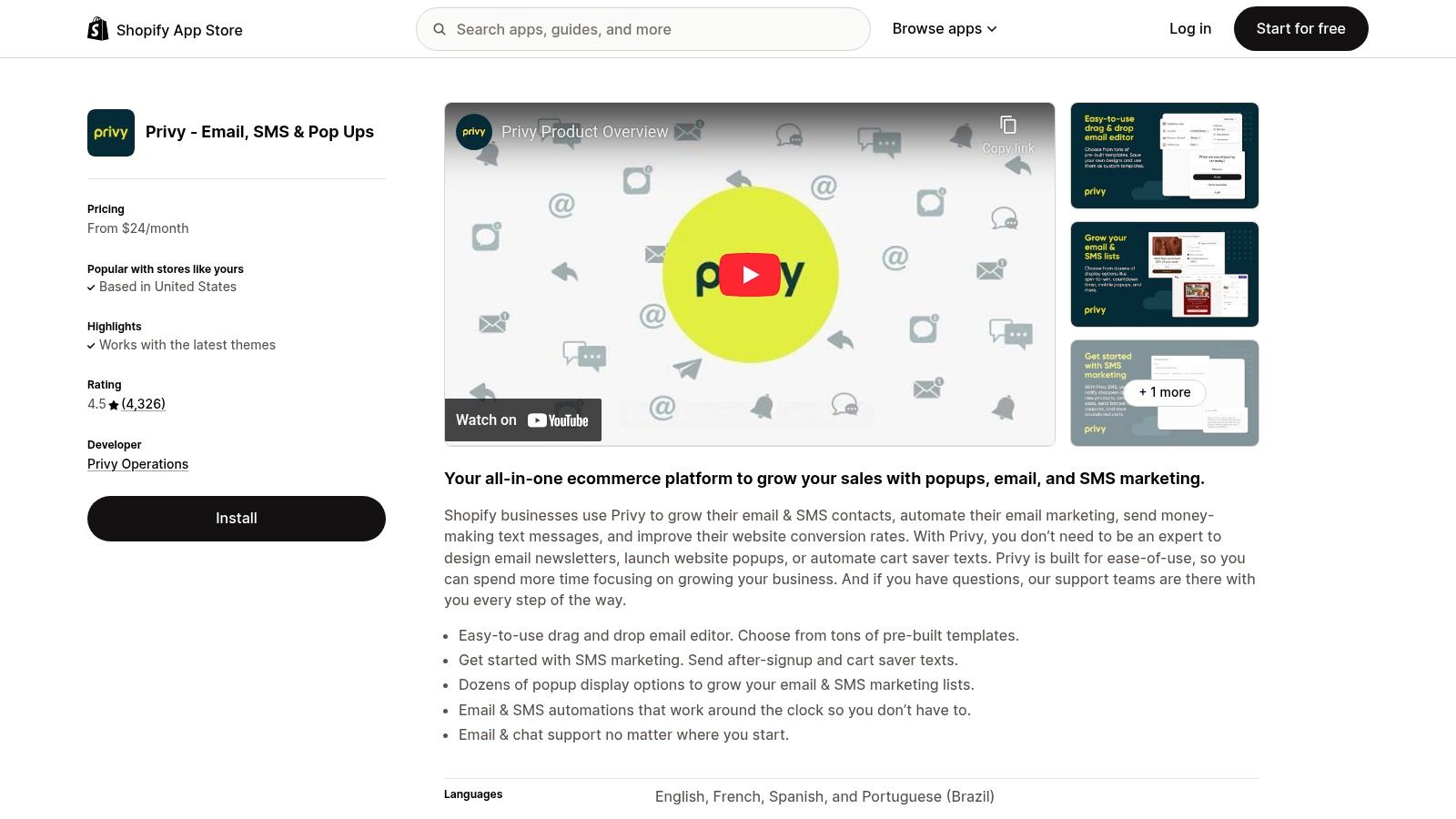
The platform is ideal for merchants who want to manage list growth and messaging from a single dashboard without juggling multiple apps. A practical example is creating a popup that offers a 15% discount, and then using Privy's email automation to immediately send the coupon code, followed by two reminder emails if it hasn't been used within 48 hours. This integrated approach simplifies workflows and ensures data consistency.
Practical Tips for Navigation
- Start with a Goal-Oriented Template: Use Privy’s templates designed for a specific goal like "Reduce Cart Abandonment." A practical example is activating their pre-built exit-intent popup that shows shoppers their cart contents and a special offer to complete the purchase.
- Leverage A/B Testing: For your highest-traffic popups, always run an A/B test. A simple, effective test is to compare the headline "Join Our VIP List" against "Get 10% Off Your First Order" to see if your audience responds better to exclusivity or a direct discount.
- Monitor Your Contact Limits: Privy’s pricing is based on mailable and textable contacts. A practical insight is to regularly use Privy’s tools to clean your email list of unengaged subscribers so you don't unnecessarily upgrade to a more expensive tier.
FeatureDetailsPrimary FocusIntegrated popups, email marketing, and SMS automationKey DifferentiatorManages the entire lead capture and nurture process in one platformAdvanced FeaturesMulti-step forms, gamified spin-to-win popups, cross-sell campaignsPricingTiered plans based on contact list size; separate pricing for Popups & SMS
Privy shines for stores that need more than just a popup tool and want to build sophisticated marketing funnels without the complexity of integrating separate systems. While its pricing can scale quickly, the value of its unified platform is a significant advantage. To understand how it fits into a broader strategy, you can find more information about its powerful email marketing tools.
Website: https://apps.shopify.com/privy
4. Wisepops
Wisepops is a premium, enterprise-leaning onsite messaging platform that goes far beyond simple popups. It’s designed for established merchants who need a comprehensive suite of tools to engage visitors across multiple formats, including embeds, a notification feed, and AI-powered product recommendations. The key insight here is that Wisepops is for stores focused on sophisticated, multi-channel onsite campaigns, not just simple email capture.
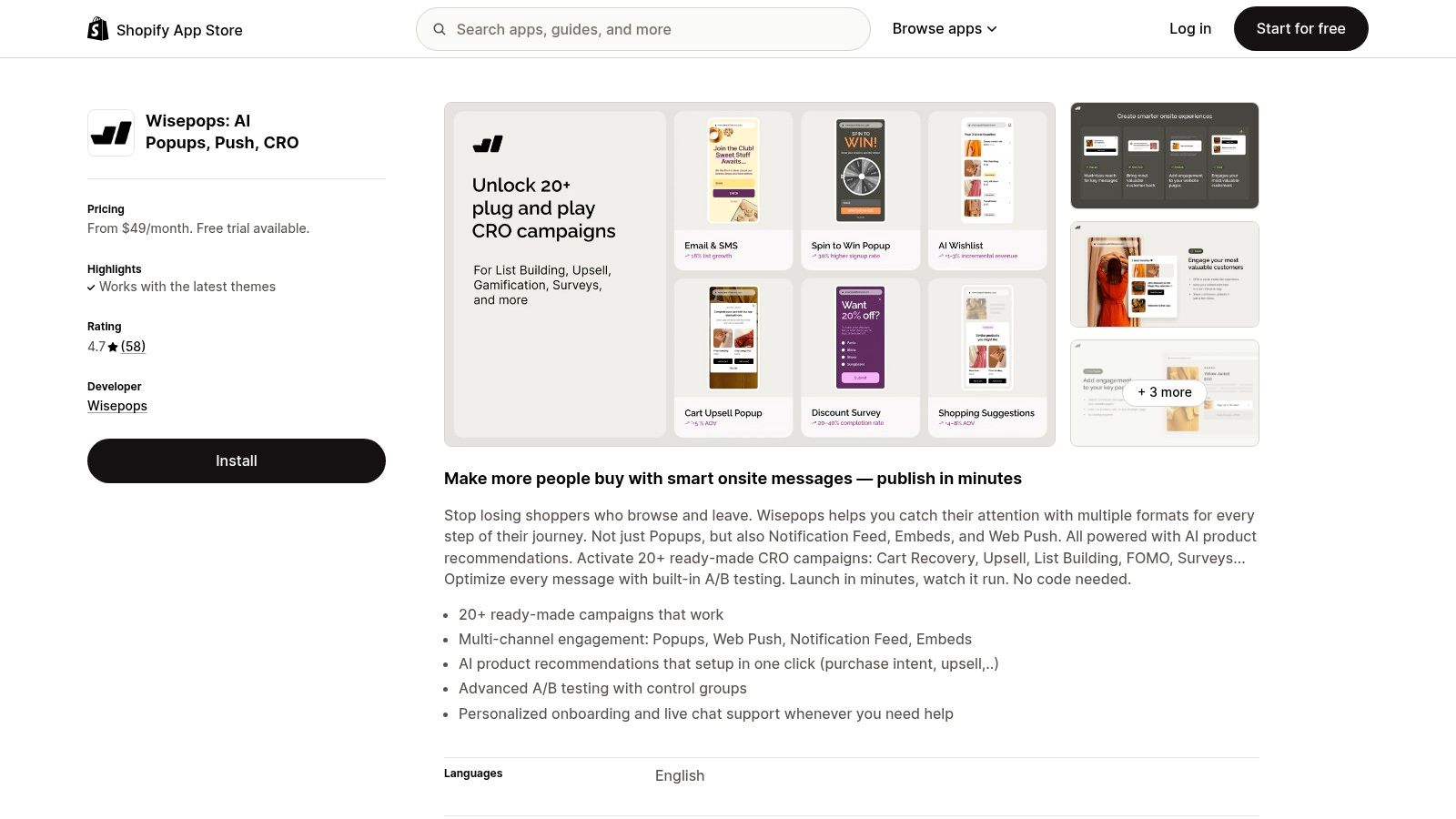
The platform’s strength lies in its unified campaign management and deep integrations, particularly with Klaviyo. This allows for highly personalized messaging based on customer segments and behavior. For example, you can create a popup offering a "mystery gift" that only displays to visitors who are part of your "VIP Customers" segment in Klaviyo, syncing this data in real-time. Its regularly updated templates and guidance ensure your campaigns feel modern and effective.
Practical Tips for Navigation
- Leverage Multi-Format Campaigns: Don't just stick to popups. A practical example is using the notification feed for less intrusive announcements (like "Order by 2 PM for same-day shipping") and using an embedded form on your blog pages to capture subscribers interested in content.
- Utilize the Klaviyo Integration: Connect Wisepops and Klaviyo to create dynamic segments. For instance, trigger a popup offering a 15% discount only to users who are in your "abandoned cart" segment in Klaviyo but have returned to the site.
- Start with A/B Testing: The higher price point is justified by advanced features like A/B testing. A practical test would be to compare a static image of your product against a GIF in your popup to see which visual element drives more clicks and conversions.
FeatureDetailsSelectionPopups, embeds, notification feed, AI recommendations, A/B testingInstallationOne-click install from the Shopify App StoreTrust SignalsHighly rated, excellent support, used by major brands like Asics & UnileverPricingStarts at $49/month for up to 100,000 pageviews; 14-day free trial
While the entry price is higher than many competitors, Wisepops is an excellent investment for scaling businesses that have outgrown basic popup tools. Its feature breadth provides a powerful, all-in-one solution for onsite marketing, but it might be overkill for stores that only need a simple email capture form.
Website: https://apps.shopify.com/pop-up-builder-wisepops
5. Justuno
Justuno is a conversion optimization powerhouse designed for merchants who need granular control over their on-site promotions. A key insight is that Justuno excels at leveraging deep Shopify data, such as cart contents, past purchase history, and customer tags, to deliver highly personalized offers that simpler apps can't match.
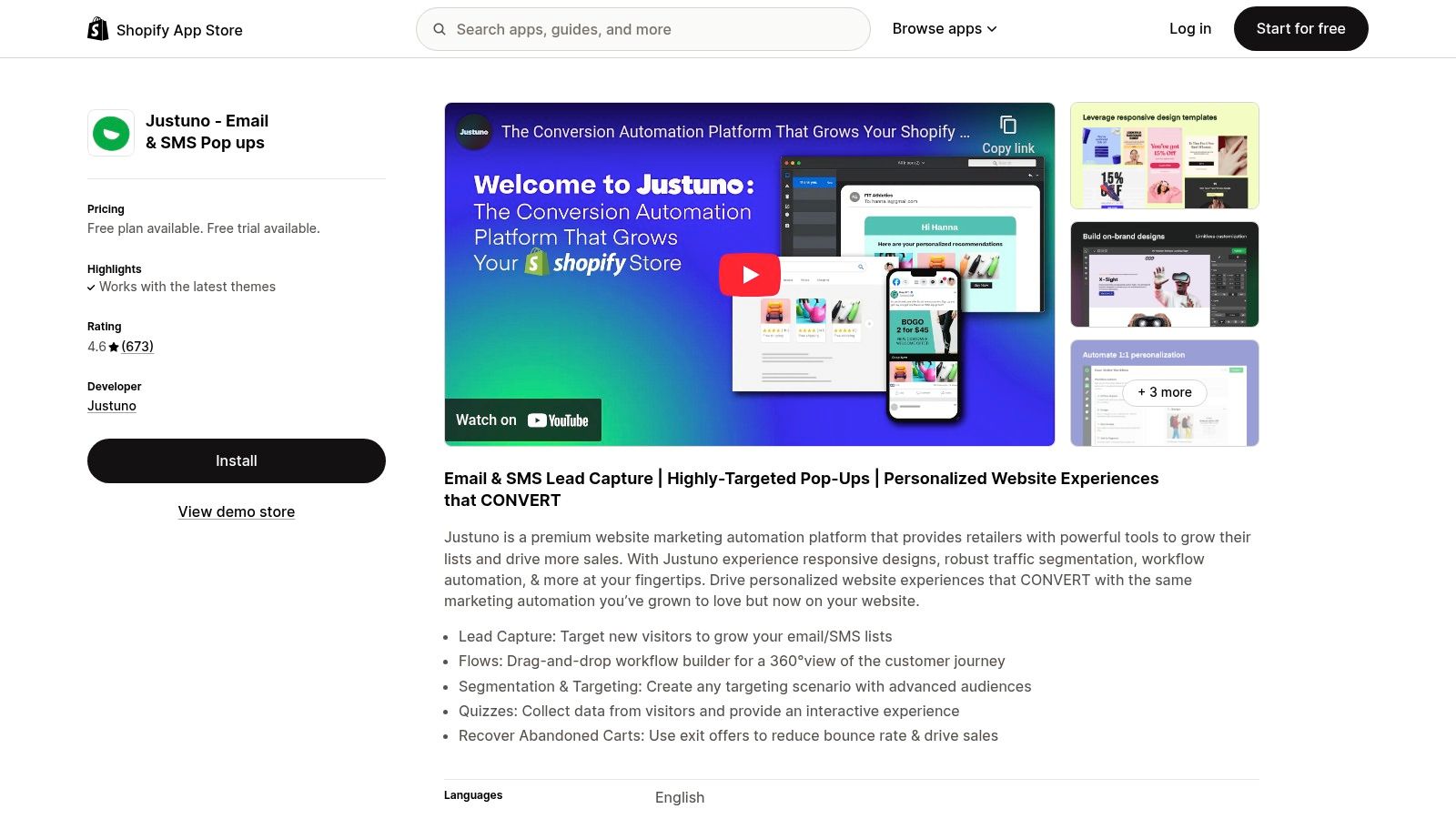
Its key differentiator is the ability to create complex, multi-step promotional workflows. For a practical example, you can target a returning customer who previously bought a specific brand of coffee beans. When they land on your site, Justuno can show them a popup announcing a new roast from that same brand with a one-click "Add to Cart" button that auto-applies a "Welcome Back" coupon. This level of detail makes it one of the best Shopify popup apps for stores with complex product catalogs where personalization drives significant revenue.
Practical Tips for Navigation
- Start with a Template: Justuno's editor can feel complex. Begin by customizing their pre-built "Exit Offer" template. This practical first step lets you learn the workflow before building a multi-layered campaign from scratch.
- Leverage Managed Services: If you lack the time for advanced setup, a real insight is to consider their managed services. The Justuno team can build and optimize campaigns for you, which is a valuable option for high-growth stores needing to maximize ROI quickly.
- Test One-Click Promotions: A practical experiment is to run a popup targeting users with items in their cart, offering a popular accessory (like a phone case for a phone) with a one-click add-to-cart button. This reduces friction and is highly effective for increasing average order value.
FeatureDetailsAdvanced TargetingSegments based on Shopify data like purchase history, customer tags, and catalog detailsPromotion TypesPopups, banners, spin-to-wins, one-click add-to-cart, AI-powered recommendationsPersonalizationDynamic content and offers based on real-time user behavior and historical dataPricingStarts with a 14-day free trial; plans are based on monthly website traffic sessions
While the learning curve for its advanced features is steeper than simpler apps, Justuno offers unparalleled power for merchants focused on data-driven conversion strategies. Its long-standing Shopify integration ensures reliability and deep access to the data needed for true personalization.
Website: https://apps.shopify.com/justuno-pop-ups-email-conversion
6. Popupsmart
Popupsmart distinguishes itself with a lightweight, modern interface and AI-driven features designed to accelerate campaign creation. It’s an excellent choice for merchants who want to leverage advanced technology like GPT-powered suggestions for copy and images without a steep learning curve. The core insight is that this app is built for speed and efficiency, ensuring popups don't slow down your storefront.
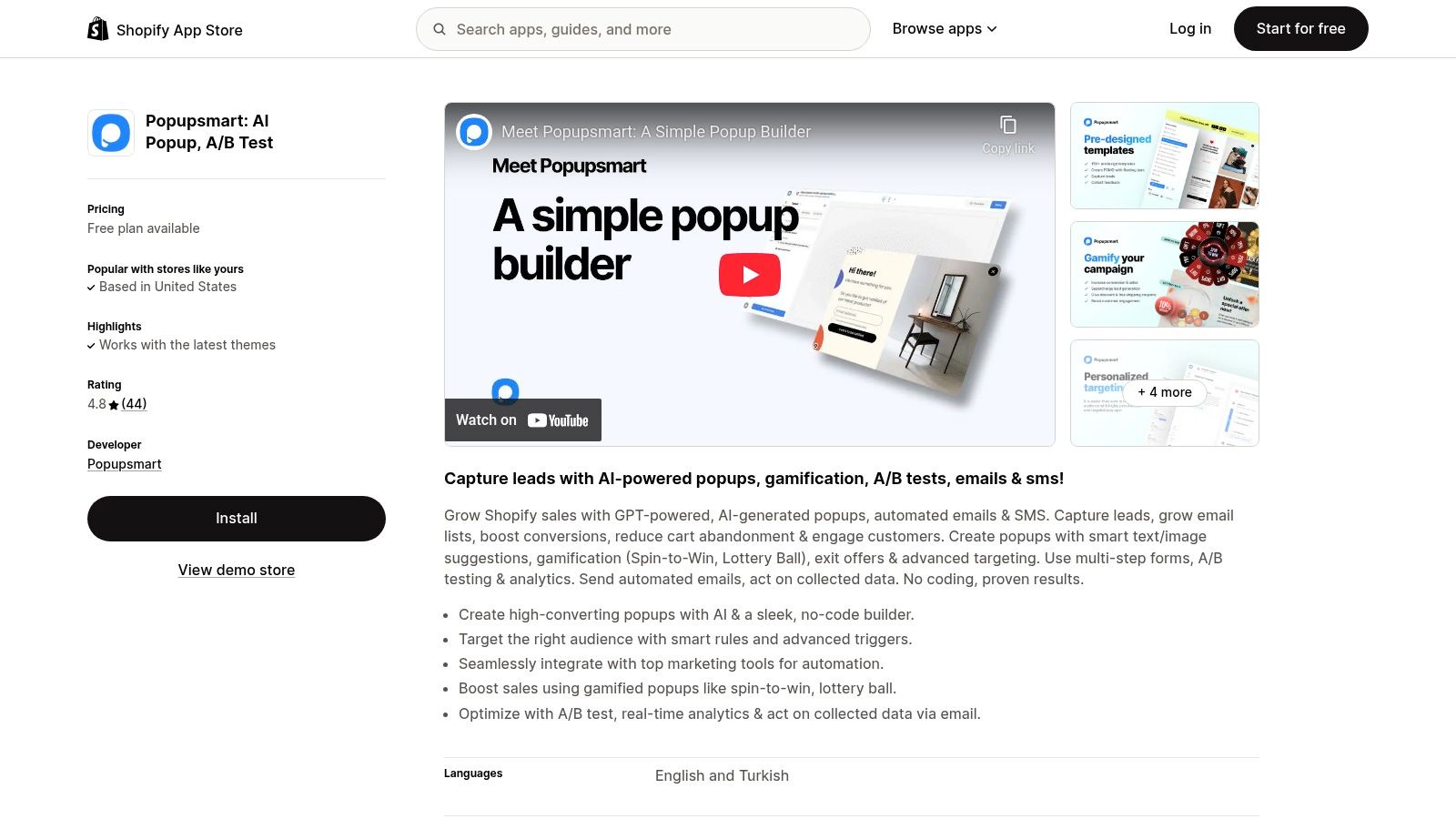
The primary advantage is its blend of simplicity and power. The onboarding process is incredibly smooth, allowing you to launch your first test campaign within minutes. For a practical example, you can use the AI assistant to generate five different headlines for a "10% Off" popup, then immediately set up an A/B test to see which one converts best. This makes it one of the best Shopify popup apps for stores focused on engagement and rapid optimization.
Practical Tips for Navigation
- Leverage AI Suggestions: When creating a new popup, use the GPT-powered suggestions as a starting point. For example, ask it to generate a call to action for a skincare brand, and it might suggest "Unlock Your Glow" instead of a generic "Subscribe."
- Test Gamification Early: The free plan offers enough pageviews to test a gamified popup. A practical test is to run a "spin-to-win" wheel on your homepage for one week to measure its email capture rate against your standard popup form.
- Monitor Quotas: Keep an eye on your pageview limits on lower-tier plans. A real insight is to check your usage before a major sale (like Black Friday) to ensure your popups don't get disabled during a high-traffic period.
FeatureDetailsKey DifferentiatorGPT-powered copy and image suggestions to speed up design and copywriting.Campaign TypesEmail/SMS collection, gamification (spin-to-win), announcements, A/B testsAdvanced FeaturesExit-intent technology, advanced targeting, and A/B testingPricingGenerous free plan, with paid plans starting from $32.50/month.
While its native e-commerce widgets are less extensive than some enterprise-level competitors, Popupsmart’s focus on AI, speed, and user experience makes it a powerful contender. It is ideal for merchants who value quick implementation and data-driven optimization without needing an overly complex toolset.
Website: https://apps.shopify.com/popupsmart
7. Poptin
Poptin is a versatile popup and inline form builder that stands out by offering powerful features like exit-intent technology on its free plan, a rarity among Shopify popup apps. This makes it an excellent choice for new or budget-conscious stores aiming to capture leads without an initial investment. The key insight is that Poptin provides premium features at an accessible entry point.
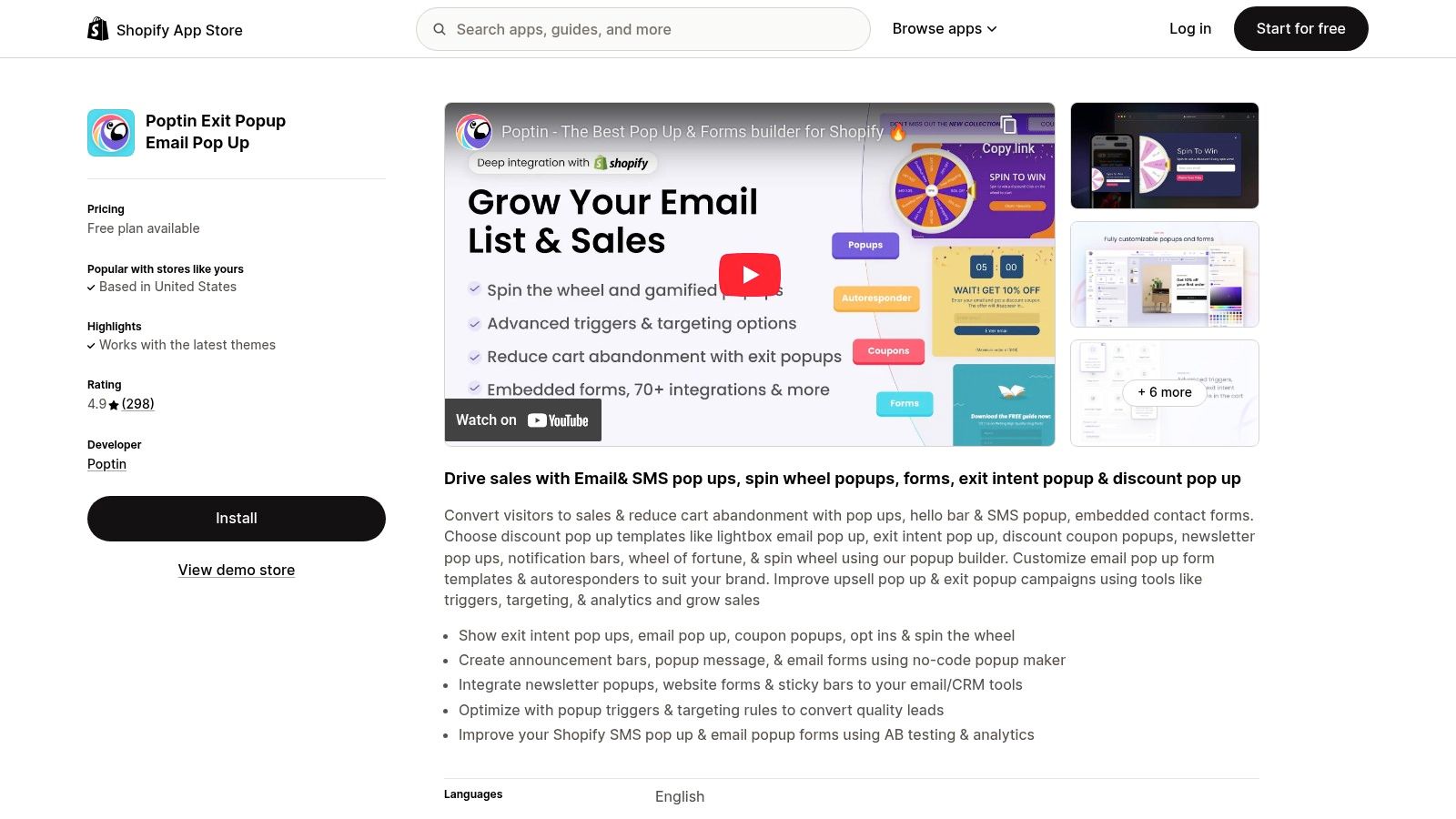
The platform’s key advantage is its balance of affordability and advanced features. You can create popups triggered by user behavior, time on page, or scroll depth. A practical example is using its built-in autoresponder to immediately deliver a discount code. When a visitor subscribes via a Poptin form, an email is automatically sent with their unique coupon, creating a seamless user journey from the start.
Practical Tips for Navigation
- Leverage the Free Plan: Maximize the free tier’s exit-intent trigger. A practical example is setting up a popup offering a 10% discount that only appears on product pages when a user’s cursor moves toward the browser’s close button.
- Use the Autoresponder: Instead of just collecting emails, use the built-in autoresponder to instantly deliver value. A simple "Welcome to the Club! Here's Your 15% Off Code" email ensures new subscribers are engaged right away.
- Monitor Visitor Limits: Poptin’s pricing is based on monthly visitors. A key insight is to check your Shopify Analytics for your average monthly visitors before choosing a plan, so you don't overpay or hit your limit unexpectedly.
FeatureDetailsKey TriggersExit-intent (free), time delay, scroll percentage, on-click, inactivityBuilt-in ToolsAutoresponder for welcome/thank-you emails, A/B testing, analyticsIntegrationsKlaviyo, Mailchimp, Omnisend, HubSpot, Zapier, and over 60 other platformsPricingFree plan available; paid plans start at $25/month based on visitor count
While its visitor-based pricing model can become costly for high-traffic stores, Poptin provides immense value for small to medium-sized businesses. Its combination of advanced triggers on the free plan and native email automation makes it a strong contender for merchants focused on efficient lead capture and immediate engagement.
Website: https://apps.shopify.com/poptin
8. Seguno Popups & Forms
Seguno Popups & Forms stands out by prioritizing deep, native integration with Shopify over an exhaustive list of complex features. The core insight is that it is built to feel like a natural extension of your Shopify admin, syncing all collected data directly to Shopify Customers without relying on external databases. This "Shopify-first" approach simplifies data management and improves site performance.
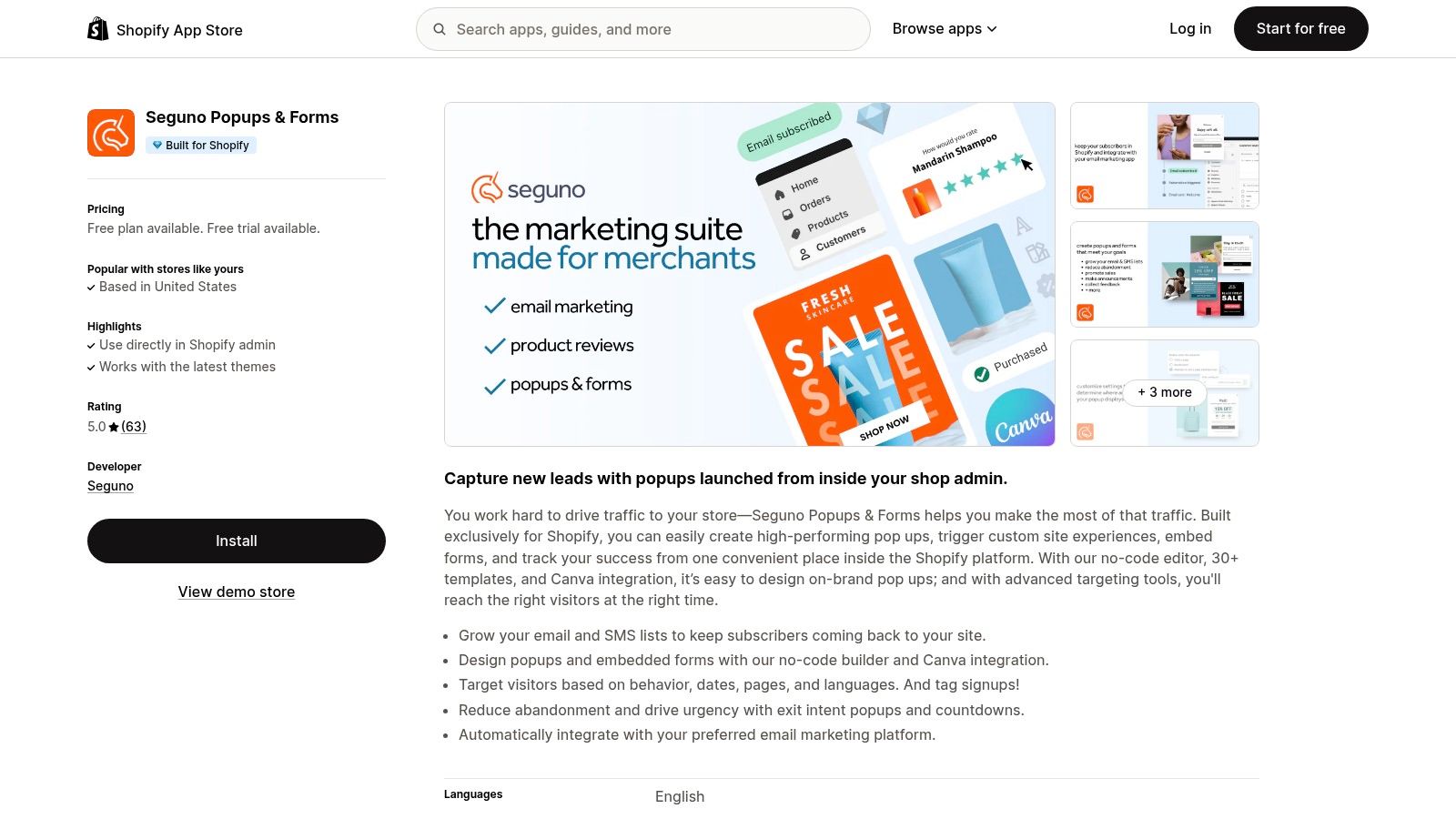
The app's primary strength is its seamless workflow. When a visitor submits their email, Seguno automatically tags their Shopify customer profile. For a practical example, you can create a popup on your "Sale" collection page that tags every subscriber with "sale-lead." You can then use this tag in Shopify Email to send them exclusive early access to future sales. This lightweight app-embed installation also ensures it adds minimal bloat, contributing to faster load times.
Practical Tips for Navigation
- Leverage Canva Integration: Use the built-in Canva integration to create on-brand popup designs without leaving the editor. This is a practical way to quickly design a popup for a flash sale that uses the exact same fonts and images as your social media announcements.
- Use Automatic Tagging: Set up rules to automatically tag new subscribers based on the popup they used (e.g., "10-percent-off-popup"). This data syncs directly to the customer profile in Shopify for easy email segmentation.
- Combine with Shopify Email: The real power of Seguno is realized when paired with Shopify Email. A practical funnel would be: capture an email with a Seguno popup, which applies a "new-subscriber" tag, which then automatically triggers a welcome email sequence you've built in Shopify Email.
FeatureDetailsShopify IntegrationNatively syncs data to Shopify Customers; works inside the Shopify adminDesign & TemplatesNo-code editor, over 30 templates, and direct Canva integrationInstallationLightweight app-embed install for OS 2.0 themes, minimizing site speed impactPricingFree plan available; paid plans based on monthly popup impressions
While it lacks some of the advanced A/B testing found in larger platforms, Seguno’s focus on clean, Shopify-centric functionality makes it an excellent choice for merchants who value speed and data hygiene. It's ideal for those who primarily need to grow their email list and segment customers directly within Shopify's environment.
Website: https://apps.shopify.com/seguno-popups
9. Shopify Forms (by Shopify)
For merchants prioritizing simplicity, speed, and seamless integration, Shopify's own first-party app, Shopify Forms, is an essential tool. This free app allows you to build foundational popup and inline forms directly within your Shopify admin. The key insight is that this is the best Shopify popup app for new stores or those who want a reliable, no-frills solution without another subscription.
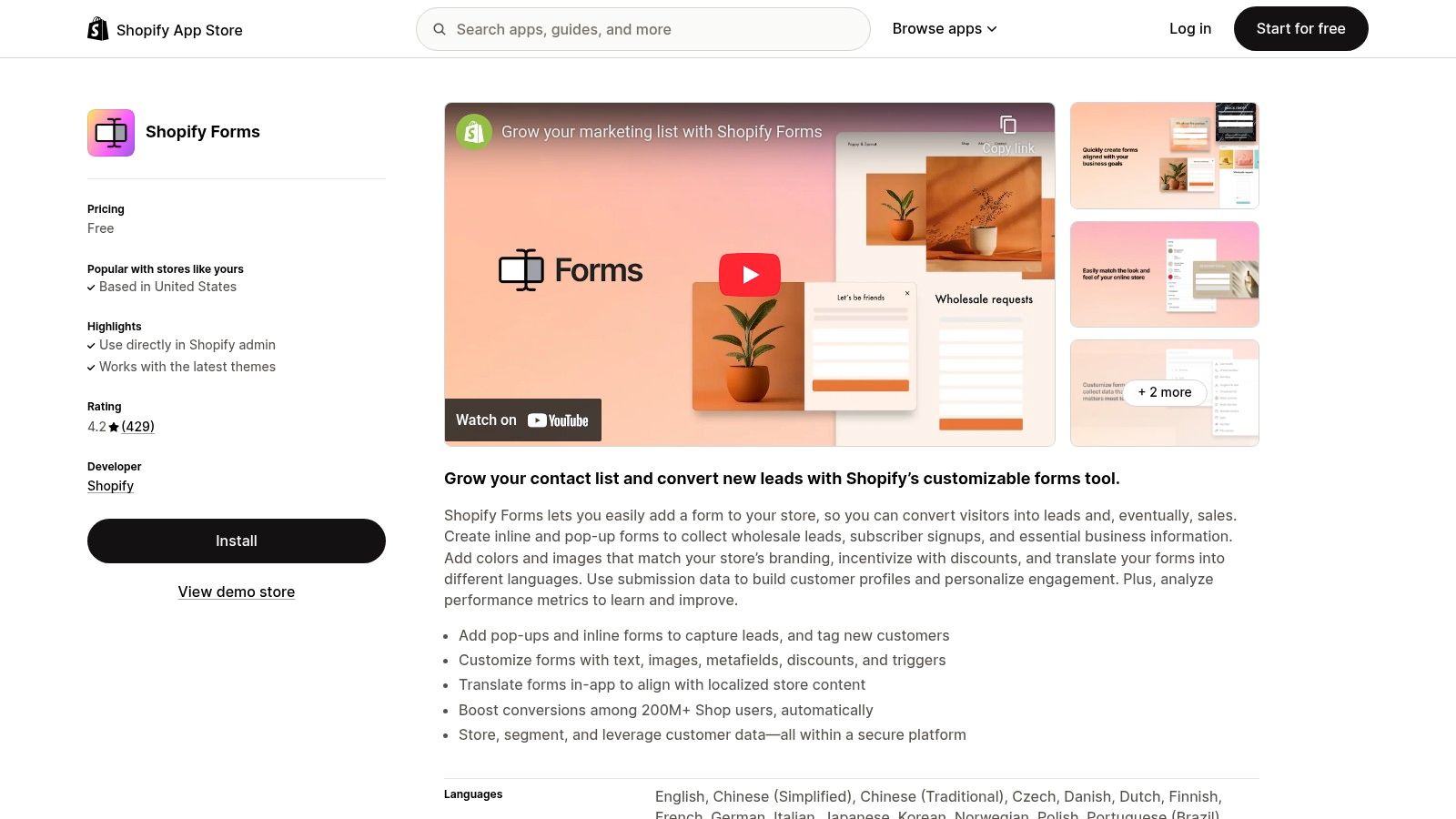
The primary advantage of Shopify Forms is its native integration. All collected data syncs directly to your customer profiles inside Shopify. This tight connection simplifies audience segmentation and powers automations through Shopify Email and Shopify Flow. A practical example is creating a form that offers a 10% discount and connects directly to Shopify Discounts, automatically generating and applying a unique code for each new subscriber.
Practical Tips for Navigation
- Leverage Customer Tags: Use the form settings to automatically apply tags to new subscribers. For example, a tag like `popup-subscriber-10%` can immediately add users to a customer segment for a targeted welcome email campaign sent via Shopify Email.
- Keep It Simple: The design options are basic. A real insight is to focus on clear, compelling copy rather than complex visuals. A simple popup with the headline "Get 15% Off Your First Order" and a single email field often performs best.
- Use Native Analytics: Monitor form performance directly in your Shopify analytics. While not as detailed as dedicated CRO tools, it provides valuable, at-a-glance insights into view and submission rates without leaving your dashboard.
FeatureDetailsIntegrationFirst-party app; data syncs directly to Shopify customer profiles and analyticsForm TypesPopups and inline forms with custom fieldsCore BenefitFree, fast, and secure; no impact on site speed or external data processingPricingCompletely free
While it lacks advanced features like A/B testing or gamification, Shopify Forms is the perfect starting point. It provides a reliable, no-cost solution that works flawlessly within the Shopify ecosystem, making it ideal for merchants who need a simple and effective list-growth tool without the overhead of a specialized app.
Website: https://apps.shopify.com/shopify-forms
10. Wheelio
Wheelio introduces gamification to the popup experience, turning a standard opt-in form into an engaging interactive game. Instead of simply asking for an email, it prompts visitors to spin a wheel for a chance to win a discount or free shipping. The key insight is that this approach transforms lead capture from a passive request into an exciting, value-driven exchange, often leading to significantly higher conversion rates.
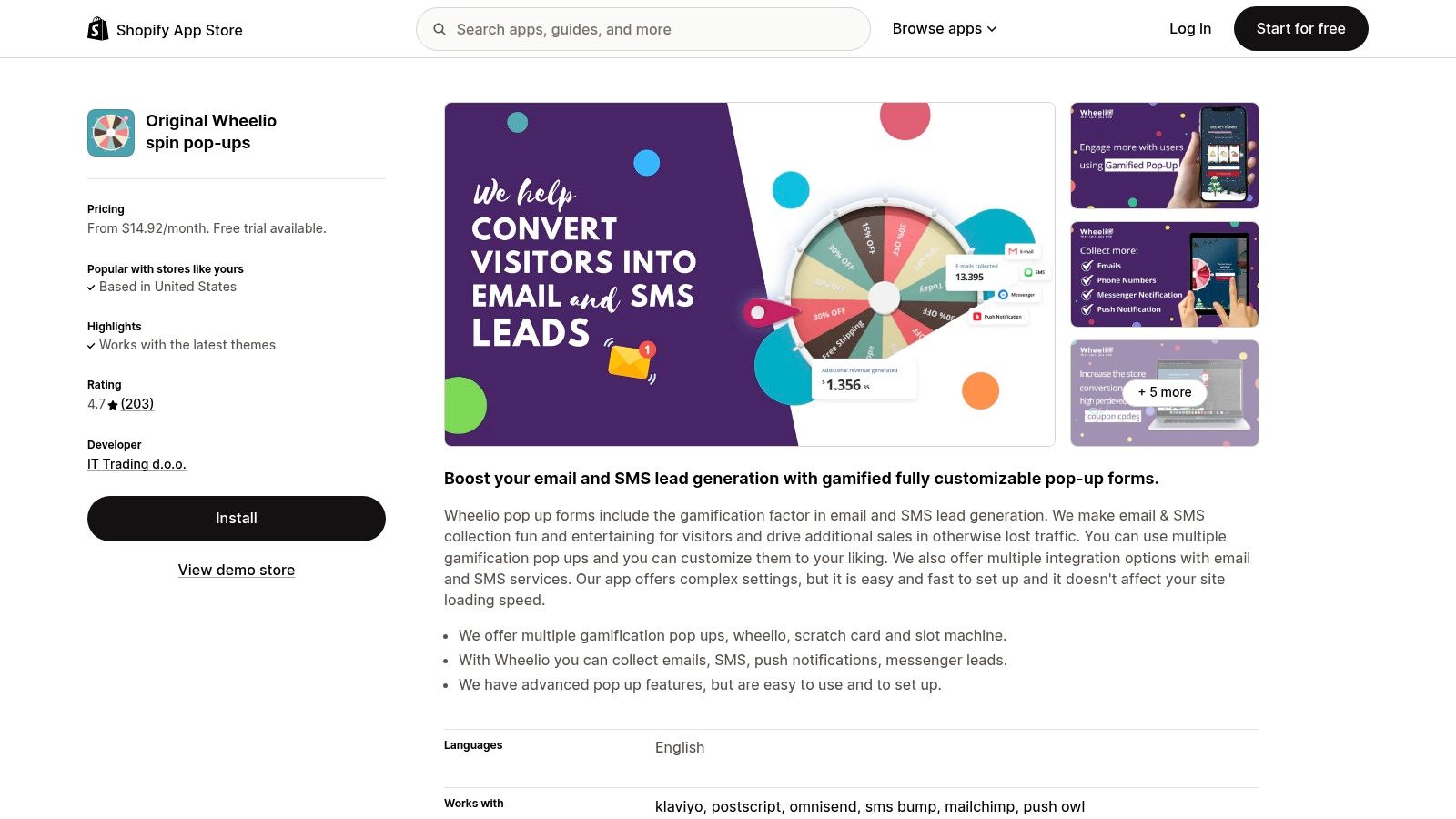
The app’s strength lies in its focused design. While other tools offer a dozen popup types, Wheelio perfects one: the gamified wheel. You can customize the look and feel to match your brand, control the probability of each prize, and integrate directly with major marketing platforms like Klaviyo. Its single-minded purpose makes it one of the best Shopify popup apps for merchants whose primary goal is explosive list growth through high-engagement tactics.
Practical Tips for Navigation
- Balance Your Rewards: Configure prize probabilities carefully. A practical setup is to offer a 90% chance for a modest discount (e.g., 10% off) to ensure most players win something, while making larger prizes (e.g., 25% off) much rarer to maintain profitability.
- Use in Tandem: Since Wheelio is highly specialized, a key insight is to use it alongside another tool. For example, use Wheelio for new visitor acquisition on the homepage and a simpler, offer-based popup from an app like Privy for cart abandonment.
- Monitor Impressions: The pricing is based on impressions (how many times the wheel is shown). A practical tip is to set the trigger to "exit-intent" instead of "on-load" to reduce the number of impressions and stay within your plan’s limits.
FeatureDetailsSelectionGamified popups including spin-to-win, scratch cards, and slot machinesInstallationStandard Shopify app installation with guided setupTrust SignalsHigh rating on the Shopify App Store, numerous positive merchant reviewsPricingStarts from $14.92/month, based on popup impressions; 7-day free trial
While its gamified format may not suit every brand's aesthetic, Wheelio is an incredibly effective tool for stores looking to make their lead capture process more memorable and fun. It excels at grabbing attention and boosting opt-ins by offering an immediate and tangible reward.
Website: https://apps.shopify.com/wheelio-first-interactive-exit-intent-pop-up
11. Adoric Popup & Email Popups
Adoric positions itself as a multifaceted conversion tool, extending beyond simple email capture to include average order value (AOV) boosters like upsells and cross-sells. The key insight is that Adoric blends traditional list-building with onsite promotional widgets, making it a strong contender for stores aiming to consolidate their marketing app stack.
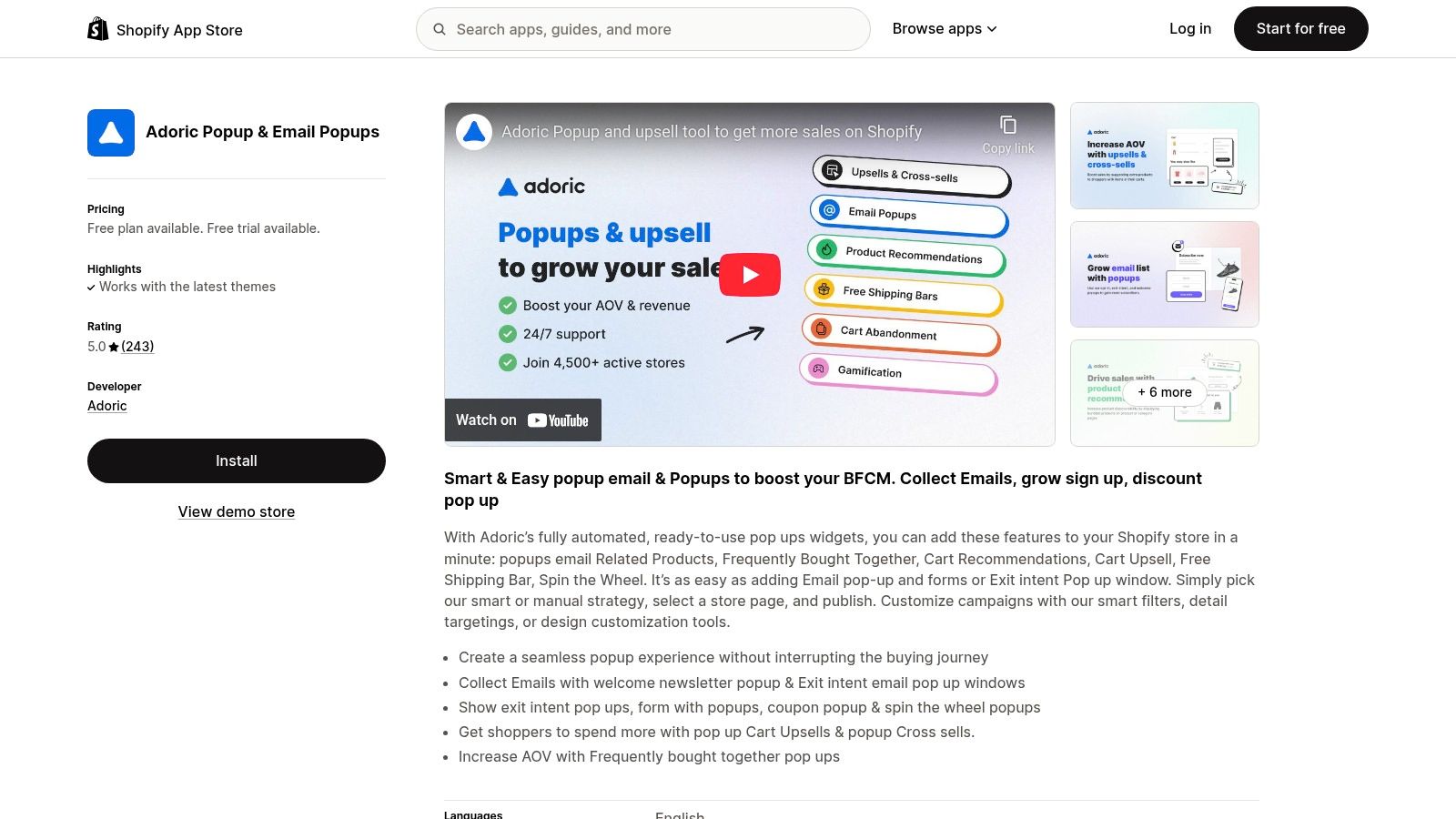
The platform is particularly appealing due to its order-based pricing model. For new stores, this is significantly more cost-effective than plans based on traffic. A practical insight is that as sales grow, the pricing scales, but the initial low barrier to entry makes it an accessible choice for testing advanced conversion tactics without a hefty upfront investment.
Practical Tips for Implementation
- Combine Popups with Recommendations: Use an exit-intent popup to capture an email. For those who sign up, a practical next step is to trigger a second overlay showing "Frequently Bought Together" items related to what's in their cart.
- Leverage the Free Shipping Bar: The integrated free shipping bar can work in tandem with your popups. For example, announce a 10% discount in the popup and use the dynamic bar to show customers how close they are to unlocking free shipping, encouraging them to add more to their cart.
- Monitor Order-Based Costs: Keep a close eye on your monthly order volume. A real insight is to calculate your cost-per-order with Adoric versus the cost-per-view with another app to see which model is more economical for your store as you scale.
FeatureDetailsPrimary Use CasesEmail list growth, AOV boosting via upsells, gamification, reducing cart abandonmentUnique Selling PointCombines popup functionality with onsite selling widgets in one appPricing ModelBased on the number of monthly store orders, starting with a free planBest ForStartups and small businesses wanting to test multiple conversion tactics
Adoric is an excellent choice for merchants who want more than just a popup builder. By providing tools for both lead capture and AOV enhancement, it serves as a versatile solution that can grow with a store's success. However, its expansive feature set might feel overwhelming for users who only need a simple email popup.
Website: https://apps.shopify.com/adoric-popups
12. Klaviyo (Forms & Popups)
While known primarily as an email and SMS marketing powerhouse, Klaviyo’s built-in forms are among the most powerful available on Shopify. Their strength lies in their native integration with Klaviyo’s core platform. The key insight is that this allows merchants to tie popup submissions directly to sophisticated automation flows and deep customer segmentation without needing a separate tool.
The advantage of using Klaviyo for popups is data synchronization. When a visitor signs up, their data is immediately available within Klaviyo to trigger a welcome series or add them to a specific segment. A practical example is creating a popup that asks for a user's birthday; this data point can then be used to automatically trigger a "Happy Birthday" email flow with a special discount each year. This unified approach eliminates data lags and integration headaches.
Practical Tips for Navigation
- Segment on Signup: Use hidden fields in your forms to tag subscribers. A practical example is to have a hidden field that captures the URL. You can then create a segment in Klaviyo for everyone who signed up on a specific collection page to send them targeted follow-up emails.
- A/B Test Everything: Klaviyo makes it easy to A/B test different headlines, offers, and images. A practical test is to compare a single-step form asking only for an email against a multi-step form that asks for email first, then SMS on the second screen.
- Leverage App Embeds: Use Shopify’s theme editor to place embedded Klaviyo forms on specific pages. A real-world example is placing a simple newsletter signup form directly in the footer of your store or at the end of every blog post for contextual lead capture.
FeatureDetailsBuilder TypeDrag-and-drop editor for popups, flyouts, and embedded formsPrimary AdvantageSeamlessly syncs new subscribers into Klaviyo’s advanced segmentation and automation flowsTargetingOptions based on visitor behavior, URL, location, and existing Klaviyo profile dataPricingIncluded with Klaviyo’s main plans; pricing is based on email contacts and SMS credits, not popup views
Klaviyo is overkill if you only need a simple popup, but it’s an unbeatable solution for merchants who want their lead capture efforts fully integrated with their email and SMS marketing automation. The platform’s robust analytics help you measure not just signups but the long-term revenue generated from each form. You can explore a variety of SMS marketing tools to complement these efforts.
Website: https://apps.shopify.com/partners/klaviyo
Top 12 Shopify Popup Apps Comparison
App✨ Key features★ UX / Quality💰 Pricing / Value👥 Target audience🏆 Standout (USP)Shopify App Store – Pop‑ups category✨ 300+ listings, filters, side‑by‑side compare★★★★☆ Mixed quality but trusted💰 Varied; transparent Shopify billing👥 Merchants researching/installing apps🏆 Official marketplace; one‑click installOptiMonk✨ Drag‑drop, 300+ templates, A/B, segmentation★★★★☆ Robust integrations & CRO tools💰 Freemium → scales on pageviews👥 Growing stores focused on CRO🏆 Revenue attribution + template depthPrivy – Email, SMS & Pop Ups✨ Popups + email & SMS automations, multi‑step forms★★★★☆ Established, large review base💰 Split plans (Popups/Email/SMS) can add up👥 Merchants wanting all‑in‑one messaging🏆 Consolidates list growth + messagingWisepops✨ Multi‑format (popups, feed, push), AI recs, A/B★★★★☆ Enterprise polish & templates💰 Premium entry price; pageview tiers👥 Enterprise / high‑volume merchants🏆 Enterprise onsite messaging featuresJustuno✨ Product/catalog targeting, auto‑apply coupons, workflows★★★★☆ Powerful personalization (steeper learning)💰 Premium for traffic or managed services👥 Large catalogs & personalization seekers🏆 Deep Shopify data targeting & managed servicesPopupsmart✨ GPT copy/image suggestions, gamification, A/B★★★★☆ Modern builder; quick onboarding💰 Strong free plan for testing👥 SMBs and fast‑test teams🏆 GPT‑assisted popup creationPoptin✨ Exit‑intent, autoresponder, triggers, A/B★★★★☆ Simple, effective for small shops💰 Affordable; exit‑intent on free tier👥 Small shops needing affordable capture🏆 Built‑in autoresponder + free featuresSeguno Popups & Forms✨ No‑code editor, Shopify sync, app‑embed★★★★☆ Native, lightweight, clean data💰 Predictable impression‑based pricing👥 Merchants wanting Shopify‑native tools🏆 Deep sync to Shopify customer recordsShopify Forms (by Shopify)✨ First‑party popups & inline forms; Shop Pay★★★★☆ Simple native analytics & UX💰 Free; minimal overhead👥 Stores launching quickly & privacy‑minded🏆 Free, native, data stays in ShopifyWheelio✨ Spin‑wheel & gamified opt‑ins, configurable rewards★★★★☆ High engagement but niche💰 Impression‑based; clear tiers👥 Merchants focused on engagement/opt‑ins🏆 Purpose‑built gamification for signupsAdoric Popup & Email Popups✨ Popups + upsell overlays, countdowns, order pricing★★★★☆ Feature‑rich but busy UI💰 Very low entry if few orders; scales with sales👥 Early‑stage stores wanting AOV + capture🏆 Combines list growth with onsite AOV tacticsKlaviyo (Forms & Popups)✨ Popup/flyout/embedded forms that sync to flows★★★★★ Best when tied to lifecycle automation💰 Pricing scales with contacts/SMS volume👥 Merchants using Klaviyo for email/SMS🏆 Direct sync to advanced segmentation & flows
Making Your Pondering The Final Pick: Which Shopify Popup App Aligns With Your Strategy?
Navigating the landscape of the best Shopify popup apps can feel like an overwhelming task. With so many powerful options available, the temptation is to pick the one with the longest feature list. However, as we've explored, the most effective choice isn't about having every bell and whistle; it's about selecting the tool that precisely matches your business stage, technical comfort, and strategic goals. The "best" app is entirely relative to your unique needs.
Let's distill our findings into a clear, actionable framework to guide your decision. The journey from consideration to implementation requires a thoughtful approach, focusing not just on features but on the fundamental "why" behind your popup strategy.
Matching the App to Your Business Stage
The right tool for a brand generating seven figures in revenue is often overkill for a store that just launched. Your current position in the ecommerce lifecycle is the single most important factor in this decision.
- For the New & Lean Store: If you're just starting out, your primary goals are likely list building and gathering initial customer feedback without a hefty monthly subscription. Shopify Forms is your ideal, no-cost entry point. It's seamlessly integrated, easy to set up, and covers the absolute basics of email capture effectively. Similarly, the free tiers of Seguno or Privy offer a fantastic way to get started with more design flexibility than Shopify's native tool, allowing you to test the waters of popups without financial commitment.
- For the Growing & Scaling Business: As your traffic and sales grow, your needs become more sophisticated. You require A/B testing, more advanced targeting, and a tool that can grow with you. This is where apps like OptiMonk and Poptin shine. They strike an excellent balance between user-friendly interfaces and powerful features like exit-intent technology and robust analytics, helping you optimize conversion rates based on real data.
- For the Established & Data-Driven Enterprise: Large-scale merchants need granular control, deep personalization, and seamless integration with a complex tech stack. For you, advanced solutions like Justuno and Wisepops are built for this level of sophistication. Their powerful segmentation engines allow you to create hyper-targeted campaigns based on Shopify-specific data (like past purchase history or cart value), ensuring every visitor receives a relevant and personalized message. Likewise, if you're already embedded in the Klaviyo ecosystem, leveraging its native forms is a strategic no-brainer for unified data and powerful automation.
Beyond Features: Critical Implementation Considerations
Choosing your app is only half the battle. Successful implementation is what truly drives results. Before you commit, consider these practical factors:
1. User Experience (UX) is Non-Negotiable: A poorly designed or intrusive popup can do more harm than good, annoying visitors and increasing bounce rates. Always prioritize a clean, on-brand design and ensure your popups are easy to close on all devices, especially mobile. Use features like frequency caps to avoid overwhelming repeat visitors. 2. Define a Single, Clear Objective: Every popup should have one specific goal. Is it to capture an email? Prevent cart abandonment? Promote a flash sale? A popup with a singular, clear call to action will always outperform one that tries to do too much. 3. Test, Measure, and Iterate: Your first popup design will rarely be your best. Use the A/B testing features available in most of these apps to experiment with different headlines, offers, images, and triggers. Analyze the data to understand what resonates with your audience and continuously refine your approach for better performance.
Ultimately, the best Shopify popup app is the one that becomes an integrated part of your marketing strategy, not just another installed tool. It should empower you to create valuable, timely interactions that enhance the customer journey while systematically growing your business. Start with your primary goal, choose a tool that excels in that area, and commit to an iterative process of testing and optimization. This strategic approach will transform your popups from simple annoyances into powerful conversion assets.
---
Feeling overwhelmed by the sheer volume of apps on the Shopify App Store? You’re not alone. At TheSaasHub, we cut through the noise by curating, vetting, and showcasing only the most effective SaaS tools for ecommerce growth. Explore our handpicked collections to discover top-tier solutions like the ones featured here and build your perfect tech stack with confidence.
Frequently Asked Questions
1. How do popup apps help increase my store's conversion rate?
Popup apps improve conversion rates by capturing visitor attention at key moments such as exit intent or after scroll engagement. They help turn traffic into leads or sales by offering timely discounts, newsletter signups, or limited-time offers.
2. What is an "Exit-Intent" popup and why is it useful?
An exit-intent popup appears when a user is about to leave your site, giving you a final opportunity to retain them. It often includes incentives like discounts or free shipping to encourage the visitor to complete their purchase.
3. Will using a popup app slow down my Shopify store?
Most modern popup apps use optimized asynchronous loading, meaning they do not block your site from loading. Choosing high-quality, Shopify-approved apps helps maintain fast performance while still using popups effectively.
4. Can I customize popups to match my brand’s design?
Yes, popup tools include drag-and-drop editors that let you customize colors, fonts, layouts, and styling so the popup matches your brand identity and feels like a natural part of your store experience.
5. How can I avoid annoying my customers with too many popups?
You can reduce annoyance by using smart targeting rules such as timing delays, exit intent triggers, visitor segmentation, and excluding repeat customers from frequent popup exposure.