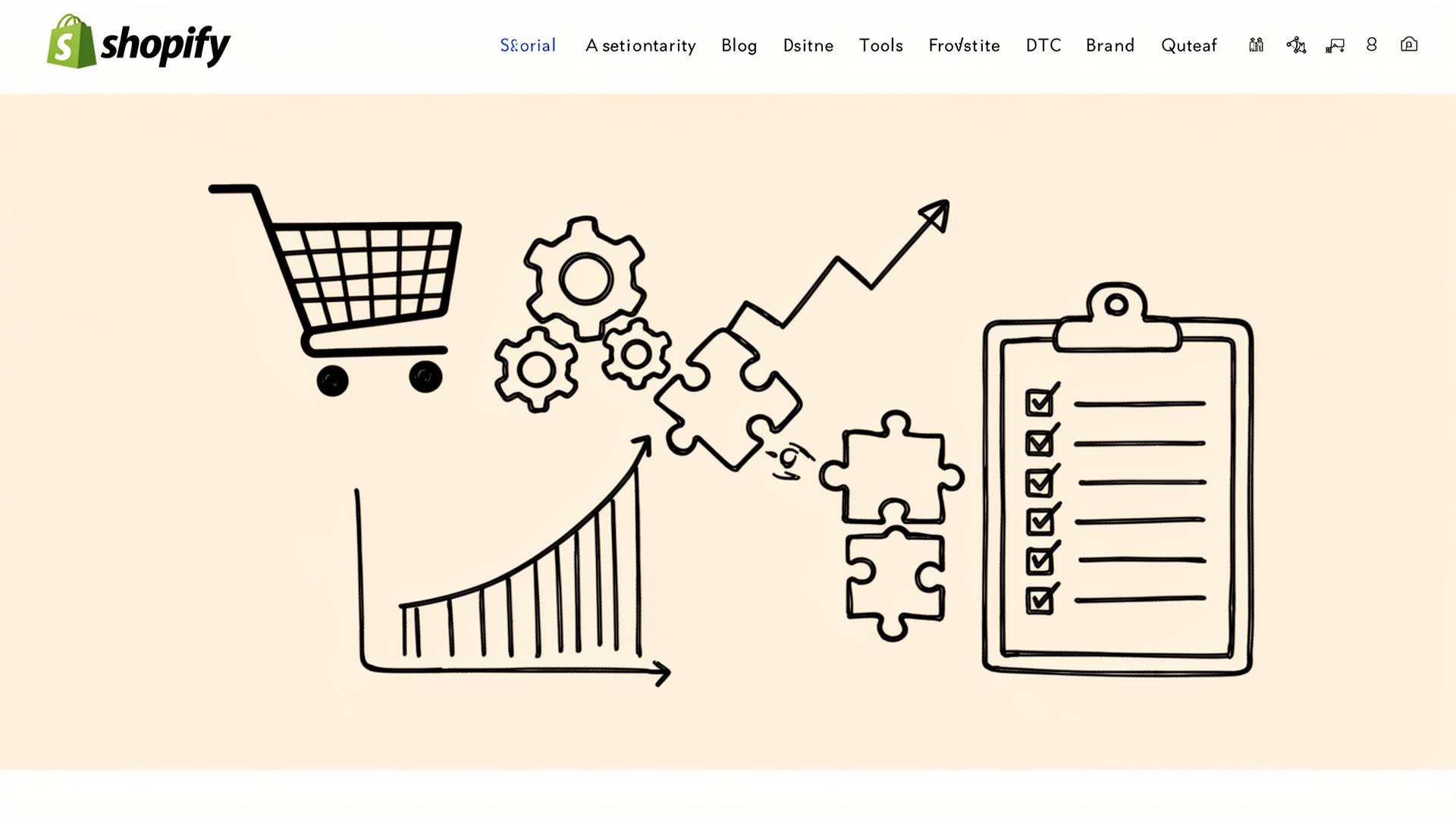
How Top DTC Brands Choose Their Shopify Tools
Learn how top DTC brands evaluate, audit, and evolve their Shopify app stack. A practical framework for choosing the right tools at every growth stage.
By The SaaS Hub Team · 2026-02-06
Why Tool Selection is a Growth Lever
Every app in your stack affects how your store performs, how customers experience your brand, and how efficiently your team operates. As the Shopify ecosystem has grown, those decisions have become more consequential. There are now thousands of apps promising to solve similar problems, often with overlapping functionality and unclear long-term impact.
Most DTC brands install apps reactively, adding software to fix isolated issues like conversion drops, churn, or merchandising gaps. Over time, this leads to bloated stacks, fragmented data, and systems that don't scale cleanly with the business.
Top brands take a different approach. They treat tool selection as part of their growth strategy, intentionally curating a Shopify stack that supports their goals today and adapts as the business evolves.
That shift from reactive installs to intentional stack design is what separates Shopify tool stacks that create leverage from those that create drag.
How Top DTC Operators Actually Evaluate Tools
As DTC brands grow, the question shifts from "What tool fixes this problem?" to "What tools belong in our stack at this stage?" You should evaluate Shopify apps using consistent criteria and adjust expectations as the business scales.
The Decision Criteria That Matters Most
When evaluating new tools, focus on a small set of practical factors:
- ROI: Does the tool create measurable impact relative to its cost, or does it introduce ongoing overhead without clear payoff?
- Time to value: How quickly can the team implement it and see results, especially without heavy configuration or experimentation?
- Implementation effort: What internal time, technical work, or process change is required to get the tool working properly?
- Support and documentation: Is help available when something breaks, and is the product clearly documented for day-to-day use?
- Reliability: Does the tool perform consistently at higher order volume, traffic, and data complexity?
These criteria help you avoid adding software that looks promising on paper but creates friction in practice.
Fit to Growth Stage Matters More Than Feature Depth
The right tool also depends on where your organization is in its growth cycle. What works early can become limiting, or unnecessarily complex, later on.
| Growth Stage | Primary Focus | Tool Selection Priorities |
|---|---|---|
| Early (~$10k–$75k/mo) | Speed and learning | Simple tools that solve clear problems with minimal setup |
| Scaling (~$75k–$500k/mo) | Efficiency and leverage | Tools that integrate well and reduce manual work |
| Mature ($500k+/mo) | Stability and optimization | Reliable platforms that support volume, data, and edge cases |
As the Shopify ecosystem has expanded, identifying tools that meet both decision criteria and stage-specific needs has become harder. Instead of wading through hundreds of similar apps, you can use a curated Shopify app discovery platform to quickly narrow options and compare tools based on real use cases.
A Simple Framework: Jobs-To-Be-Done Across the Customer Lifecycle
One way top DTC brands cut through app overload is by anchoring tool selection to clear jobs-to-be-done across the customer lifecycle. Instead of evaluating apps in isolation, you can map tools to specific outcomes the business needs to support.
Acquisition
Jobs to be done: Improve traffic quality, increase efficiency from SEO and paid channels.
Example: TinySEO Speed Image Optimizer
Tools in this category support better attribution, landing page performance, personalization for first-time visitors, and faster experimentation. The goal isn't volume for its own sake, but understanding which channels and experiences consistently bring in your high-intent customers.
Conversion
Jobs to be done: Improve onsite experience and increase the percentage of visitors who complete a purchase.
Example: MultiVariants ‑ Bulk Order
This includes tools for merchandising, bundles, checkout optimization, CRO, and post-click UX. At this stage, you should prioritize tools that reduce friction and make it easier for customers to say yes, without adding complexity that slows the site down.
Retention
Jobs to be done: Turn first-time buyers into repeat customers.
Example: Stay AI
Retention tooling typically spans email and SMS, Shopify subscriptions apps, loyalty, push notifications, and post-purchase experiences. Make sure you're focusing less on blasting messages and more on systems that respond to customer behavior and lifecycle signals.
Ops and CX
Jobs to be done: Support customers efficiently and maintain operational clarity as volume increases.
Example: Gorgias: Helpdesk, Chat & FAQ
These tools handle processes like support, returns, shipping, analytics, and internal reporting. While often less visible to customers, they have an outsized impact on margins, team workload, and long-term scalability.
What Changes By Growth Stage
Tool selection isn't static. What makes sense early can become a liability later, and adding the wrong level of complexity at the wrong time can slow your team down.
Stage 1: Validate the Basics and Avoid Bloat
At this early stage, the goal is to prove demand and establish repeatable fundamentals. Your best approach is a stack consisting of a small number of tools that solve clear problems with minimal setup. Over-investing in advanced tooling too early often creates more work than value and distracts from learning what actually drives purchases.
Stage 2: Tighten Conversion and Retention Loops
As order volume increases, inefficiencies become more expensive. So you should start focusing on improving onsite conversion, increasing repeat purchase rate, and reducing manual work. Choose tools based on how well they integrate and support repeatable workflows, not just for their individual features.
Stage 3: Consolidate and Reduce Overlap
At scale, the priority shifts to reliability and clarity. Now's the time to regularly audit your tool stack, consolidate overlapping functionality, and favor platforms that provide consistent data and long-term stability.
Red Flags That High-Performing DTC Brands Avoid
High-performing DTC brands tend to avoid the same stack patterns that quietly introduce drag over time:
- Too many overlapping apps: Multiple tools solving the same problem create conflicting logic, duplicated costs, and harder-to-debug issues.
- Tools without clear ownership: When no one owns a tool, you stop optimizing it and often keep it installed long after it's useful.
- Feature chasing without measurement: Installing tools for advanced features without defining success leads to complexity without impact.
- Poor integration and maintenance burden: Tools that don't integrate cleanly increase manual work and make the stack harder to maintain as volume grows.
A Practical Checklist for Evaluating and Auditing Your Stack
When app choices start to blur together, structure helps. Use this short set of questions to evaluate new tools and to pressure-test the ones already in your stack.
A 10-Question Checklist for Evaluating New Shopify Tools
Before adding a new tool, ask:
- What specific job-to-be-done does this tool support?
- Which stage of growth is this solving for right now?
- Does it clearly replace or overlap with anything we already use?
- How long will it take to implement and see value?
- What internal time or technical work is required to maintain it?
- Does it integrate cleanly with our existing stack and data flows?
- How reliable is it under higher traffic and order volume?
- Who on the team will own and optimize this tool?
- What metric will tell us if this is working or not?
- If we removed this in six months, what would actually break?
If those questions are hard to answer, it's often a sign the tool isn't ready to be added yet.
A Quick Stack Audit Method
For tools already in your stack, a lightweight audit run quarterly can surface unnecessary complexity quickly:
- Keep: Tools with clear ownership, measurable impact, and strong integration with the rest of the stack.
- Replace: Tools that solve the right problem but create friction, overlap heavily, or no longer scale with the business.
- Remove: Tools that you aren't actively using, don't tie to a core job-to-be-done, or that you can't justify the cost of.
Where The SaaS Hub Fits In
As Shopify stacks become more intentional, the bottleneck often isn't deciding what you need. It's finding the right tools without spending weeks researching, trialing, and undoing decisions.
This is where The SaaS Hub fits into the workflow. It acts as a discovery and comparison layer, helping you move from broad categories to validated options more efficiently. Instead of starting from scratch in the app store, you can explore tools by use case, compare alternatives, and sanity-check decisions before committing.
For teams auditing an existing stack, this makes it easier to identify proven categories, spot overlap, and evaluate replacements without guesswork. For teams adding new tools, it shortens the path from need to shortlist.
Used this way, The SaaS Hub is a way to make better decisions about the tools that belong there.
Conclusion
As the Shopify ecosystem continues to grow, app selection has quietly become a systems problem. The difference between stacks that support growth and those that slow your team down rarely comes from a single tool. Instead, it comes from how decisions are made over time.
Top DTC brands don't treat app installs as one-off fixes. They build repeatable ways to evaluate, audit, and evolve their stack as the business changes. Tool selection becomes a process, not a scramble.
That shift doesn't require perfect foresight or endless research. It requires clarity around jobs-to-be-done, discipline around growth stage, and a willingness to revisit decisions as conditions change.
When app selection is treated as a system, the Shopify stack becomes a source of leverage, rather than complexity.
Frequently Asked Questions
1. How do top DTC brands evaluate new Shopify apps?
Top DTC brands assess Shopify apps based on native integration, impact on performance, transparent pricing, and analytics capabilities. The primary goal is to ensure each tool improves customer lifetime value or reduces operational inefficiencies.
2. Why is "Native Integration" critical for Shopify tools?
Native integration ensures Shopify apps work smoothly within the platform without disrupting themes, checkout, or performance. This helps maintain fast load speeds, reduces code conflicts, and improves overall user experience and SEO.
3. How often should a DTC brand audit its app stack?
Leading DTC brands typically audit their app stack every quarter to remove unused tools, reduce app bloat, and consolidate overlapping features. This helps improve ROI and maintain optimal store performance.
4. What role does customer flexibility play in tool selection?
Customer flexibility is essential for retention-focused brands. Features like order editing, skipping, swapping, or pausing subscriptions without support improve customer satisfaction and reduce churn rates.
5. Is pricing the most important factor when choosing an app?
No. Top brands prioritize value over price, focusing on ROI, automation benefits, and scalability. A higher-cost app that improves efficiency and revenue often outperforms cheaper alternatives in the long run.