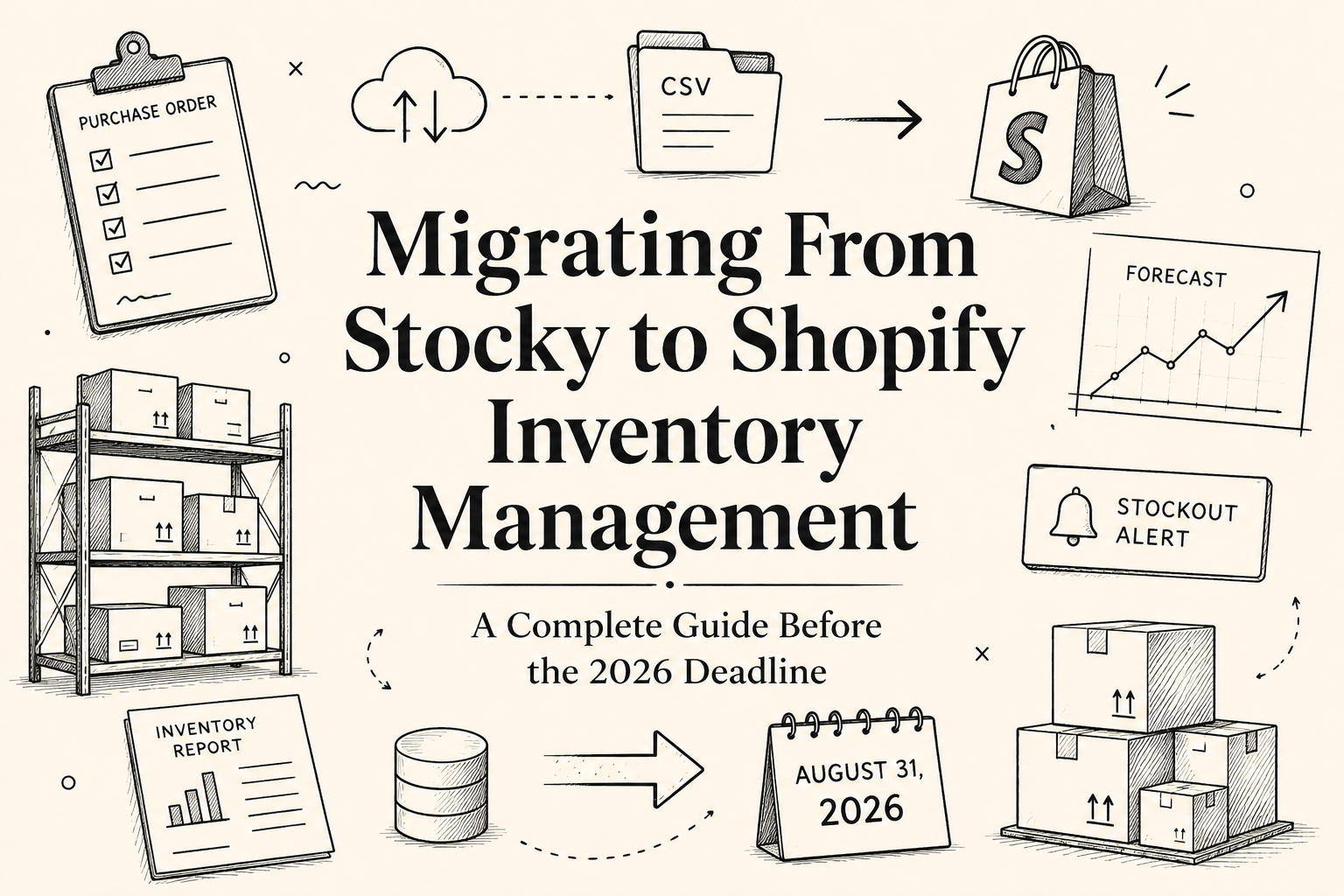
Migrating From Stocky to Shopify Inventory Management: A Complete Guide Before the 2026 Deadline
By Expert Author · 2026-06-11
Migrating From Stocky to Shopify Inventory Management: A Complete Guide Before the 2026 Deadline
For years, Stocky has been one of the most widely used inventory management tools in the Shopify ecosystem.
Many merchants relied on it daily to manage purchase orders, forecast inventory needs, track supplier relationships, and make replenishment decisions. For some businesses, Stocky became the operational backbone behind inventory planning.
That is why Shopify's announcement that Stocky will be discontinued after August 31, 2026 has created an urgent challenge for thousands of merchants.
The issue is not simply replacing a piece of software.
The bigger challenge is replacing the workflows, forecasting processes, and purchasing decisions that Stocky supported behind the scenes.
For stores that depend on accurate inventory planning, waiting until the final months before the deadline can create unnecessary risk.
Looking for a modern Stocky alternative? See our in-depth review of Replenish: Inventory Forecast — A Modern Stocky Alternative for Shopify Brands Managing Inventory in 2026 for forecasting, reorder planning, and stockout prevention built for the post-Stocky era.
This guide explains:
- What is happening to Stocky
- Which features merchants may lose
- What data should be exported
- How to prepare for the transition
- What to look for in a Stocky replacement
- How to migrate inventory operations with minimal disruption
Whether you manage hundreds of SKUs or thousands, starting your migration planning now will make the transition significantly easier.
What Is Happening to Stocky?
Shopify has officially announced that Stocky will be sunset and no longer available after August 31, 2026.
While the app remains operational until that date, Shopify has encouraged merchants to begin evaluating alternative solutions and exporting important data before the shutdown occurs.
For merchants currently using Stocky, this means two important things:
First, inventory workflows that depend on Stocky will eventually stop functioning.
Second, historical information stored within Stocky may not remain accessible indefinitely.
This makes migration planning an operational priority rather than a future consideration.
Why This Matters More Than Many Merchants Realize
At first glance, some merchants may assume that Shopify's built-in inventory tools can simply replace Stocky.
In reality, the situation is more nuanced.
Stocky was never just an inventory counter.
Many merchants used it for:
- Demand forecasting
- Purchase order management
- Replenishment planning
- Supplier management
- Inventory recommendations
- Stock forecasting
Those workflows often sit at the center of inventory operations.
Losing them without a replacement plan can lead to:
- Unexpected stockouts
- Overstocking
- Cash flow inefficiencies
- Missed purchasing windows
- Reduced forecasting accuracy
The businesses most affected will likely be those managing larger product catalogs or inventory across multiple suppliers.
Can Shopify Inventory Replace Stocky?
This is one of the most common questions merchants are asking.
The answer depends on how you used Stocky.
If your primary goal is simply tracking inventory levels, Shopify's native inventory tools may be sufficient.
However, if you relied on Stocky for planning and forecasting, there are important differences.

For many merchants, inventory tracking is only one part of the process.
The larger challenge is maintaining forecasting and replenishment workflows after Stocky is gone.
What Features Will Merchants Miss Most After Leaving Stocky?
Demand Forecasting
One of Stocky's most valuable functions was helping merchants estimate future inventory needs.
Forecasting allows businesses to move from reactive purchasing to proactive planning.
Without forecasting, inventory decisions often return to spreadsheets and manual calculations.
Reorder Recommendations
Stocky helped merchants understand when products should be reordered based on inventory levels and sales activity.
Without clear reorder guidance, many businesses risk ordering too early or too late.
Purchase Order Management
Many merchants built supplier workflows directly around Stocky's purchase order functionality.
Replacing these workflows often requires more planning than merchants initially expect.
Inventory Planning
Perhaps the biggest gap is strategic inventory planning.
Knowing current inventory levels is useful.
Knowing what inventory levels will look like in four, eight, or twelve weeks is far more valuable.
Common Inventory Challenges After Leaving Stocky
Merchants that move away from Stocky without a structured plan often encounter similar issues.
Increased Spreadsheet Dependency
Teams frequently return to manual spreadsheets to compensate for lost forecasting tools.
This creates additional work and increases the likelihood of errors.
Delayed Reordering
Without forecasting visibility, reorder decisions often happen later than they should.
This increases stockout risk.
Reduced Purchasing Confidence
When inventory data becomes harder to interpret, purchasing decisions become less certain.
This can impact both inventory availability and cash flow management.
Less Visibility Into Future Demand
Forecasting helps merchants prepare for future sales activity.
Without it, planning becomes reactive.
What Data Should You Export From Stocky Before the Deadline?
Before beginning any migration, merchants should export and archive critical data.
Recommended exports include:
- Product inventory history
- Supplier information
- Purchase order records
- Replenishment workflows
- Historical sales data
- Forecasting reports
Even if a replacement solution is selected early, maintaining historical records is considered a best practice.
A Practical Stocky Migration Plan
Step 1: Audit Current Stocky Usage
Identify exactly which features your team uses today.
Many merchants discover they rely on Stocky more heavily than expected.
Document:
- Purchase order workflows
- Supplier management processes
- Forecasting routines
- Reorder decision processes
Step 2: Export Historical Data
Create backups before making any operational changes.
Historical inventory information often becomes valuable later when validating forecasts and purchasing decisions.
Step 3: Identify Operational Gaps
Determine which workflows Shopify Inventory can support and which require additional software.
Focus on:
- Forecasting
- Reorder planning
- Supplier management
- Stockout prevention
Step 4: Evaluate Replacement Solutions
The goal should not be replacing Stocky feature-for-feature.
Instead, focus on solving the operational problems that Stocky previously handled.
For many merchants, this includes:
- Inventory forecasting
- Reorder point management
- Stockout alerts
- Replenishment planning
Step 5: Run Parallel Testing
Avoid switching systems overnight.
Running your new workflow alongside Stocky for several weeks helps validate forecasting assumptions and purchasing recommendations before fully transitioning.
What To Look For In A Stocky Alternative
Not every inventory tool solves the same problem.
The strongest alternatives typically provide:
- Inventory forecasting
- Reorder recommendations
- Stockout alerts
- Purchasing visibility
- Supplier workflows
- Inventory planning dashboards
Merchants should prioritize operational outcomes rather than feature checklists.
The goal is better inventory decisions, not simply replacing software.
Why Many Merchants Are Evaluating Replenish
As merchants begin planning for life after Stocky, one solution receiving increased attention is Replenish: Inventory Forecast.
Replenish focuses specifically on the areas many merchants are most concerned about:
- Forecasting future demand
- Setting reorder points
- Preventing stockouts
- Improving purchasing decisions
Unlike general inventory tracking tools, the platform is designed around inventory planning and replenishment workflows.
For merchants seeking a Stocky replacement, these capabilities often align closely with the operational challenges created by the Stocky sunset.
Frequently Asked Questions
Is Stocky being discontinued?
Yes. Shopify has announced that Stocky will no longer be available after August 31, 2026.
Can Shopify Inventory replace Stocky?
It can replace some inventory tracking functions, but many forecasting and replenishment capabilities are not available natively.
What should I export from Stocky?
Inventory history, supplier data, purchase orders, forecasting information, and replenishment workflows.
When should I start migrating away from Stocky?
Ideally, merchants should begin evaluating alternatives well before the 2026 deadline.
What is the best Stocky alternative?
The right solution depends on your workflows, but forecasting, reorder planning, and stockout prevention should be key evaluation criteria.
Will my historical Stocky data automatically transfer?
Merchants should export and archive critical information before the shutdown date to avoid losing important records.
Final Thoughts
The biggest challenge created by Stocky's retirement is not finding another inventory app.
The real challenge is preserving the forecasting, replenishment, and purchasing processes that help businesses stay in stock and operate efficiently.
Merchants who begin planning early will have time to evaluate alternatives, test new workflows, and transition smoothly.
Those who wait until the final months before the deadline may find themselves rebuilding critical inventory processes under pressure.
If Stocky currently plays an important role in your operations, now is the right time to begin preparing for what comes next.
Migrating From Stocky to Shopify Inventory Management: A Complete Guide Before the 2026 Deadline