
10 Online Coin Flip Tools: Fairness and Privacy Compared
Compare the best online coin flip tools by randomness source, privacy, features, and limits, with integration tips for product and developer teams.
By Yuvraj Kewate · 2026-10-13
A coin flip looks like the simplest random process on the web. It isn't. The tools differ in where randomness comes from, whether results stay in the browser, what data reaches a server, and whether anyone can reproduce or audit the outcome. The most popular advice, “just use any coin flipper,” ignores the part that matters when the result affects a classroom exercise, a product flow, a giveaway, or a team decision.
This roundup evaluates ten options against practical engineering questions. Can you explain the randomness source? Does the tool expose a history or useful tally? Can you embed or automate it? Is it private enough for a sensitive demo? Or is the interface just overbuilt for choosing who orders lunch?
The right tool depends on the decision's stakes. A fast personal choice needs almost nothing. A public tie-breaker needs a defensible process. A probability lesson needs batch simulation rather than a dramatic animation.
Table of Contents
- 1. FlipSimu
- 2. RANDOM.ORG Coin Flipper
- 3. Math Mammoth Virtual Coin Tosser
- 4. FlipSimu Coin Flip Simulator
- 5. KuleUI Coin Flip 3D
- 6. TossThatCoin
- 7. RandomPick.me Coin Flip
- 8. TryFlipACoin.com
- 9. JustFlipACoin
- 10. CoinToss.uk
- 11. UtilityStack Coin Flip
- 11-Site Comparison: Online Coin Flip Tools
- Choosing a Coin Flip Tool You Can Defend
1. FlipSimu
FlipSimu works best when the flip is part of an experience and the result does not need a heavy audit trail. I would use it for a classroom activity, a workshop icebreaker, or a product demo where the two sides stand for custom choices rather than literal heads and tails. The value is less about the coin itself and more about how quickly you can turn a binary decision into something people can see and engage with.
The useful part is reuse. The online coin flip simulator lets you set custom labels and images, keep a visual theme, save a setup through a URL, and switch between related variants without rebuilding the activity each time. FlipSimu also groups other lightweight randomizers in the same place, including Yes or No, Stay or Go, 1 or 2, dice, Dungeons & Dragons dice, tarot-style responses, and number flashcards. For a teacher or game host, that means fewer tab changes and less setup friction during a live session.
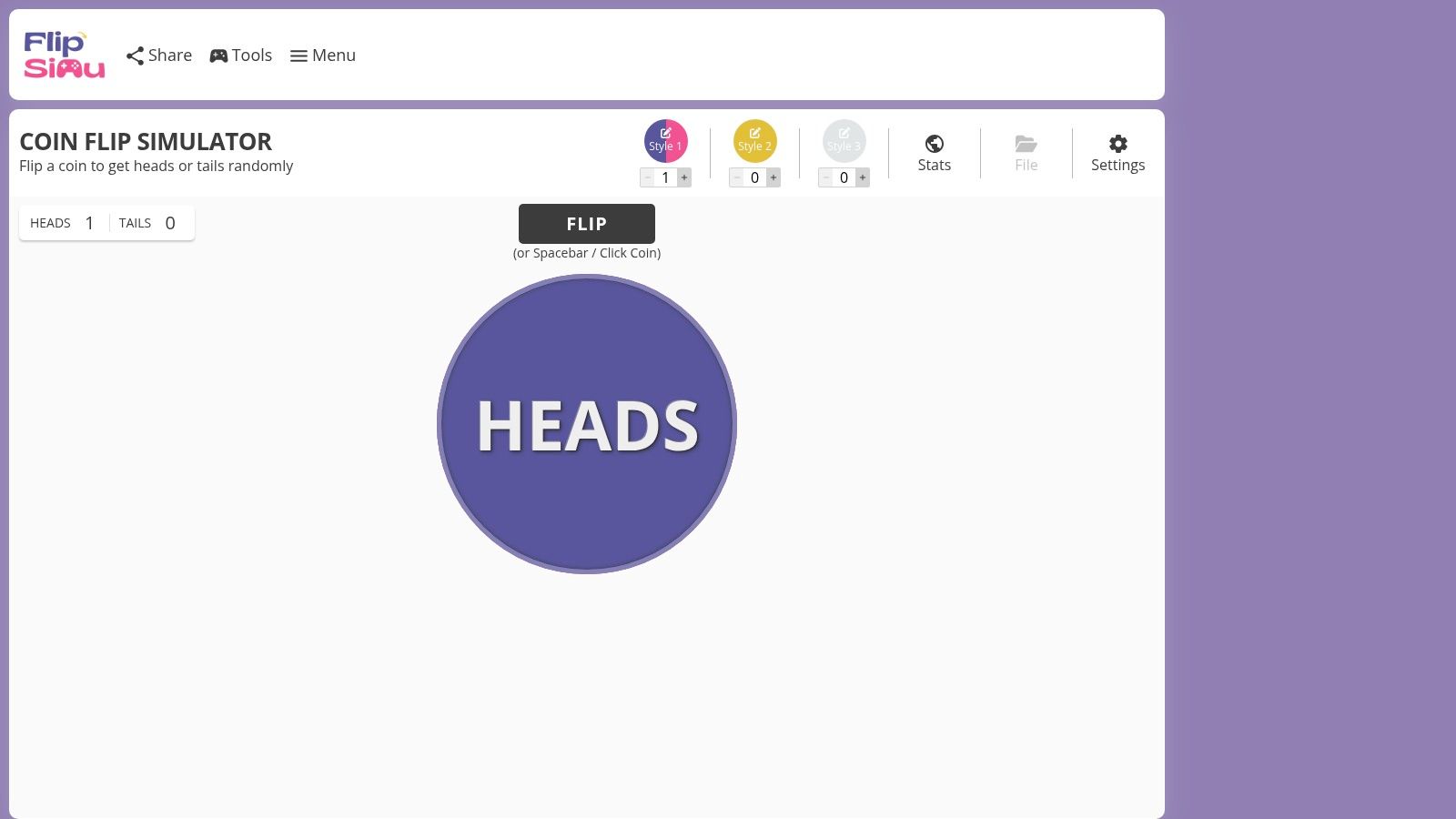
Where it falls short is the part product and developer teams should care about first. The page is built around presentation. You get animation, sound, and themed outcomes, but the trust question stays separate. Before using it for a public tie-breaker or a user-facing flow, check how the randomness is generated, whether the result stays in the browser or depends on a server call, and whether you can capture enough context to explain the outcome later.
That makes FlipSimu a narrow but valid choice. It is strong for repeatable classroom setups, casual team decisions, and founder-style simulator games where the interface carries some of the fun. It is less convincing for any case where participants may challenge the result or where engineering needs an embed, API, or a documented random source.
A polished animation is a presentation layer. Verify the randomness implementation separately before relying on the result.
Optional accounts add saved setups, cross-device access, and personal stats. For a quick private choice, that is more product than you need. For a shared activity with recurring formats, it can save time.
2. RANDOM.ORG Coin Flipper
Trust is the whole point here. RANDOM.ORG's Coin Flipper is the option I'd reach for when a result may be challenged and the team needs a plain answer to, “Why should we accept this flip?” RANDOM.ORG says the service uses atmospheric noise rather than a typical pseudo-random generator, and that difference matters more than visual polish in a public decision.
It fits a public tie-breaker, a remote team call, or a classroom demo about how random sources differ. You can flip different coin types and handle multiple coins in one go. For developers, the broader RANDOM.ORG ecosystem is useful because it goes beyond a one-page widget and points toward APIs and supporting statistical material.
The trade-off is obvious. This tool does not try to entertain, brand the experience, or mimic a physical toss. The page returns a result with minimal distraction rather than staging an interactive event.
That also means it can be overkill for a quick private choice where nobody will inspect the method, and still incomplete for a product flow that needs an embed, custom UI, or a full audit trail.
Reputation is not the same as auditability. If the outcome could be disputed, record the request context, timestamp, shown result, and any verification details you can retain. The random source matters. The surrounding workflow decides whether others can review the decision later.
3. Math Mammoth Virtual Coin Tosser
Math Mammoth's Virtual Coin Tosser is built for probability work, not quick decisions. It lets students toss several coins per trial and run large batches, so the useful output is the distribution rather than the drama of a single flip. The interface feels closer to a teaching instrument than a consumer app.
Use it for a classroom experiment where students compare observed frequencies, discuss sampling variation, or test how repeated trials behave. It removes the manual work of clicking and recording each outcome. That matters when the lesson is about interpreting results rather than operating a coin.
The tool is deliberately restrained. It doesn't try to provide custom branding, audio, or a realistic 3D toss. A student looking for a fast “yes or no” answer may find the controls unnecessary, while an instructor gets exactly the batch behavior the lesson requires.
One caution applies to every simulator. A large run can show that an implementation produces a balanced-looking distribution, but that alone doesn't prove unpredictability. If the exercise is about software trust rather than probability, pair the tool with an explanation of the random-number source and the difference between statistical balance and cryptographic security.
4. FlipSimu Coin Flip Simulator
FlipSimu Coin Flip Simulator only makes sense if the decision needs presentation, not just an outcome. For a product team judging tools by trust, the first question is simple: can this simulator act as a production randomness component, or is it better treated as a visual front end? Here, the safer read is front end. It is useful for showing a coin toss in a polished way, but this section should not repeat the broader customization story already covered earlier.
The practical value is contextual delivery. If a facilitator needs a coin flip that fits a themed exercise, or a founder wants a random event to feel native inside a founder simulator game concept, FlipSimu gives that layer of presentation. That is different from a bare utility flipper used for a quick private choice.

The developer trade-off
Treat it as a browser experience first, and verify the implementation details before using it anywhere that demands defensible fairness. A team choosing a tie-breaker for a product flow should ask where randomness comes from, whether the result stays client-side or touches a server, and whether the tool offers an API or embed that fits controlled deployment. If those answers stay unclear, use it for demos and playful interactions, not audited decisions.
5. KuleUI Coin Flip 3D
KuleUI's Coin Flip is a strong middle ground between a bare result and a full simulator. The 3D toss gives a meeting or classroom enough visual feedback, while the running tally, percentage, and streak counter remove the need to keep notes manually. Batch actions help with a quick distribution check.
Its clearest advantage is local handling. The tool states that results stay in the browser, which makes it attractive for a privacy-sensitive demo where a team doesn't want routine outcomes sent to a remote account or dashboard. A facilitator can show the local tally without introducing a login flow.
The limits are just as clear. You won't get custom labels, deep theming, or an exportable audit log. Browser-local storage also means the result history isn't automatically available to another participant or device.
Keep local results local only when the workflow can tolerate losing the history.
Use KuleUI when the goal is visual explanation and immediate feedback. Don't choose it for a decision that needs a durable record unless someone captures the result through a separate, controlled process.
6. TossThatCoin
TossThatCoin adds useful facilitation guidance around a basic flip. It explains when participants should call a side, including the difference between calling before the toss and calling while the coin is in the air. That makes it better suited to a group decision than a page that just flashes “heads.”
The separate realistic coin page can help a teacher or meeting facilitator explain the convention visually. It gives participants a shared procedure, which can reduce arguments caused by unclear timing or one person changing their call after seeing the result.
The downside is focus. If you only need an immediate result, the explanatory content is extra reading. There are no deep statistics or multi-coin batches for a probability lesson, so it isn't the right substitute for Math Mammoth or a tool with built-in counters.
TossThatCoin is most useful when the problem isn't random-number engineering alone. It's useful when humans need to agree on how the toss will be conducted, who calls first, and what counts as a valid outcome.
7. RandomPick.me Coin Flip
RandomPick.me's Coin Flip keeps the interaction simple and tracks heads, tails, and total flips. That makes it practical for a best-of decision where someone wants to click repeatedly without losing count. The lightweight animation provides feedback without turning the page into a game.
The local behavior is another reason to keep it bookmarked. After the initial load, it can continue working offline in the browser, which helps during travel, events, or classrooms with unreliable connectivity. That doesn't make it a universal production dependency, but it does make it more resilient than a page that needs a live request for every result.
There isn't much beyond the core function. You won't find bulk simulation, rich labels, or serious export features. If a team needs to show a large sample or preserve an auditable record, it should use a more specialized tool.
For personal use, the counter is the valuable detail. Clicking manually without a tally is how small decision procedures become ambiguous. RandomPick.me handles that narrow problem well and avoids features that would distract from it.
8. TryFlipACoin.com
TryFlipACoin.com is the practical choice when “heads” and “tails” aren't the language of the decision. Its three modes cover classic coin outcomes, Yes or No, and custom labels. That lets a user map the sides to two named options without building a full custom configuration.
Use it for a quick personal choice or a lightweight team prompt such as “ship” versus “hold.” The interface is fast and less specialized than FlipSimu, so there's little onboarding for someone who only needs two alternatives.
The simplicity also defines the ceiling. There's no multi-coin batching or detailed statistical record, and the visual layer is basic. A product team shouldn't confuse custom labels with workflow integration. If the outcome needs to be stored, reconciled, or shown to multiple participants, the page is only the front end of a process that still needs logging elsewhere.
TryFlipACoin.com is a good answer to a common product question: “Can we name the two choices without making users think about coin terminology?” It isn't an answer to auditability, API access, or governance.
9. JustFlipACoin
JustFlipACoin does one thing and does it quickly. A single click produces a result, the counter records usage, and basic color themes give the page a small amount of personality without adding a configuration layer.
That makes it a good mobile bookmark for an immediate decision. There's no learning curve, no batch workflow, and no need to explain the interface to another person. If the user needs a binary result before moving on, this is the kind of restraint that helps.
The same restraint makes it unsuitable for shared or consequential workflows. It doesn't offer multi-coin operations, a rich history, custom decision labels, or an export path. A counter is useful for personal tracking, but it isn't an audit trail that another participant can independently review.
Choose it when speed is the requirement. Don't choose it because a clean animation tells you more about the random source. Product teams should inspect implementation and data behavior separately from the page's visual simplicity.
10. CoinToss.uk
CoinToss.uk is a straightforward fallback for a single heads-or-tails result. It loads with little setup, works on mobile, and includes brief background information for users who want context without leaving the page.
It fits the “just give me a dependable flip” scenario. A user can bookmark it and return without creating an account or defining labels. That makes it easier to recommend to someone who doesn't need counters, theming, or a batch experiment.
There are clear trade-offs. The page doesn't provide custom outcomes, multi-coin runs, or a meaningful record of previous results. If several people need to verify the same decision later, someone will need to document the result and the process outside the tool.
CoinToss.uk is therefore a utility, not a platform. That's exactly why it can work as a personal fallback, but it shouldn't be promoted into a production dependency without checking its privacy terms, availability, and randomness implementation.
11. UtilityStack Coin Flip
UtilityStack's Coin Flip takes a compact utility approach. It combines a simple animated toss with a focused interface and browser-based random-number generation. There are no distractions, account features, or elaborate configuration screens.
That makes it useful for a quick internal demo or a personal choice where a small animation helps users see that the action completed. It's easier to operate than a feature-rich simulator and more engaging than a static result.
The developer-facing limitation is the lack of workflow features. There's no multi-coin mode, counter, export option, or obvious way to preserve a decision history. Browser-based RNG also needs careful interpretation. The phrase describes where the calculation happens, not whether the implementation uses a cryptographically secure source.
UtilityStack works when the product requirement is narrow: return one result in a clean browser view. It becomes overkill only if the alternative is a physical coin. For any team that needs reproducibility, dispute handling, or server-side logging, the tool is too light.
11-Site Comparison: Online Coin Flip Tools
| Product | Core features | UX & Quality (★) | Price / Value (💰) | Target audience (👥) | Standout (✨ / 🏆) |
|---|---|---|---|---|---|
| FlipSimu | Custom coin/dice, presets, stats, sharing, installable web app | ★★★★ | 💰 Free · account optional | 👥 Classrooms, DnD, demo users | ✨ Deep customization · 🏆 Shareable setups |
| RANDOM.ORG, Coin Flipper | True randomness (atmospheric noise), multi‑coin, real coin types | ★★★★★ | 💰 Free | 👥 Research, audit‑sensitive use | ✨ True randomness source · 🏆 High trust |
| Math Mammoth, Virtual Coin Tosser | 1–10 coins/trial, up to 1,000,000 trials, education UI | ★★★★ | 💰 Free | 👥 Teachers, statistics demos, researchers | ✨ Large‑N simulation · 🏆 Education focus |
| FlipSimu, Coin Flip Simulator | Customize text/images/colors/sounds, multi‑coin, stats, share/save | ★★★★ | 💰 Free · sign‑in to save | 👥 Educators, presenters, casual gamers | ✨ Realistic motion & audio · 🏆 Config persistence |
| KuleUI, Coin Flip (3D) | 3D animation, running tally, streaks, batch flips, client‑side storage | ★★★★ | 💰 Free | 👥 Classroom demos, privacy‑minded users | ✨ 3D visuals · 🏆 Data stays local |
| TossThatCoin | Simple flip, fairness notes, realistic "real coin" animation | ★★★ | 💰 Free | 👥 Facilitators, educators | ✨ Explanatory content on fairness |
| RandomPick.me, Coin Flip | One‑click flip, counters, lightweight animation, offline after load | ★★★★ | 💰 Free | 👥 On‑the‑go users, spotty connectivity | ✨ Offline‑after‑load reliability |
| TryFlipACoin.com | Heads/Tails, Yes/No, custom side labels | ★★★ | 💰 Free | 👥 Quick decision makers, casual users | ✨ Custom label modes |
| JustFlipACoin | Instant flip, flip counter, simple themes, mobile friendly | ★★★★ | 💰 Free | 👥 Users needing instant result | ✨ Minimal, ultra‑fast UX |
| CoinToss.uk | Instant heads/tails, lightweight, brief educational notes | ★★★★ | 💰 Free | 👥 Bookmark fallback, quick flips | ✨ Fast, dependable fallback |
| UtilityStack, Coin Flip | Animated flip, compact UI, browser RNG | ★★★ | 💰 Free | 👥 Users wanting a clean utility | ✨ Modern, clutter‑free tool |
Choosing a Coin Flip Tool You Can Defend
Choose by the job, not by familiarity. A single personal decision doesn't need the same controls as a public contest, classroom experiment, or product feature. Start by identifying what participants must trust: the randomness source, the privacy boundary, the history, or the procedure around the result.
For outcomes that may need to be explained or audited, RANDOM.ORG's Coin Flipper is the most defensible option in this list because its atmospheric-noise approach is explicit. For probability teaching and distribution checks, Math Mammoth is more suitable because it focuses on repeated trials rather than visual realism. A local browser tool such as KuleUI works better for a privacy-sensitive demonstration, provided the team accepts that the history may remain only on that device.
FlipSimu is the practical choice when presentation, custom labels, shared configurations, and related randomization activities matter. It turns a bare coin result into a reusable classroom or tabletop setup. Simpler tools such as JustFlipACoin, CoinToss.uk, UtilityStack, and TryFlipACoin are better when speed and low cognitive load outweigh customization.
The engineering question is whether the tool is a randomness source or merely a user interface. An animation can show that something happened. A tally can show that results were recorded. Neither one, by itself, proves that the implementation is unpredictable or free from manipulation. Tools using the Web Crypto API, specifically crypto.getRandomValues(), can generate cryptographically secure pseudorandom values, but a fair binary mapping should also avoid modulo bias. A threshold or rejection-sampling method is preferable. The implementation guidance is detailed in this browser randomness and coin-flip fairness reference.
A balanced history is useful evidence, but it isn't proof of unpredictability. A tool can produce an even-looking sequence and still expose a weak or controllable implementation. For a competitive decision, consider a commitment-and-reveal process, retain the timestamp and outcome, and make the algorithm or verification method available to participants.
For product teams, every third-party widget is an external dependency. Review its data handling, terms, uptime, browser behavior, and integration surface before putting it in a user flow. If an API exists, log requests and outcomes under your own controls. If no API exists, don't build a critical decision process around screen scraping or an unverified page.
The practical takeaway is simple. Match the tool to the stakes, keep the privacy boundary visible, and verify the randomness claims before you rely on an online coin flip for anything people may challenge.
If you're evaluating an online coin flip for a product, classroom, promotion, or internal workflow, document the decision scenario first, then test the shortlisted tool for randomness, data handling, repeatability, and failure behavior. Use the comparison above to narrow the field, and have your developer or compliance owner review the chosen service before it becomes part of a user-facing process.