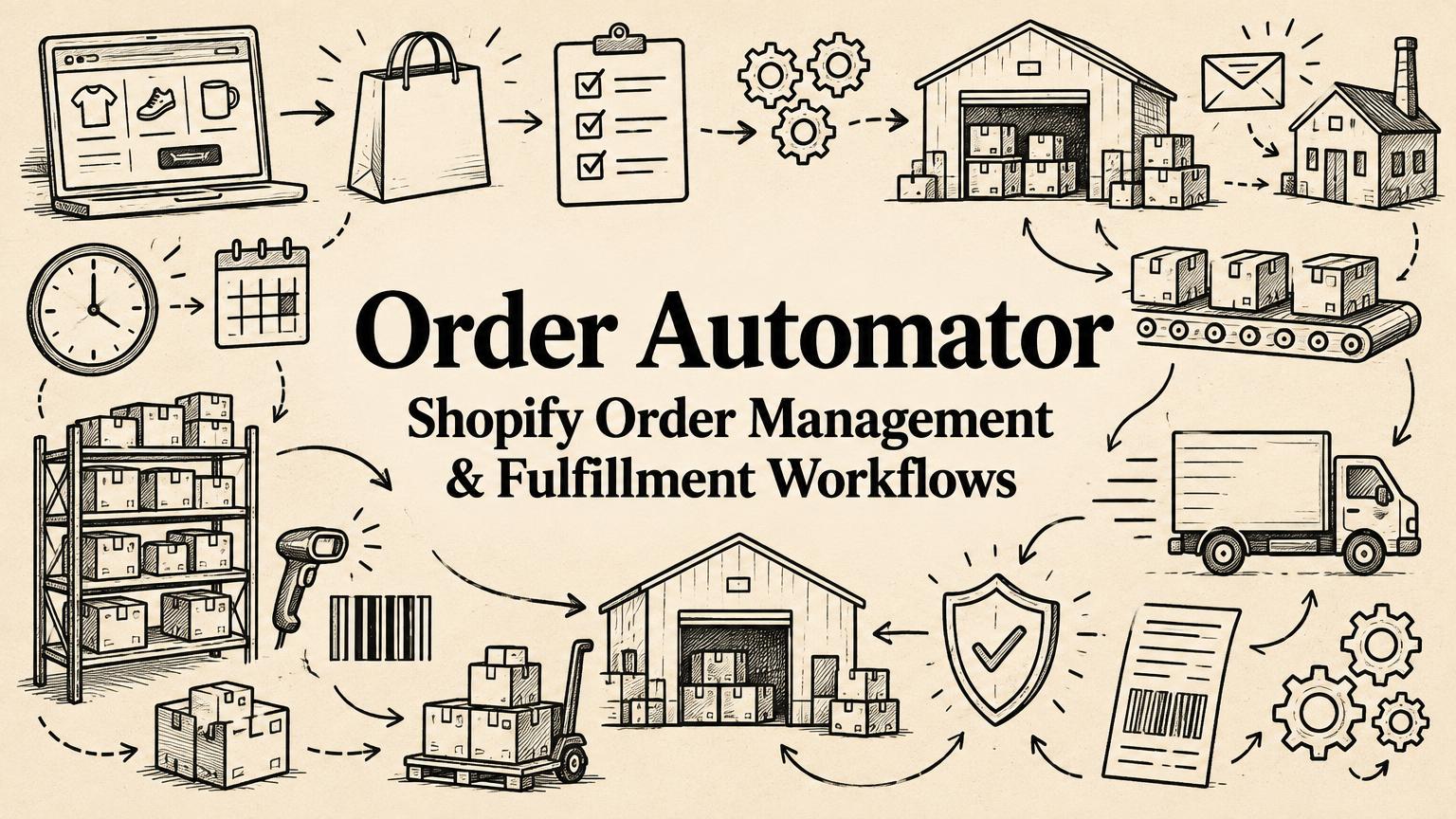
Order Automator: Simplifying Shopify Order Management and Fulfillment Workflows
Explore Order Automator’s Shopify order automation, fulfillment, fraud checks, supplier notifications, Amazon MCF, TikTok Shop workflows, and pricing.
By Yuvraj Kewate · 2026-10-16
Managing a Shopify store involves much more than processing orders. Merchants often need to coordinate fulfillment, tag customers, monitor potentially fraudulent purchases, notify suppliers, track inventory, and keep orders moving across multiple sales channels. As a store grows, these recurring tasks can become increasingly difficult to manage manually.
Order Automator, developed by Automator Apps, is a Shopify app designed to simplify these operational workflows through rule-based automation. Merchants can define conditions and assign actions that run automatically when orders are created or other events occur, reducing repetitive work and helping keep store operations organized.
Beyond order processing, the app brings together features for Amazon Multi-Channel Fulfillment (MCF), supplier coordination, fraud management, scheduled workflows, and post-purchase upsells. This guide covers what Order Automator offers and how Shopify merchants can use it.
What Is Order Automator?
Order Automator is a workflow automation app for Shopify that helps merchants automate routine store operations. Instead of manually performing the same action for every order, users can create rules based on order details, customer information, products, shipping destinations, referral sources, and other conditions.
Each rule can trigger one or more actions, such as adding tags, sending notifications, managing fulfillment, or holding an order for review.
For example, a merchant could automatically tag orders from a particular country, notify a supplier when a specific product is purchased, or route selected products to a fulfillment location. Rules can also respond to events such as refunds, fulfillment updates, and changes to order tags.
This flexibility makes the app useful for stores with recurring operational requirements that go beyond basic order processing.
Key Features of Order Automator
1. Automated Order Processing and Fulfillment
Order Automator helps merchants manage different stages of order processing through configurable rules. Depending on the workflow, the app can fulfill orders, request fulfillment, change fulfillment locations, or place orders on hold.
Merchants can use these capabilities to automate the fulfillment of digital products, gift cards, shipping insurance, and other eligible items. They can also create rules that route orders to different locations based on product details or shipping destinations.
The app supports automatic order and customer tagging as well. Tags can be assigned according to factors such as country, discount code, referral source, first-time purchases, repeat orders, and products purchased.
These automations can make it easier to organize orders, identify customer segments, and maintain consistent processing workflows as order volumes increase.
2. Fraud Guard and Customer Blacklisting
Fraud prevention is another part of Order Automator’s order management functionality.
Its Fraud Guard feature allows merchants to configure actions for orders flagged as having medium or high fraud risk. Depending on their rules, merchants can hold or cancel an order or receive a notification for further review.
The app also supports customer blacklists based on information such as email addresses, phone numbers, names, and addresses. Merchants can configure workflows to hold, cancel, or flag orders associated with matching entries.
These tools help merchants incorporate fraud-related checks into their order workflows. They should complement, rather than replace, the store’s broader payment-provider protections and review procedures.
3. Custom Notifications and Supplier Communication
Order-related communication can become time-consuming when a store works with multiple suppliers, fulfillment partners, or internal teams.
Order Automator lets merchants configure custom email notifications for staff, suppliers, and business partners. Its template editor supports HTML and order-related variables, allowing messages to include relevant details without requiring staff to prepare each email manually.
Merchants can also attach CSV files containing order information or generate PDF documents such as purchase orders and packing slips.
For businesses that outsource fulfillment, the app provides a remote tracking workflow. Suppliers or partners can receive a secure link to submit tracking information and mark items as fulfilled without needing their own Shopify staff account. Bulk fulfillment updates can also be submitted through CSV uploads.
These features can help merchants coordinate external partners while reducing manual communication and data entry.
4. Scheduled Automations and Order Monitoring
Not every store task needs to run immediately when an order is created. Some processes work better on a daily, weekly, or monthly schedule.
Order Automator supports scheduled jobs for tasks such as sending order summaries, releasing eligible fulfillment holds, checking for unfulfilled orders, and generating low-stock alerts.
Merchants can use these scheduled workflows to establish recurring operational checks without relying on staff to remember each task.
The app also supports monitoring unfulfilled orders and running rules against historical orders within a selected date range. This can be useful when a merchant needs to process older orders, apply updated tagging rules, or review a group of orders that meets particular conditions.
5. Amazon Multi-Channel Fulfillment Integration
For Shopify merchants who use Amazon’s fulfillment network, coordinating orders and inventory between platforms can introduce additional complexity.
Order Automator integrates Shopify with Amazon Multi-Channel Fulfillment (MCF), enabling merchants to automate selected fulfillment workflows and synchronize relevant inventory and tracking information.
Supported capabilities include automated fulfillment, inventory synchronization, and sending tracking information back to Shopify. Multiple Amazon marketplaces are available on the Scale plan. Merchants should confirm support for their SKU mapping, shipping methods, bundles, and routing requirements with the developer before setting up a workflow.
This integration can help merchants selling through their own Shopify storefront use Amazon’s fulfillment infrastructure without managing every step manually.
Order Automator provides Amazon Multi-Channel Fulfillment integration resources, including guidance for merchants evaluating tools that connect Shopify with Amazon fulfillment.
6. TikTok Shop Workflows
Order Automator also supports workflows involving TikTok Shop.
Its integration can import TikTok Shop orders into Shopify, match products using SKUs, and send tracking information back to TikTok Shop when orders are fulfilled through Amazon MCF.
For merchants selling across Shopify and TikTok Shop, this can help reduce the manual work involved in managing orders and fulfillment updates across channels.
The exact setup depends on the merchant’s sales channels, product mapping, and fulfillment configuration.
7. Post-Purchase Upsells and Thank You Page Messages
In addition to operational automation, Order Automator includes features designed to support the customer experience after checkout.
Its post-purchase upsell functionality allows merchants to present additional offers after a customer completes an order. Merchants can configure rule-based offers, apply optional discounts, and review available performance analytics.
The app also supports targeted messages on the Thank You page. These can be customized according to the contents of an order and used for purposes such as sharing product instructions, inviting customers to follow a brand on social media, or displaying other relevant information.
By bringing these capabilities into the same app as its order automation tools, Order Automator offers merchants a way to manage selected post-purchase workflows alongside their operational processes.
8. Custom Rules and Tailored Functionality
Every Shopify store has its own processes, and not all operational requirements fit neatly into predefined workflows.
Order Automator allows merchants to request custom rules, features, and add-ons for use cases that are not covered by the existing functionality. Automator Apps also offers custom development for more specialized requirements.
This approach can be useful for businesses with particular fulfillment arrangements, supplier processes, or internal rules that would otherwise require manual work or a separate custom solution.
Merchants considering customized functionality should clarify the implementation requirements, costs, and ongoing support arrangements with the developer before proceeding.
Who Can Benefit From Order Automator?
Order Automator is particularly relevant to Shopify merchants who manage recurring operational tasks or need different workflows for different types of orders.
Potential use cases include:
- Stores with repetitive order-processing tasks: Automate tagging, notifications, fulfillment actions, and other routine operations.
- Merchants working with external suppliers: Coordinate order notifications, purchase orders, and tracking updates.
- Businesses using Amazon MCF: Connect Shopify order workflows with Amazon fulfillment and tracking processes.
- Stores selling across multiple channels: Reduce manual handling of selected Shopify and TikTok Shop order workflows.
- Merchants managing fraud-related checks: Configure rules to hold, flag, or cancel orders based on risk information and customer blacklist matches.
- Businesses with specialized operational needs: Explore custom rules or tailored functionality when existing workflows are insufficient.
The app’s usefulness will depend on the complexity of a store’s operations, the integrations it needs, and the amount of automation it wants to introduce.
Order Automator Pricing
According to the official plans and pricing documentation, Order Automator offers a free plan and three paid plans, with paid plans billed every 30 days.
| Plan | Price | Key inclusions |
|---|---|---|
| Free | $0/month | Fraud Guard, Thank You page messages, and a preview of automation features |
| Core | $10/month | Fulfillment and tagging automation, custom notifications, Fraud Guard, remote fulfillment and tracking, and bulk processing of older orders |
| Growth | $19/month | Core features plus post-purchase upsells, scheduled automations, unfulfilled-order monitoring and reports, and Amazon MCF automation and synchronization |
| Scale | $29/month | Growth features plus personalized upsell setup and review, multiple marketplaces, and advanced customization |
Paid plans include a 14-day free trial.
Merchants should check the Order Automator Shopify App Store listing for the latest pricing, plan limits, and feature availability before choosing a subscription.
Order Automator vs. Shopify Flow
Shopify merchants evaluating workflow automation may also consider Shopify Flow, Shopify’s native automation tool. For examples of native workflows, see our Shopify Flow automation guide.
The right choice depends on the workflows a business needs to support. Order Automator’s feature set includes specialized capabilities such as Amazon MCF integration, remote supplier fulfillment, configurable order notifications with document attachments, scheduled jobs, and custom development options.
Merchants whose requirements are already covered by their existing tools may not need another app. However, businesses with more specialized fulfillment workflows or a need to coordinate several operational tasks may find it worthwhile to evaluate Order Automator alongside Shopify Flow and other available solutions.
Before choosing, merchants should compare the specific triggers, actions, integrations, and customization options they need, rather than relying on feature counts alone.
Final Thoughts
As Shopify businesses grow, managing orders often becomes a coordination challenge involving fulfillment partners, customer information, inventory, notifications, and multiple sales channels.
Order Automator addresses these challenges through configurable workflows that can automate routine tasks and connect selected parts of a merchant’s operations. Its combination of order management, fraud-related rules, supplier communication, Amazon MCF integration, TikTok Shop workflows, and post-purchase features gives merchants several ways to reduce manual work within one app.
Its customization options may also appeal to stores whose operational requirements do not fit standard workflows.
For merchants considering the app, the most useful starting point is to identify the repetitive tasks that consume the most time, confirm that Order Automator supports the required integrations and actions, and test the relevant workflows before relying on them in day-to-day operations.
The goal is not automation for its own sake. It is to make routine work more consistent, reduce avoidable manual effort, and give merchants more time to focus on the parts of their business that need their attention.
Order Automator: Simplifying Shopify Order Management and Fulfillment Workflows