Best AI Voice Changers: Top Picks for Gaming & Streaming
Compare the best AI voice changers for gaming, streaming, podcasts, dubbing, video editing, and developer workflows, with practical insights.
By Yuvraj Kewate · 2026-10-21
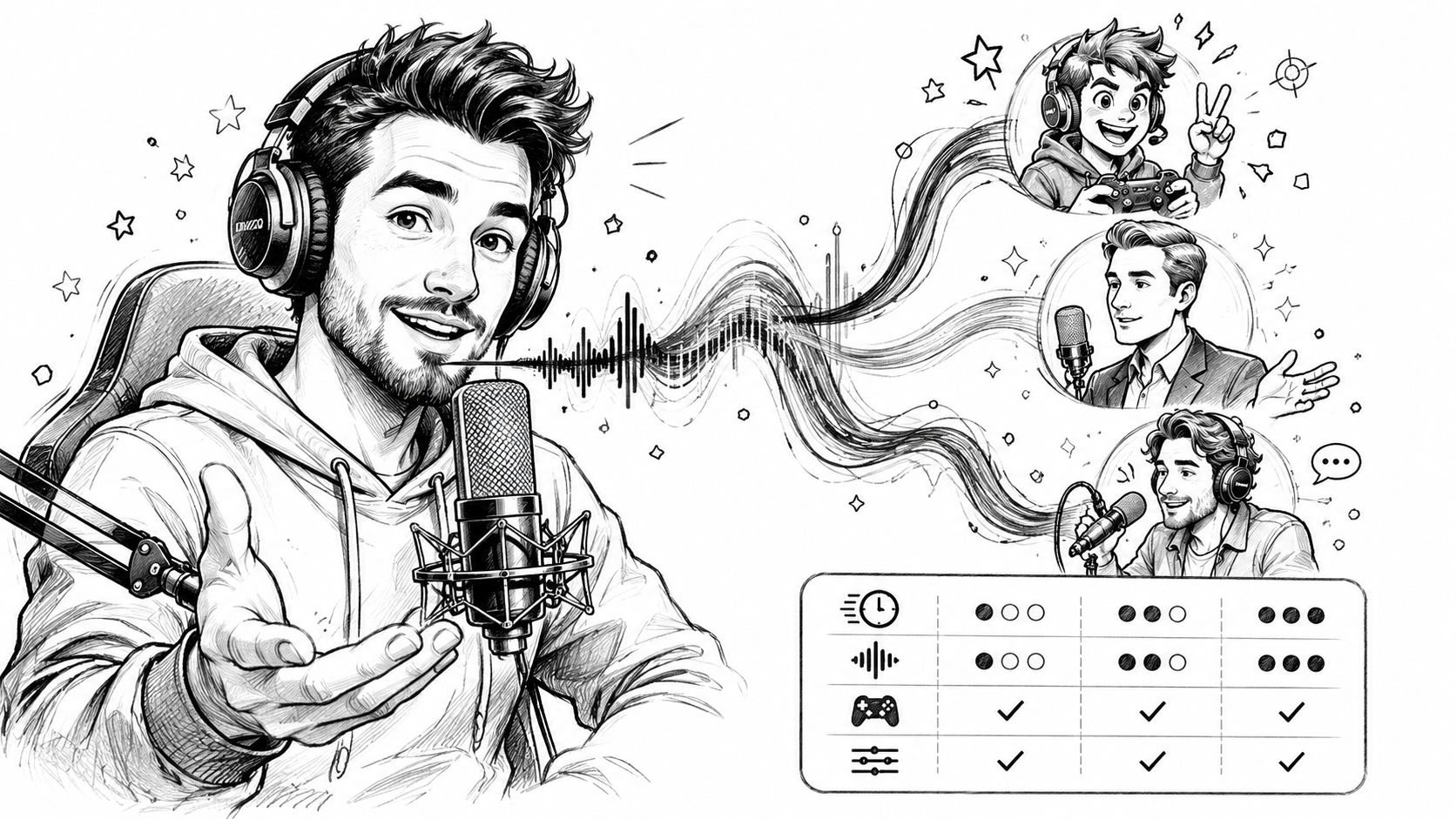
You're about to go live, join a game lobby, or deliver a dubbed cut, and your natural voice isn't the voice the job needs. One creator needs a low-latency microphone effect that won't lag behind gameplay. Another needs expressive speech-to-speech conversion for dubbing, a podcaster needs to patch one wrong name without rebooking a guest, and a developer needs an API that can generate character dialogue inside a product. Those are four different problems, and they don't have the same answer.
That's the trap with searching for the best AI voice changers. The label covers real-time voice effects, recorded-audio conversion, voice cloning, and developer platforms, and tools that excel at one often can't do another at all. This comparison organizes picks by workflow first. For each tool, you'll see the use case it fits, likely voice quality, available controls, platform support, pricing approach, and practical limitations. Realism alone isn't a enough test, either. In 2025 research published by UC Berkeley researchers, listeners identified AI-generated voices as synthetic only about 60% of the time, and judged an AI voice and its real counterpart to represent the same person approximately 80% of the time in identity-comparison tests. If listeners struggle to tell, your buying decision has to rest on fit, latency, consent, and control, not on a polished demo clip.
Table of Contents
- 1. Vocuno
- 2. ElevenLabs Voice Changer
- 3. Voicemod
- 4. Voice.ai
- 5. Altered Studio
- 6. HitPaw VoicePea
- 7. iMyFone MagicMic
- 8. Resemble AI Speech-to-Speech
- 9. CapCut Voice Changer
- 10. Dreamina AI Voice Changer
- 11. Descript Regenerate
- Top 11 AI Voice Changers: Feature Comparison
- Match the Tool to Your Voice Workflow
1. Vocuno
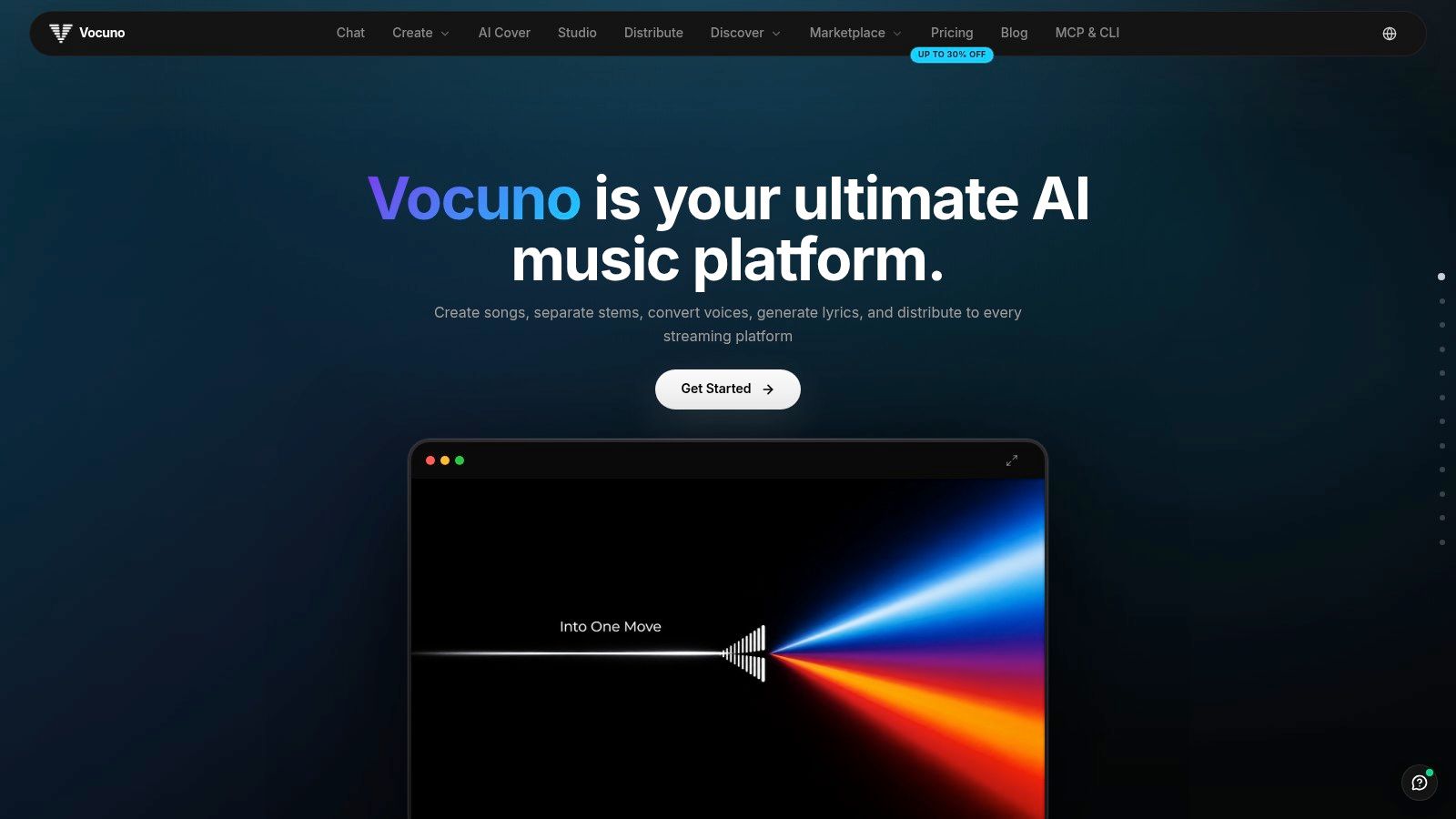
Most tools on this list change a voice and stop there. Vocuno puts conversion inside a full music creation and distribution workspace, which makes it the right fit when a changed vocal is one step in making and releasing a song, not the final deliverable. You can generate tracks, write lyrics, produce vocals, separate stems, and refine audio without exporting files between disconnected apps.
Why Musicians Would Choose It
The standout feature is engine choice in one place. Vocuno integrates Suno, ElevenLabs, Audimee, LALAL.ai, MusicGPT, MiniMax, Lyria 3, and YouTube, so you can compare approaches for a vocal, a stem, or a full arrangement without rebuilding your project elsewhere. Its AI voice converter sits alongside voice cloning, stem separation, BPM detection, audio-to-MIDI conversion, and file processing, following a DAW-like pipeline for creating, importing, analyzing, recording, remixing, and refining.
That matters in practice. A producer can sketch a topline, convert a guide vocal into a different character, isolate stems to fix the mix, then move toward release. Vocuno also supports distribution from inside the platform to Spotify, Apple Music, YouTube Music, Deezer, Tidal, SoundCloud, and Pandora, which closes the gap between experiment and published track.
Choose Vocuno if you're an artist or producer who wants voice conversion plus songwriting, vocal production, remixing, and release in one ecosystem. If you only need a live gaming effect for Discord, it's more platform than you need, and a dedicated virtual microphone tool below will fit better.
2. ElevenLabs Voice Changer
If your performance is already recorded and you need it delivered in a different voice, ElevenLabs Voice Changer is built for that handoff. You upload or record speech in the browser, then convert it with speech-to-speech processing that aims to preserve pacing, emotion, accent, and vocal detail rather than flattening delivery into a pitch shift.
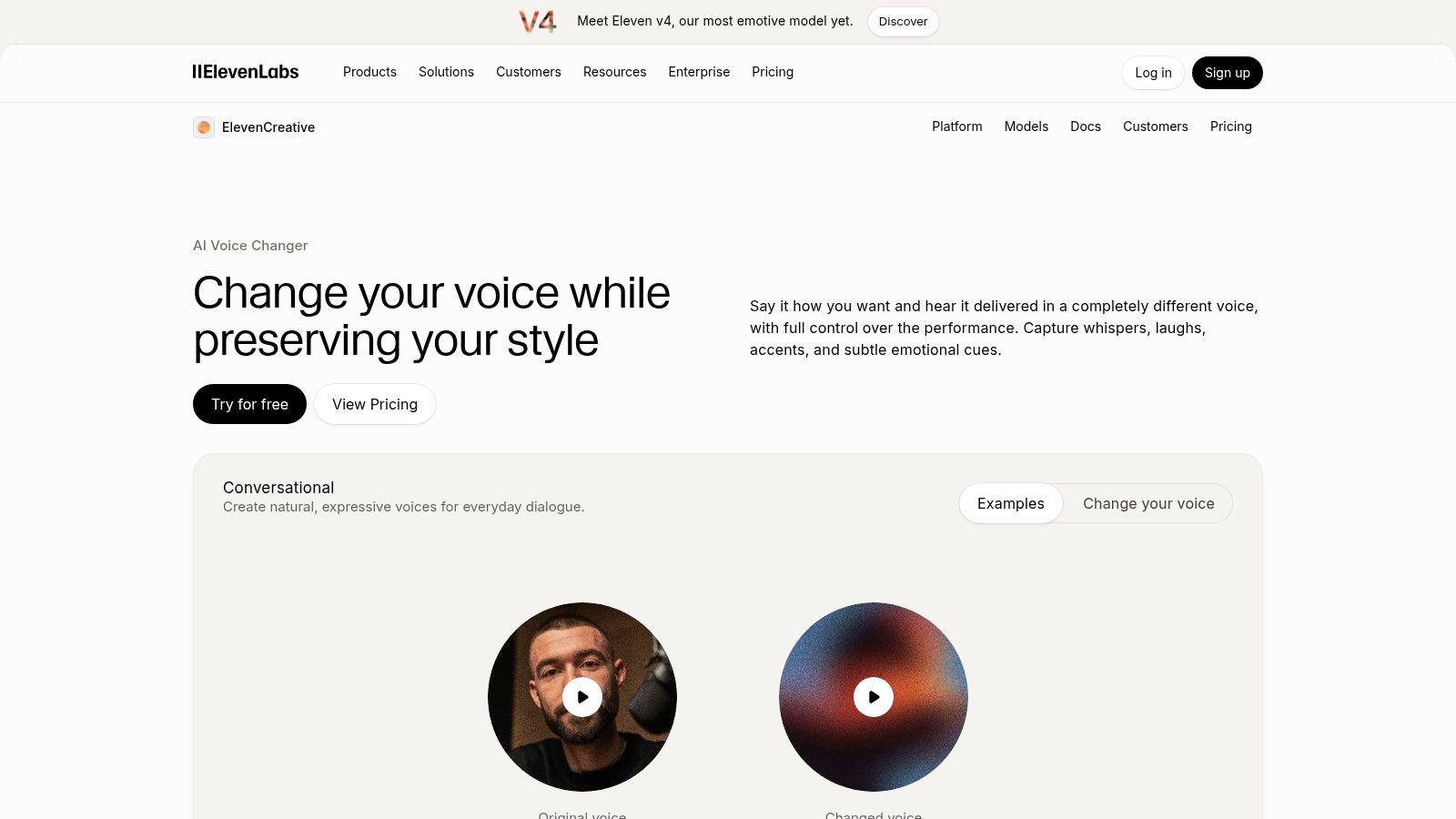
- Voice library and custom voices: Pick from a large library or use custom-voice options for a recurring character or brand voice.
- Multilingual support: Useful when one performance needs to serve dubbing or localized social content.
- Studio workflow: Conversion sits inside ElevenLabs Studio, closer to editing and production than a one-off effects app.
That positioning is also the limitation. It isn't designed primarily as a low-latency virtual microphone for live calls or gaming, so don't buy it expecting to route a transformed voice into a match in real time. Free and paid plans have processing limits, so frequent long-form producers should check allowances before committing.
Teams evaluating adjacent AI tooling often compare production needs with discovery needs covered in guides to the best AI search optimization tools, but for polished voiceovers, dubbing, and social audio, ElevenLabs is the clearest recorded-audio pick here.
3. Voicemod
Voicemod answers the live question first. It's a desktop app for real-time voice effects in games, chat apps, and streams, paired with a soundboard so you can trigger clips and effects from the same interface while you're talking.
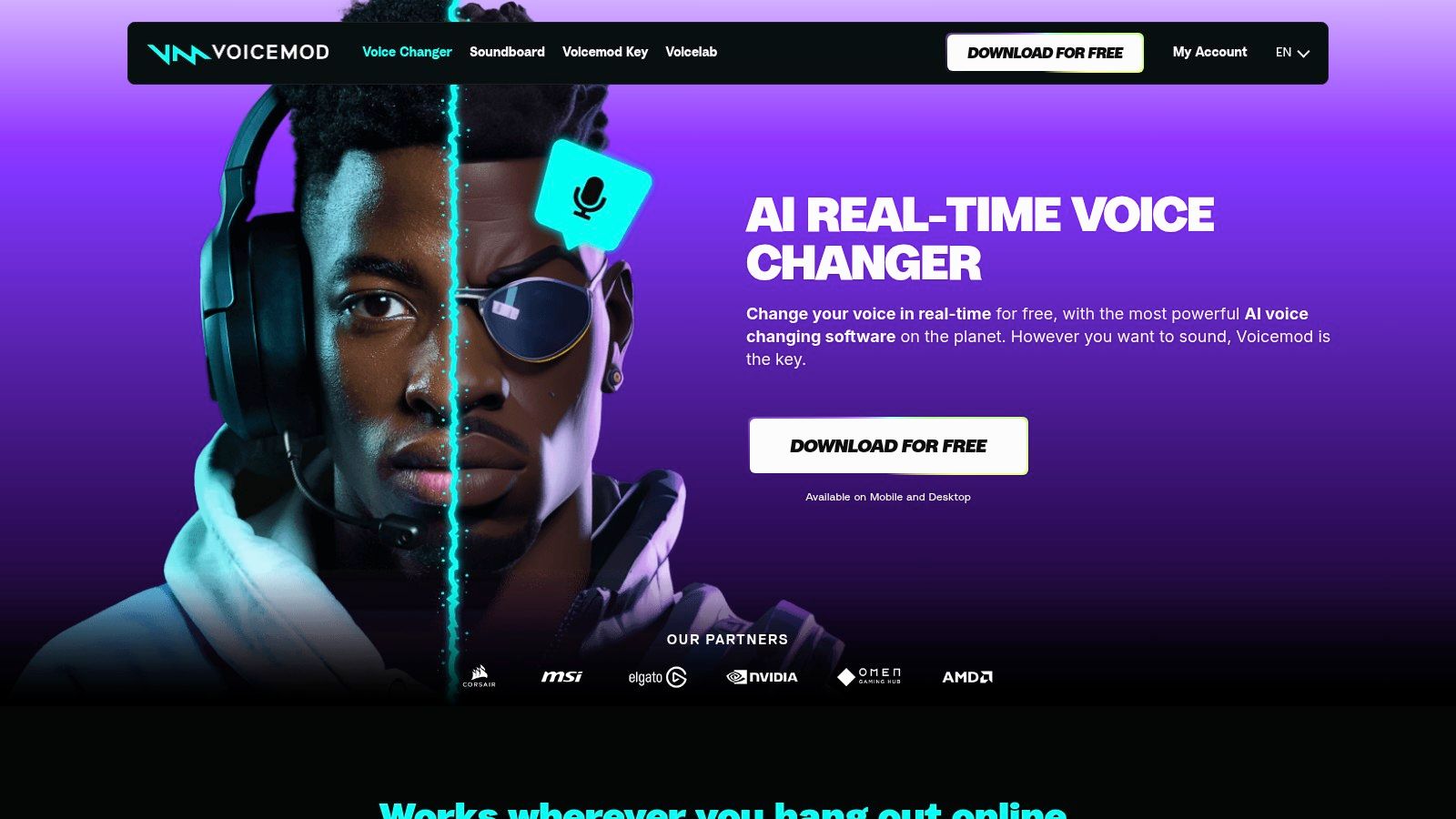
Voicelab, available to PRO users, lets you build custom effects instead of relying only on presets. A community-created voice library and keyboard shortcuts support the streamer who needs to switch characters mid-session without tabbing out. The free plan is useful for testing routing in your setup, but it gives you a limited, rotating voice selection, and PRO pricing is shown during in-app purchase rather than as a fixed public price.
Test latency in your own stack before you pay. In a 2025 APSIPA real-time voice-conversion study, a system with approximately 77 ms microphone-to-headphone end-to-end latency produced statistically significant improvements in perceived naturalness and speaker similarity, though only eight participants took part. Use that figure as a benchmark for feel, not a guarantee. Voicemod focuses on live effects, not detailed post-production conversion, so podcasters who need clean edited takes should look elsewhere.
4. Voice.ai
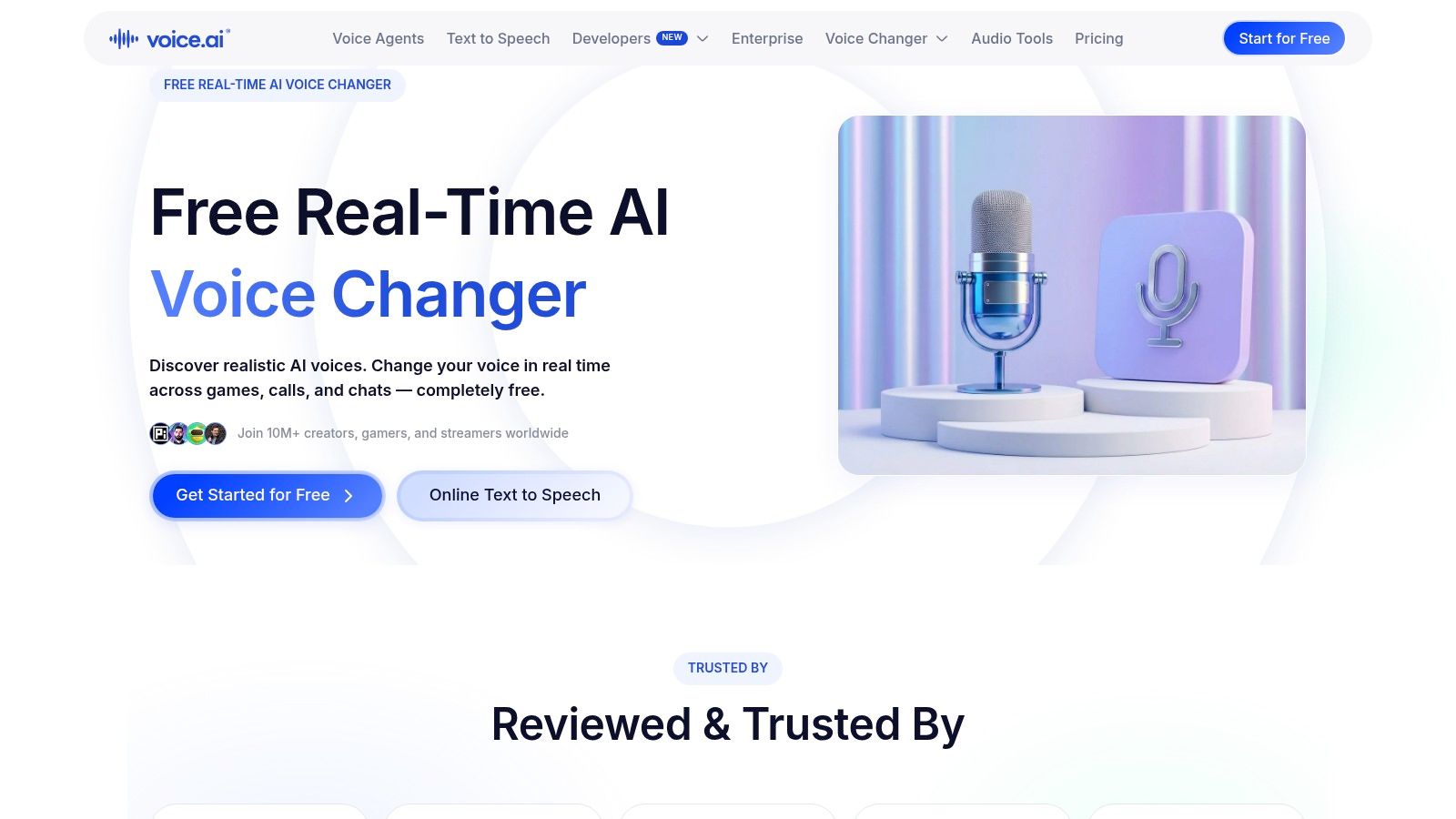
Voice.ai targets PC users who want AI-driven live conversion, not a simple pitch filter, across games, calls, and chat apps. You route transformed audio into compatible applications, choose from community voices, or build toward custom voices, and there's also a mode for changing short recordings when you aren't live.
What To Check Before You Install
Free access makes it easy to try, and voice filters and avatars extend it beyond basic chat disguise. But features and availability can differ between the desktop app and web platform, and some voice-building capabilities may use credits, slots, or paid plans, so confirm what your workflow costs. AI processing can also be more demanding on your machine than basic effects, which matters if you're already running a game and streaming software.
Caution is warranted with any community or cloned voice. A 2024 compilation of deepfake research and statistics reported that some systems could produce an approximately 85% voice match from only three seconds of source audio, and cited McAfee survey results in which 70% of respondents weren't confident they could distinguish a real voice from a cloned one. Review current terms and privacy practices before uploading recordings or creating voices.
5. Altered Studio
Altered Studio is the production desk on this list. It's aimed at podcasters, game-audio teams, voice actors, and media producers who need speech-to-speech voice morphing for recordings, with voice options organized around timbre, style, and performance rather than novelty presets.
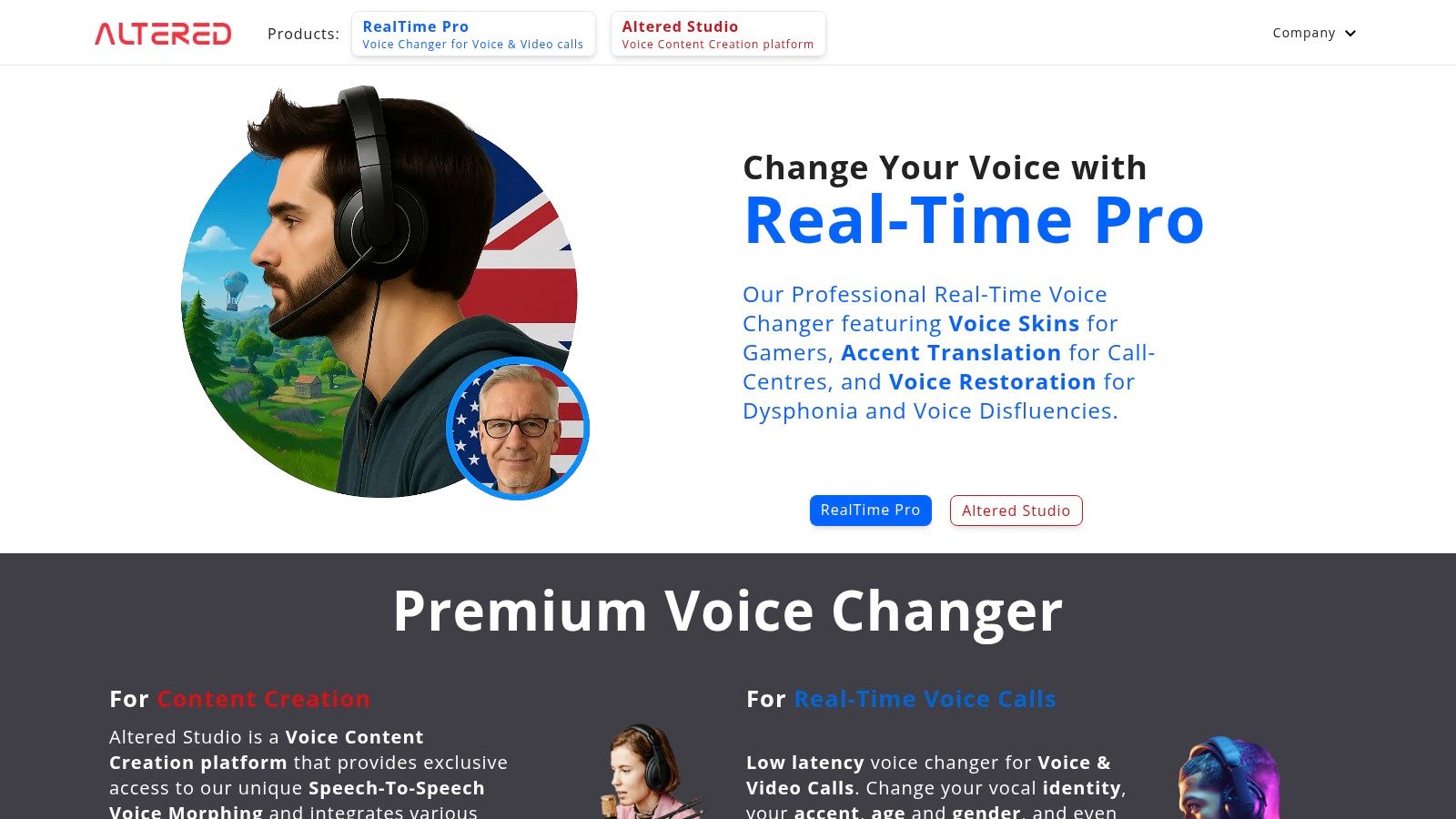
The toolkit reaches beyond conversion. You get voice editing, denoising, audio cleanup, batch processing, and dubbing-related tools, which suits a studio turning one actor's session into several finished characters. A separate Real-Time Pro product covers live calls and voice chat under the same vendor, a useful split if your team needs both offline polish and live use without managing two suppliers.
Budget check: Free online voice morphing is limited to 3 minutes per month, so treat the free tier as an audition, not a production plan.
Paid plans may be expensive for casual users, and the desktop production workflow has specific hardware requirements. Anyone planning synthetic media at scale should also understand the limitations of current AI video generation technology, because voice and picture constraints often surface together in dubbing pipelines. For serious recorded work, though, Altered offers specialized control the gaming tools don't attempt.
6. HitPaw VoicePea
HitPaw VoicePea bundles several audio jobs into one desktop toolkit for Windows and Mac. You can change your voice in real time, run a soundboard, change voices in recorded files, generate text-to-speech, and apply noise reduction and audio enhancement, which suits a creator who'd rather learn one interface than maintain separate utilities.
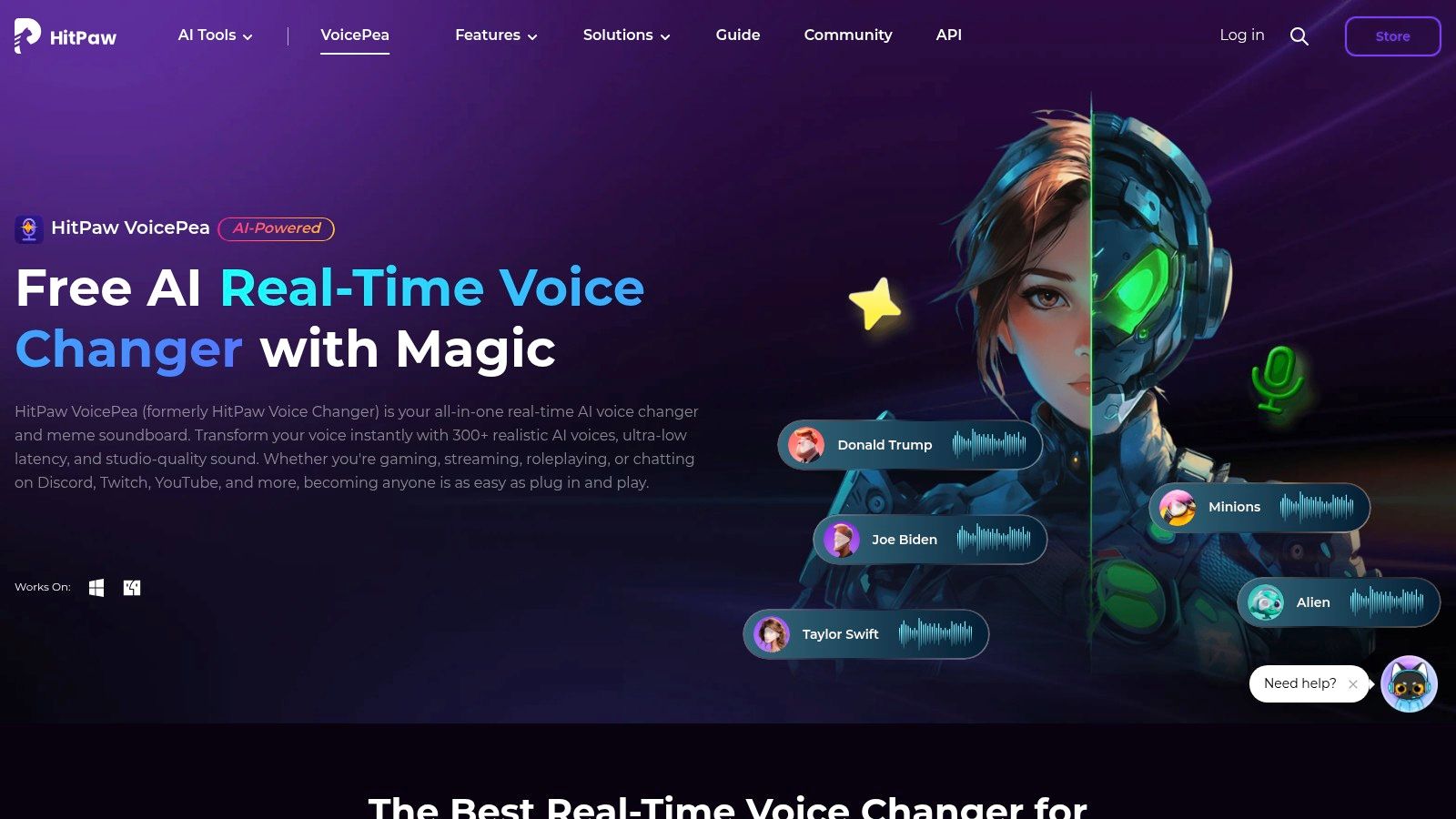
- Live and file workflows: Covers both an active call and a clip you're editing afterward.
- Custom sound effects: Handy for streamers who build recurring bits around triggers.
- Flexible pricing: Paid plans include monthly, yearly, and perpetual options, which is rarer than subscription-only models.
The free version lets you test limited functionality, which is enough to verify microphone routing and basic sound. It won't show you the full effects library, and promotional rates can vary, so check the checkout terms and renewal conditions carefully.
Choose VoicePea if you want live effects plus related audio tools and prefer the option of a perpetual license. Skip it if you only need one simple live filter, because you'll pay for breadth you won't use.
7. iMyFone MagicMic
iMyFone MagicMic is a desktop voice changer for games, calls, and recordings, built around a catalog of voice effects, sound effects, and soundboards. It handles both real-time microphone changes and recorded-audio edits, so a player can use one persona live and reuse the same toolkit on a highlight clip later.
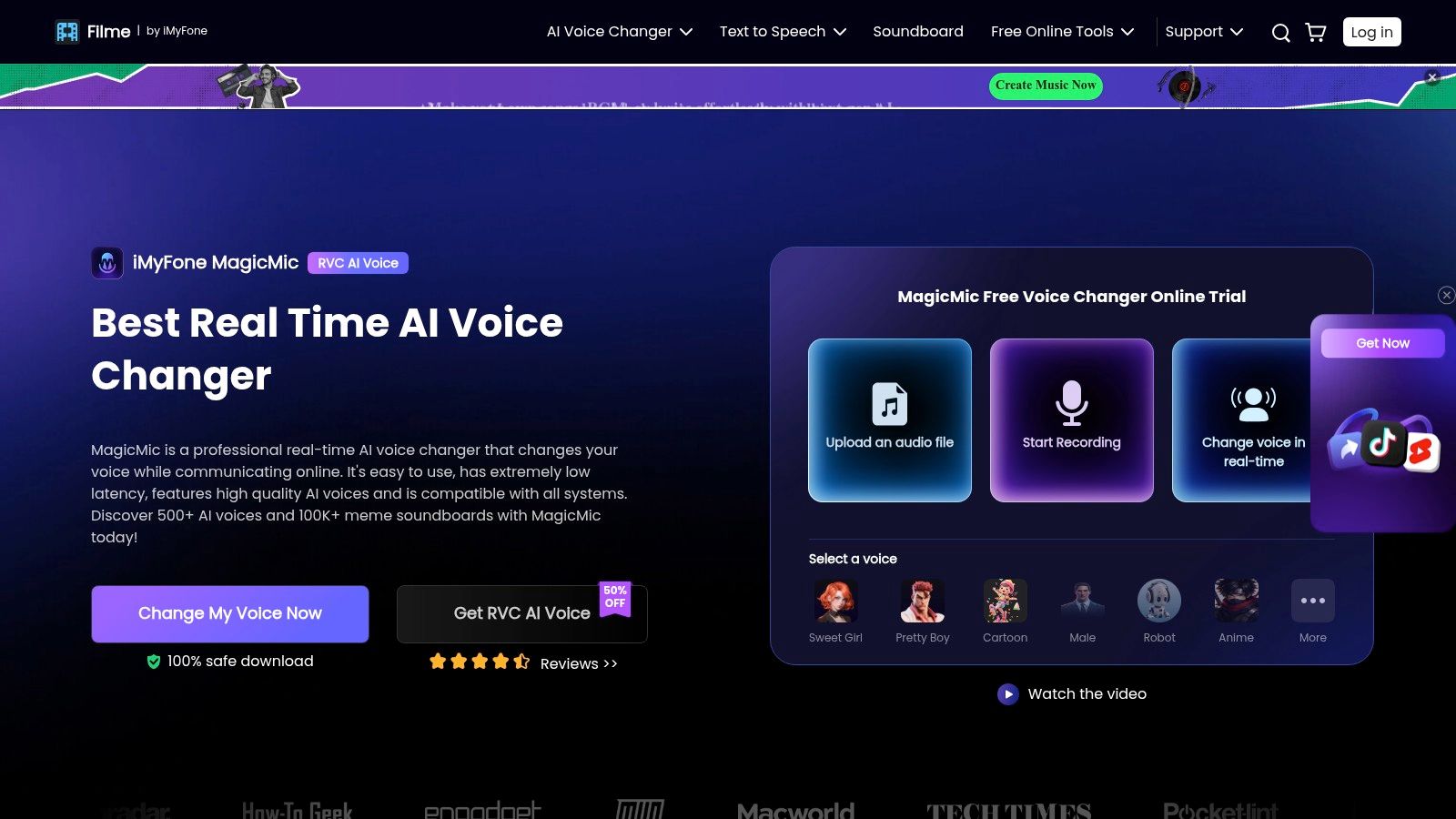
Paid plans add more voices and effects, plus Voice Studio for creating custom voices, which is the feature that separates a novelty purchase from a longer-term streamer asset. Pricing includes monthly, annual, and lifetime options, giving you a route away from subscriptions if you prefer a single payment. The free version provides a limited daily selection of voices for testing.
Read the renewal terms before you buy. Subscription plans auto-renew unless cancelled, and voice libraries and features can differ by plan and region, so the catalog a review describes may not match your account exactly.
MagicMic fits users who want a broad effects catalog and custom voice creation without a production studio learning curve. It isn't the pick for nuanced speech-to-speech dubbing where preserving an actor's emotional performance matters more than effect variety.
8. Resemble AI Speech-to-Speech
Resemble AI Speech-to-Speech isn't a consumer chat toy. It's a production and integration platform for developers, game studios, and media teams that converts a recorded performance into a target voice while aiming to preserve pacing, rhythm, and emotional emphasis.
One source take can become multiple voices, which changes the economics of character dialogue. A studio can record fewer performances, then generate a cast with prompt-guided steering for accent, tone, or style, gaining more delivery control than plain text-to-speech offers. That makes it well matched to interactive media and game dialogue workflows and to products embedding voice conversion through an API-oriented setup.
The trade-off is effort. It isn't primarily a plug-and-play live changer, it may require technical setup and workflow integration, and pricing and access requirements should be confirmed directly with the provider.
Safety controls belong in that procurement conversation. Sestek's summary of deepfake and voice-cloning risk notes a survey of more than 2,000 U.S. consumers in which over 90% expressed at least some concern about the technology, and McAfee research in which 77% of people who received a cloned-voice message reported losing money. Ask about consent, watermarking, retention, and deletion before you integrate.
9. CapCut Voice Changer
CapCut Voice Changer makes sense when the voice effect is part of a video you're already editing. You upload audio or video, apply effects such as a robotic or higher-pitched voice, adjust pitch, speed, and tone, and export without leaving the timeline or moving files to a separate audio app.
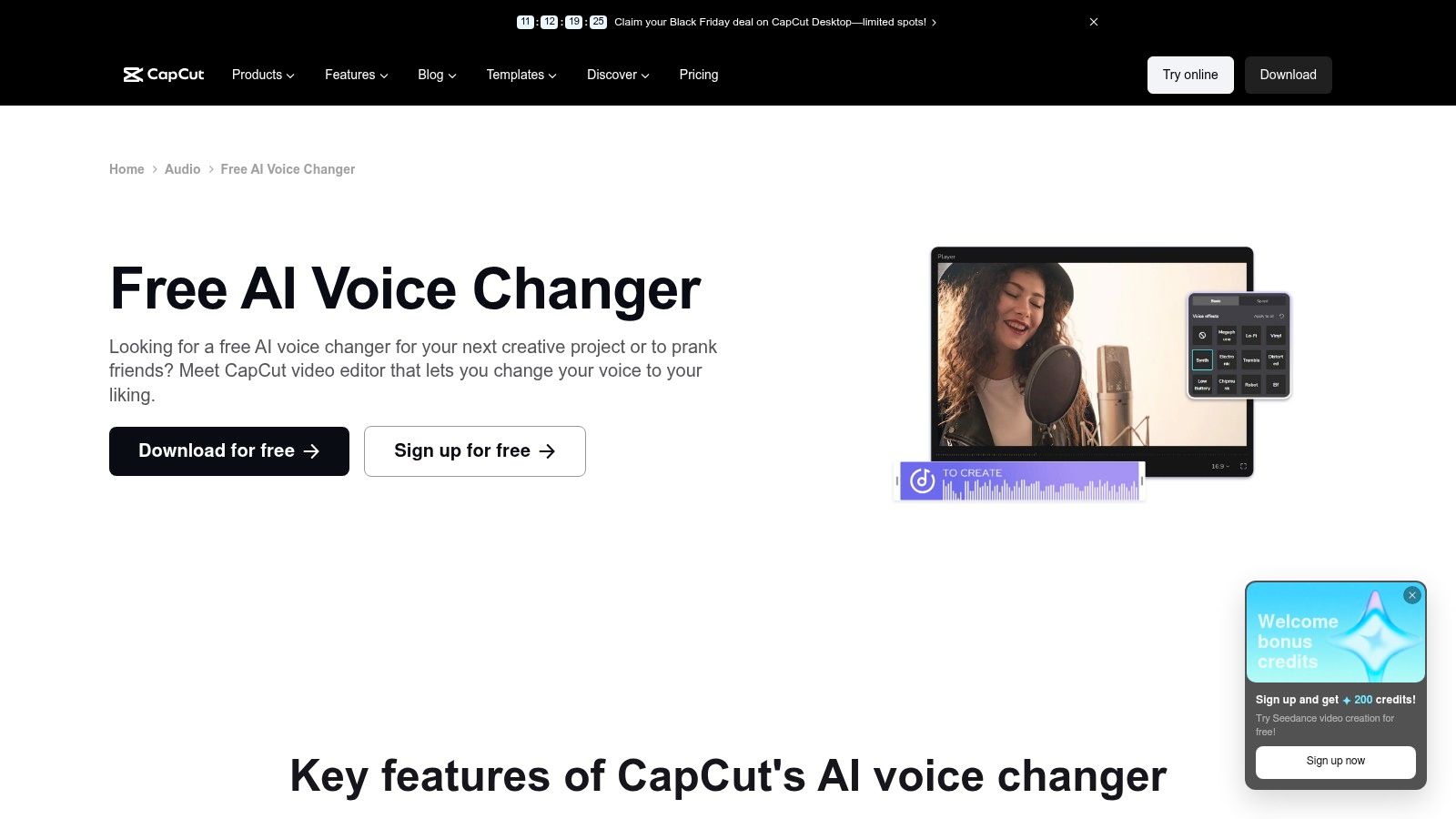
Noise reduction and voice enhancement sit nearby, which helps social creators working with phone recordings. The online tool is advertised as free, lowering the barrier for occasional clips, although feature access can vary by platform and account.
Don't mistake convenience for capability. CapCut isn't designed as a real-time virtual microphone for live conversations, and it's less specialized for true speech-to-speech conversion than ElevenLabs or Altered Studio. It's an editor's effect, not a voice actor replacement.
Business creators publishing at volume face rights questions alongside editing ones, a theme explored in coverage of AI contract review. If your deliverable is a short-form video and CapCut is already your editor, this is the fastest route from raw clip to posted effect.
10. Dreamina AI Voice Changer
Dreamina AI Voice Changer takes a prompt-led, browser-based approach. You upload audio or video, describe the voice you want, and refine through selectable characteristics including gender, age, language, and use case. Voice changes are designed to stay synchronized with video, which keeps it focused on content creation rather than live communication.
Where Prompting Helps
That descriptive control supports exploratory edits. Instead of auditioning a fixed preset list, you can steer toward a character concept, and multi-character workflows let a single creator voice a scene with several speakers. For faceless channels, animation drafts, and social storytelling, that's a faster path from idea to testable clip than recording multiple performers.
Advertised free daily credits for signed-in users make it easy to trial, but credits and feature availability may depend on your account and current terms. Upload and file-size limits may affect longer clips, so a feature-length dubbing project will outgrow it quickly.
Dreamina isn't a live voice changer for calls or gaming, and it shouldn't be shortlisted as one. Pick it when you want browser editing, video sync, and prompt-guided character voices, and pick a desktop virtual microphone when timing is live.
11. Descript Regenerate
Descript Regenerate solves a narrow, expensive problem well. A podcaster mispronounces a name, a narrator needs one updated sentence, and re-recording means matching room tone, microphone position, and energy weeks later. Regenerate creates a voice model from a recorded sample, then generates new speech from typed text in that speaker's own voice inside Descript's transcript-based editing.
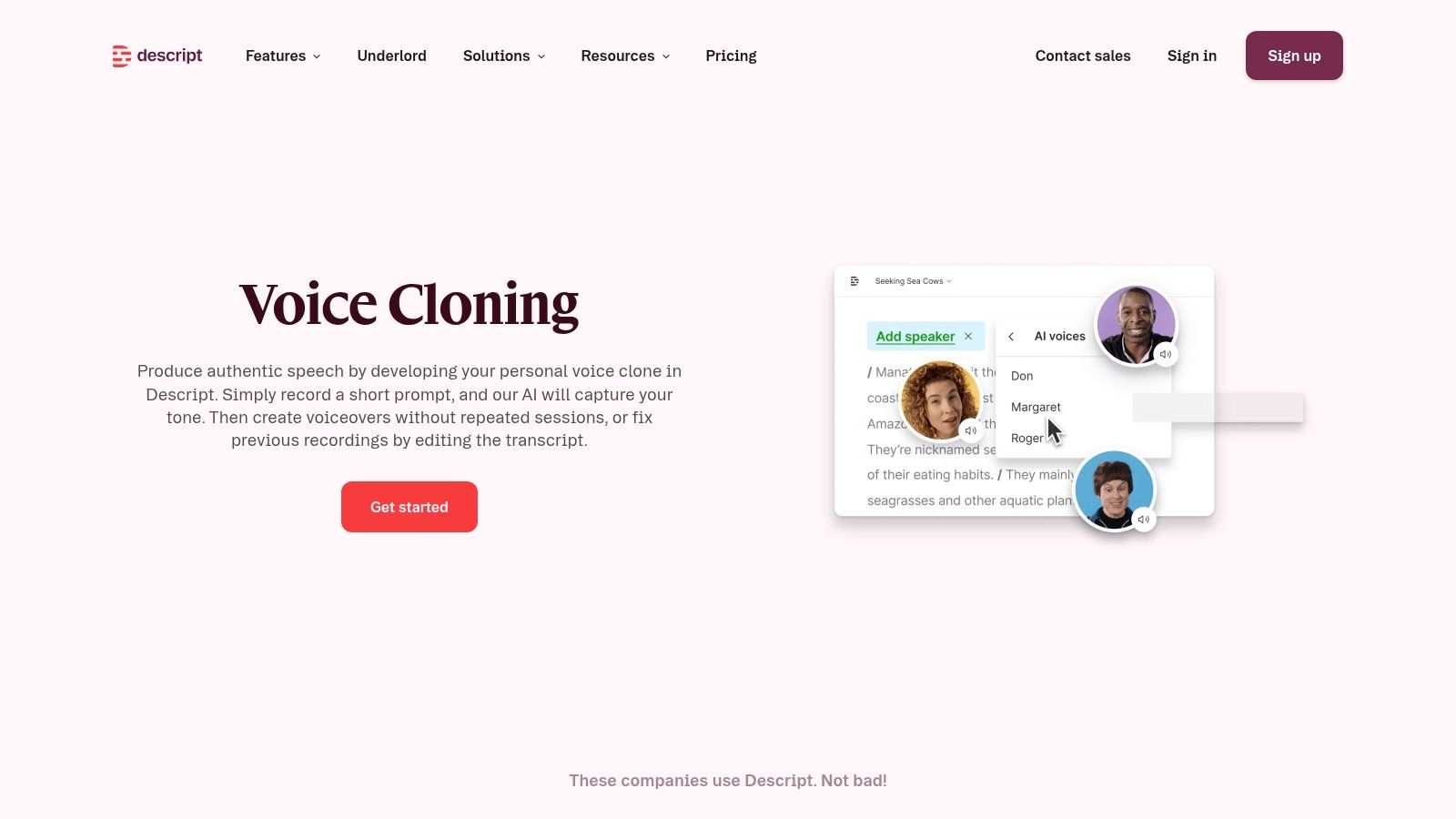
That makes it convenient for patching or revising existing audio and video narration, especially short corrections where a full re-record is disproportionate. It's designed around authorization to use the speaker's own voice, a meaningful distinction from tools built around arbitrary characters.
Consent design deserves weight in any purchase. A Springer analysis of voice-cloning consent safeguards reports European Parliament figures that 53% of people share their voices online, while many services rely on a simple user declaration that authorization exists. A declaration is easy to bypass, so documented permission, retention, and deletion controls matter.
Regenerate isn't a real-time voice changer for games or calls, and free and paid plan allowances differ. Use it for corrections and scripted speech, not character transformation.
Top 11 AI Voice Changers: Feature Comparison
| Tool | Best For 👥 | Core Capabilities | Standout ✨ | Pricing / Value 💰 |
|---|---|---|---|---|
| Vocuno | Artists and music creators | AI voice conversion, song creation, stem separation, audio tools | 🏆 Combines multiple music tools and distribution in one workspace | 💰 Pricing not specified |
| ElevenLabs Voice Changer | Voiceover, dubbing, and audio creators | Recorded speech-to-speech conversion; voice library; multilingual support | ★ Aims to preserve expressive delivery and emotion | 💰 Free tier; paid plans have usage limits |
| Voicemod | Gamers, streamers, and live-chat users | Real-time effects, soundboard, custom effects | ✨ Live microphone workflow with community voices | 💰 Free tier; PRO pricing shown in app |
| Voice.ai | PC users who want live voice changes | Real-time conversion, community voices, short-clip editing | ✨ Supports games, calls, and recordings | 💰 Desktop app advertised as free; some features may require credits or paid plans |
| Altered Studio | Podcasters, voice actors, and media teams | Voice morphing, editing, denoising, batch processing | 🏆 Production tools plus a separate real-time product | 💰 Limited free tier; paid plans available |
| HitPaw VoicePea | Creators seeking live and file-based audio tools | Real-time effects, soundboard, file conversion, text-to-speech | ✨ Includes noise reduction and audio enhancement | 💰 Limited free version; monthly, yearly, and perpetual plans |
| iMyFone MagicMic | Gamers and creators using live effects | Real-time changes, soundboard, custom voices, file editing | ✨ Monthly, annual, and lifetime options | 💰 Limited free voices; paid plans available |
| Resemble AI Speech-to-Speech | Developers, game studios, and production teams | Recorded speech conversion; delivery and style controls | 🏆 Can create multiple character voices from one performance | 💰 Confirm pricing and access with provider |
| CapCut Voice Changer | Video and social-content editors | Clip-based voice effects, pitch and tone adjustments | ✨ Voice editing within a video-editing workflow | 💰 Online tool advertised as free |
| Dreamina AI Voice Changer | Creators editing audio or video in a browser | Prompt-based voice changes; multi-character workflows | ✨ Voice edits designed to stay synchronized with video | 💰 Free daily credits advertised for signed-in users |
| Descript Regenerate | Podcasters and video editors | Generates speech from text using the user's voice | ✨ Transcript-based editing for fixing recorded narration | 💰 Free and paid allowances vary |
Match the Tool to Your Voice Workflow
There's no universal winner here, because the best AI voice changers solve incompatible jobs. Start with timing. If the voice has to change while you speak, shortlist Voicemod, Voice.ai, HitPaw VoicePea, or iMyFone MagicMic. Voicemod suits streamers who want a soundboard and custom Voicelab effects. Voice.ai appeals to PC users testing AI conversion for free. VoicePea adds file editing, text-to-speech, and a perpetual pricing option. MagicMic offers a broad catalog, Voice Studio custom voices, and a lifetime purchase route.
If the performance exists already and expression matters, choose from ElevenLabs, Altered Studio, or Dreamina. ElevenLabs fits polished voiceovers and multilingual dubbing inside a production studio. Altered Studio adds morphing depth, cleanup, and batch work for media teams. Dreamina favors browser-based experimentation, prompt-guided characters, and video-synchronized edits. Vocuno belongs in this conversation when conversion is part of making and releasing music, because its value is the connected path from vocal idea to distribution, not a standalone effect.
Two picks are deliberately narrower. CapCut is the right answer when you're already editing social video and the effect only needs to live on that timeline. Descript Regenerate is right when you're correcting your own narration by typing the fix. Resemble AI stands apart for developers and studios embedding conversion into games or products, where integration effort buys multi-voice generation from fewer recorded performances.
Before you pay, run your own material through your own setup. Test end-to-end latency, not just advertised inference speed, and check stability with your microphone, sample rate, and routing. Test accent, language, background noise, and emotional delivery, too. A European Parliament briefing on voice deepfakes and detection limits underlines that voice deepfakes are among the hardest synthetic media to detect, particularly in telephone and other real-time contexts. A tool that sounds convincing in a controlled English demo may lose intelligibility on a noisy multilingual call, and it may create disclosure obligations you hadn't planned for.
Then read the terms you'd normally skip. Confirm consent requirements, data retention and deletion, whether recordings train models, watermarking or provenance options, abuse reporting, licensing for commercial use, export quality, and plan limits measured against a real month of work. Distinguish a preset effect from true speech-to-speech conversion, and voice conversion from cloning, because each carries different rights and risks. Label synthetic audio where your audience or platform expects it, avoid imitating real people without documented permission, and use fictional or brand voices for characters.
The contrarian conclusion is simple. The most realistic output isn't automatically the best purchase. For live work, stable latency and intelligibility beat marginal naturalness. For public-facing business content, provenance and misuse controls can matter more than a slightly better timbre. Buy for the workflow you'll run every week, verify it under real conditions, and let the demo impress you last.
Pick your workflow from the shortlists above, run a free trial with your own microphone, language, and noisiest recording this week, and check the consent and renewal terms before you subscribe. If music is your end goal, start with Vocuno. If you're live tonight, start with Voicemod or Voice.ai.