Best Speech to Text Software: 10 Picks for Every Workflow
Compare the best speech to text software for meetings, interviews, media, dictation, privacy, and developer workflows in this practical 2026 guide.
By Yuvraj Kewate · 2026-10-23
If your goal is dependable meeting notes, Otter.ai is the most accessible starting point, while creators editing recordings should consider Descript and teams needing human-reviewed output or application integration should look at Rev, AssemblyAI, or Deepgram, remembering that no tested commercial system achieved vendors' advertised 98% accuracy across eight languages in independent evaluation. You're probably staring at a recording right now, a client call, an interview, or a lecture, and you need usable text without spending the afternoon correcting it.
That weekly client meeting looks very different depending on the tool you choose. Otter.ai turns it into a shared, searchable record with actions to follow up. A sensitive interview processed locally in MacWhisper never has to leave your Mac. A live voice feature powered through Deepgram becomes part of your product, not a file someone edits later.
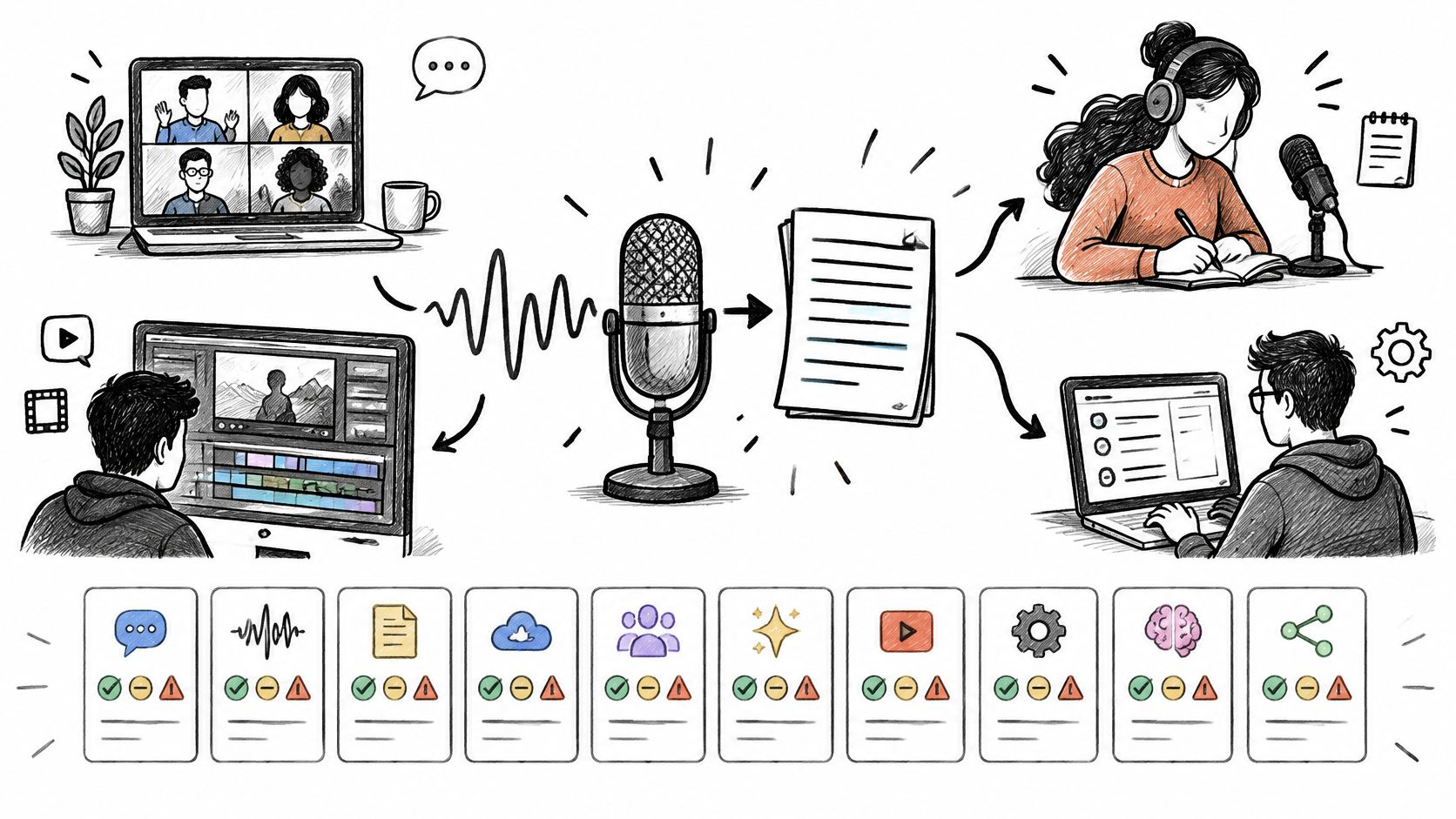
A polished transcript isn't equally valuable in every setting. A sales team needs searchable meeting records, a journalist needs a corrected transcript before publication, a creator wants to edit video by deleting words, and a developer needs timestamps inside an application. The best speech to text software for you depends on the workflow you're improving, the audio you can realistically capture, how much human review you require, and whether you need an app, a cloud service, or an API. Start with that job, not a headline accuracy claim.
Table of Contents
- 1. AIDictation
- 2. Otter.ai
- 3. Rev
- 4. Descript
- 5. Happy Scribe
- 6. MacWhisper
- 7. Notta
- 8. Dragon Professional
- 9. AssemblyAI
- 10. Deepgram
- 11. Google Cloud Speech-to-Text
- Best Speech-to-Text Software: Top 11 Compared
- Choose by Workflow, Then Test Before You Commit
1. AIDictation
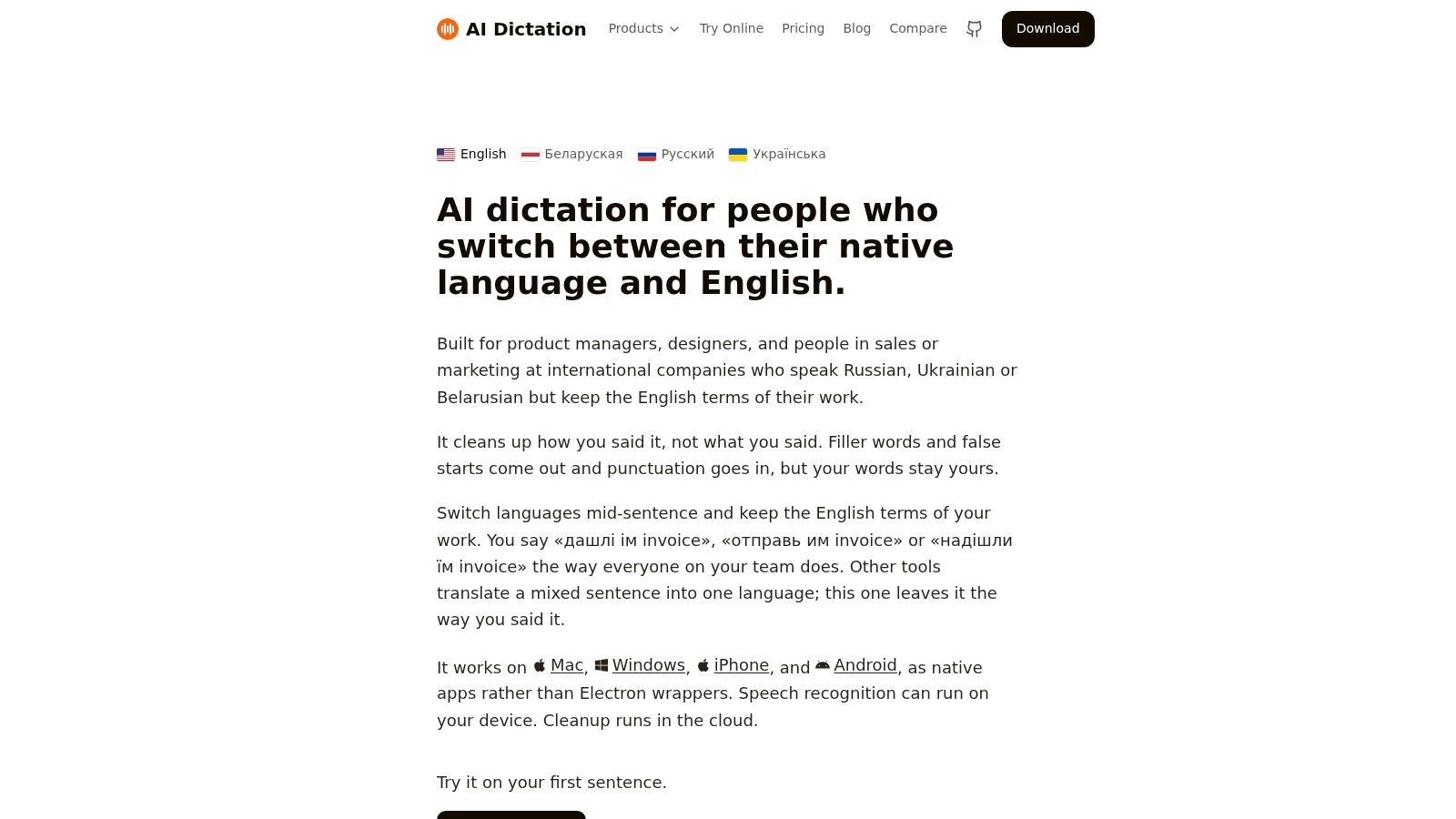
Live dictation is a different problem from transcribing recordings. The output has to be usable the moment you stop speaking. AIDictation is a macOS voice-to-text app built around that test, producing text that reads like finished writing rather than a stream you rewrite afterward.
Choose the Mode by Sensitivity
Its Auto Mode selects an engine per session, switching between on-device recognition and a cloud service. Local Mode runs Parakeet v3 on Apple Silicon, so dictation works offline and audio never leaves the Mac, the sensible default for confidential notes. Cloud Mode adds AI cleanup: context-aware formatting, filler-word removal, and handling of self-corrections, so changing your mind mid-sentence produces the revised phrasing on the page.
- Custom dictionary: Teach it names, product terms, and technical vocabulary that generic engines routinely mangle.
- Context rules: Set tone and formatting per app, professional for email, casual for chat, technical for code editors.
- Automatic polish: Grammar and punctuation are fixed as part of the output, not as a separate editing pass.
Pricing starts with 2,000 words per month free, no account required, with Pro options on monthly, annual, or lifetime terms covering unlimited cloud and local models, translation to English, and audio and video transcription. Built by the WritingMate.ai team, it also records and transcribes meetings. The vendor reports SOC 2 attestation as pending and encrypts traffic in transit; treat both as vendor claims and confirm current status before processing sensitive audio. For Mac users who dictate constantly and want finished text rather than transcripts to tidy, it is the strongest fit on this list.
2. Otter.ai
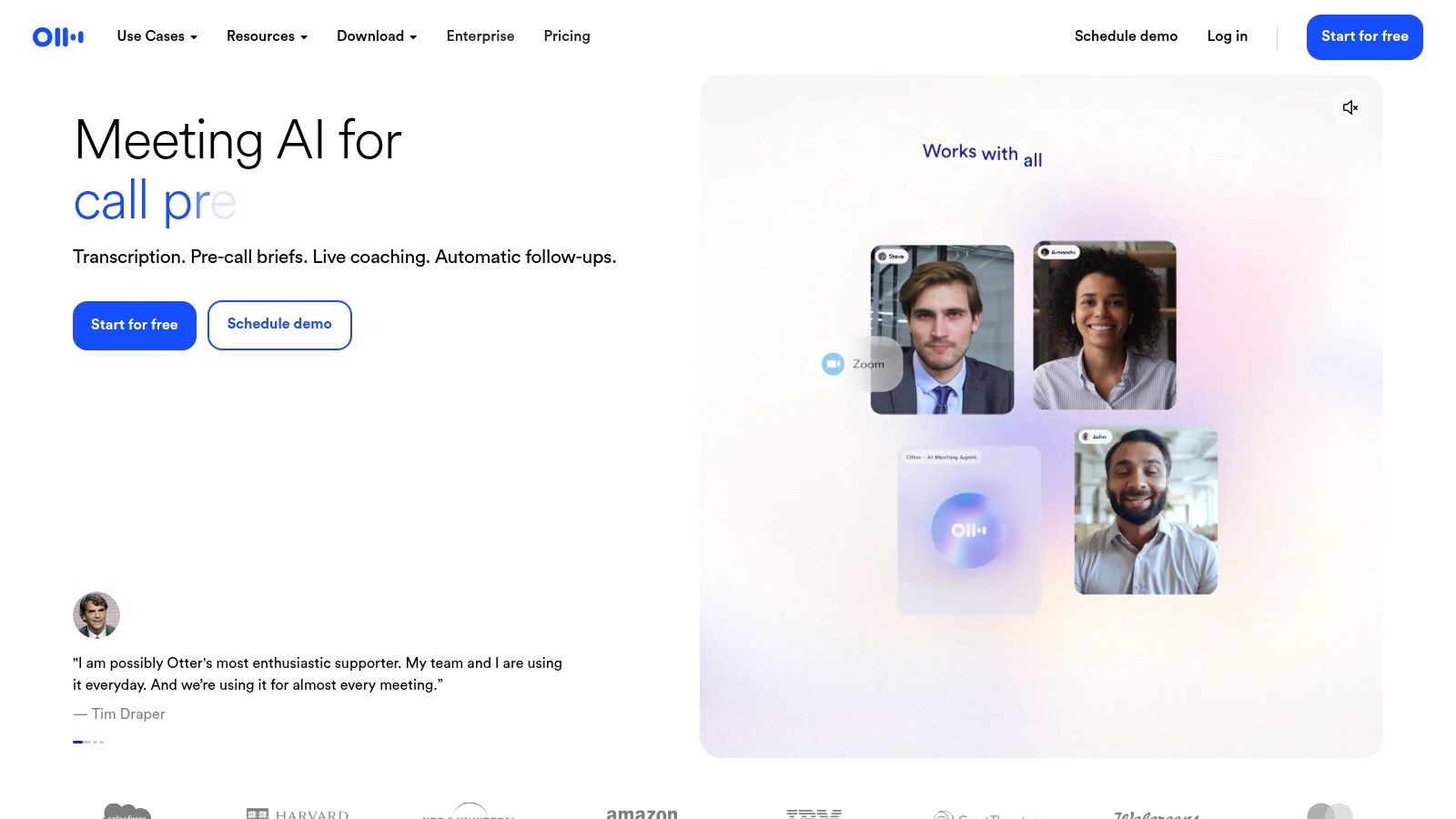
For teams whose work lives in recurring calls, Otter.ai is built around the meeting itself rather than the audio file. It records and transcribes conversations, then keeps them as searchable transcripts your team can revisit, comment on, and mine for decisions and action items.
That focus matters if you're comparing it with broader tools in productivity software categories where transcription is only one feature among many. Otter.ai combines live recording, transcription, highlights, comments, and AI summaries in one workflow, with questions about meeting content available depending on your plan. You don't export a transcript and manage follow-up elsewhere. The follow-up happens where the conversation is stored.
- Best fit: Sales, operations, and project teams that need shared meeting records week after week.
- Watch out for: Usage limits on free and paid plans, which can bite if you record long sessions daily.
The trade-off is scope. Otter.ai is more meeting-centric than a general-purpose transcription workbench, so creators editing media or lawyers needing verbatim, human-checked records will likely look elsewhere. If human verification is the point, a service like Rev fits better. If shared notes are the point, Otter.ai is the accessible default.
3. Rev
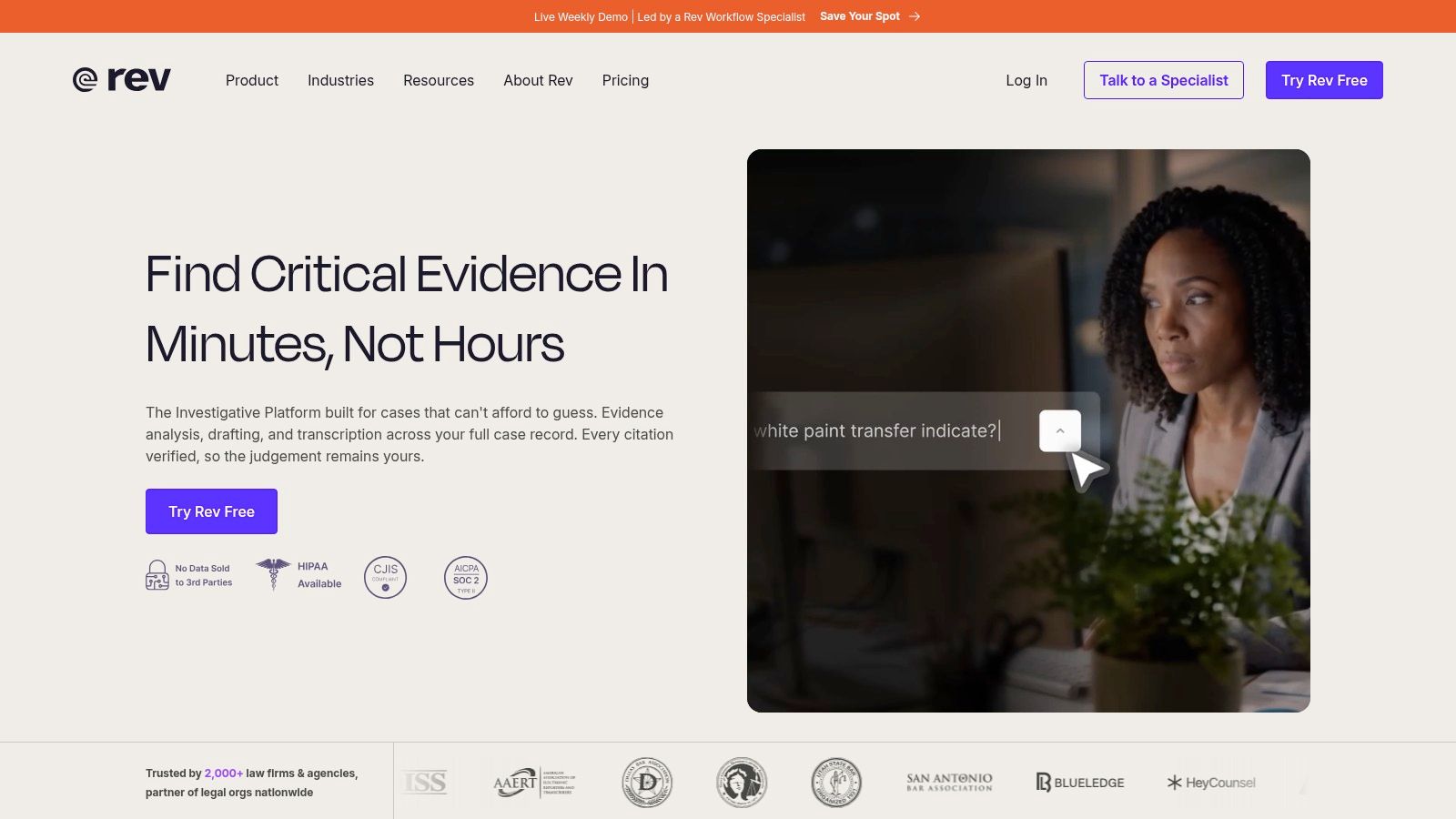
Rev answers a question automated tools can't, which is what happens when a transcript has to be right before it is published, captioned, or filed. It combines AI transcription with an interactive editor and separately available human transcription, captioning, and subtitling, so you can start fast and escalate only the recordings that warrant human review.
That tiered approach suits interviews, research, and publication-oriented projects. You might run AI transcription on routine calls, then order human work for a quoted interview where a wrong name or a misheard figure carries real consequences. Rev also offers an AI meeting notetaker for supported platforms and team workspaces on paid plans.
Practical rule: Pay for human review when the transcript will be quoted, published, or relied on by someone who wasn't in the room. Use AI output when searchability is enough.
Costs are the clear limitation. Human transcription costs substantially more than automated output, subscription allowances and included languages vary by plan, and even AI transcripts need checking for names, technical terms, and unclear audio. Rev publishes its pricing and service options online, which makes budgeting that escalation path straightforward before you commit a whole archive.
4. Descript
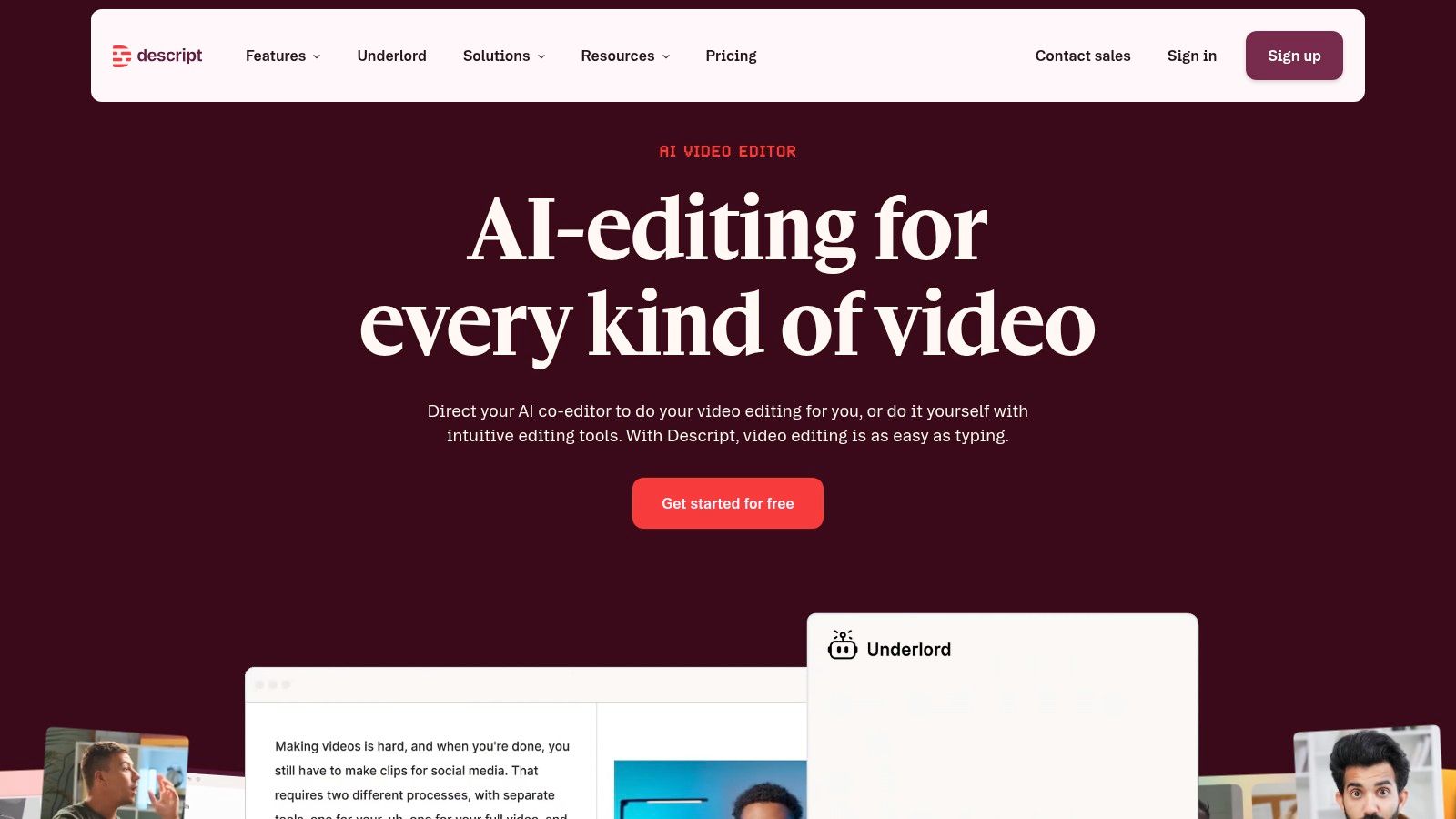
Delete a sentence from the transcript and the corresponding audio disappears with it. That is the core idea behind Descript, an audio and video editing workspace where the transcript and the media stay connected, so editing a podcast or video feels like editing a document.
For creators, that collapses several steps into one place. Descript provides automatic transcription and speaker labeling, text-based editing, caption and media exports, and AI cleanup features such as filler-word removal depending on your plan. Instead of transcribing in one tool, cutting in another, and captioning in a third, a small production team can move from recording to publishable content inside a single workspace.
- Strength: Transcription becomes part of production, not a preliminary chore before real editing starts.
- Limitation: Monthly transcription allowances depend on the plan, and advanced features require paid tiers.
Descript offers free and paid plans, but it's more software than you need if you only want a plain transcript of a meeting. Buy it for the editing workflow. If you never touch the underlying media, a dedicated transcription app will feel simpler and likely cheaper for the same words.
5. Happy Scribe
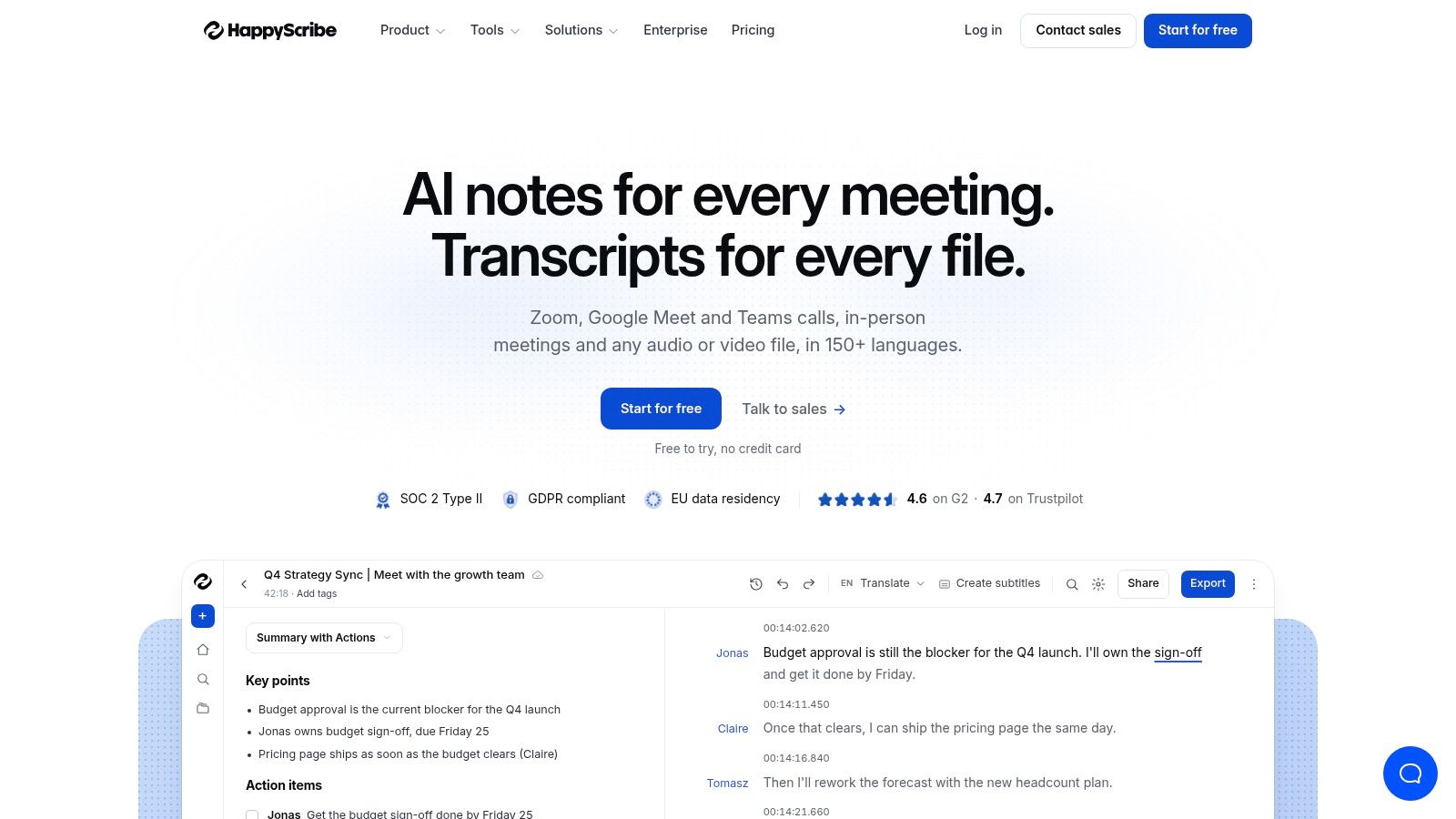
Happy Scribe is aimed at recorded audio and video that needs to travel, into subtitles, translated content, or collaborative review. It offers AI transcription and subtitling across many languages, speaker detection, a transcript editor, and exports for text, subtitle, and video workflows.
Where It Earns Its Place
Multilingual media is the natural fit. A creator publishing in several markets, or a business localizing training video, gets more value from subtitle-ready output than from a plain document. Happy Scribe also offers paid human proofreading, so you can keep AI speed for drafts and add human checking for customer-facing material, a middle path between fully automated tools and a full human service like Rev.
The constraints follow the same pattern as other hybrid services. Included AI transcription minutes vary by plan, human proofreading costs extra, and the platform is more than you need for simple live dictation at your desk. It offers a free tier, which is enough to test whether its editor and subtitle exports match how your team publishes.
Judge Happy Scribe on the finished subtitle file, not the raw transcript. If that export saves a separate captioning step, it has justified itself.
6. MacWhisper
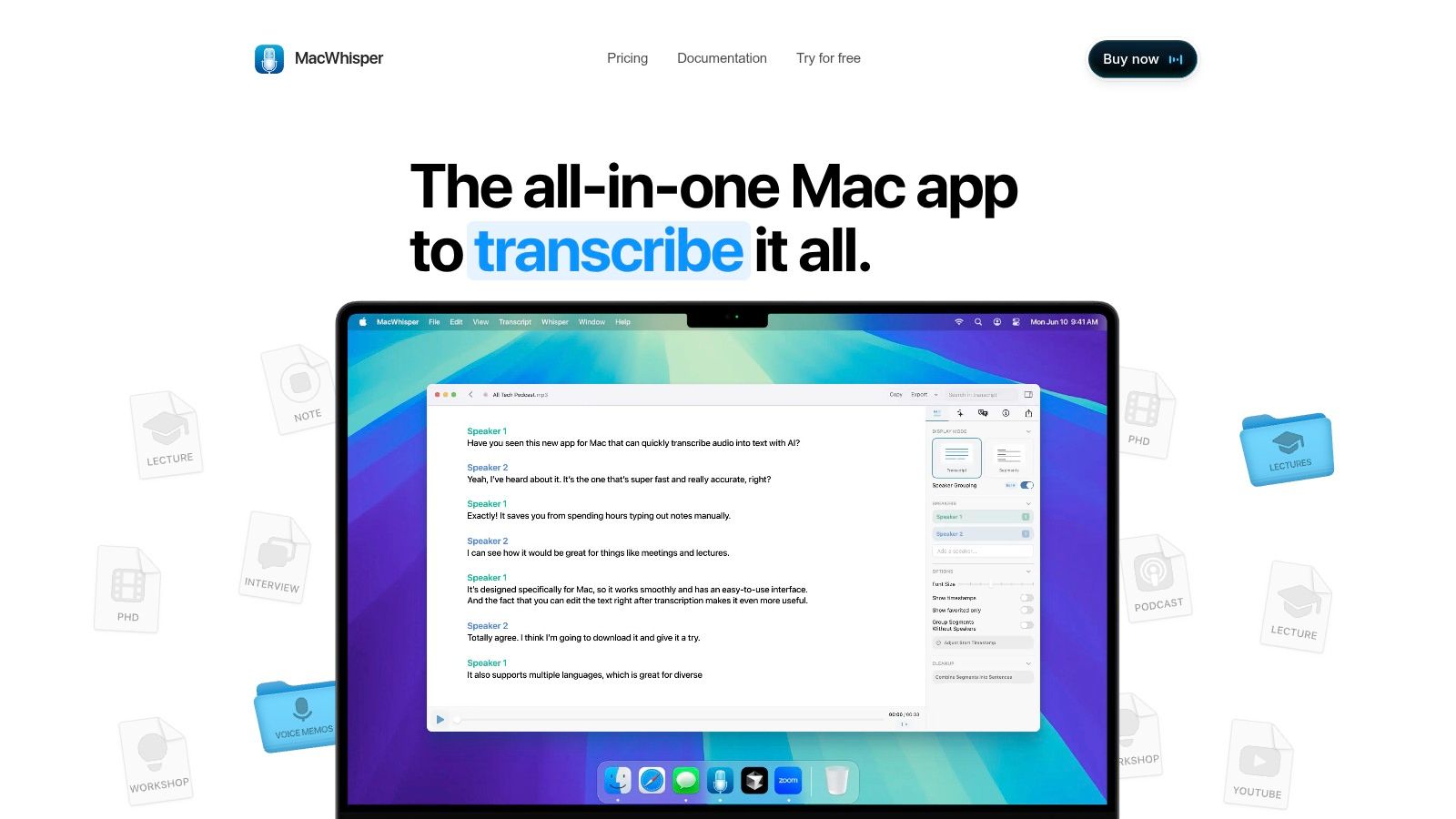
Privacy is the entire argument for MacWhisper. This macOS app can process audio locally using Whisper models, so recordings don't need to be uploaded to a provider's cloud at all. For journalists, researchers, and professionals handling sensitive interviews, that architectural choice matters more than any feature list.
It handles common audio and video file formats, exports text and subtitles, and adds Pro capabilities such as integrations and automation options, including watched folders. Optional connections to online AI services are available if you want them, but local processing remains the distinguishing option. Payment is also different from most rivals, since MacWhisper offers a one-time Pro license rather than only a subscription.
- Platform limit: It's Mac-only, so mixed-platform teams can't standardize on it.
- Performance variable: Local speed and quality depend on your Mac and the model you select.
Offline processing removes a whole category of data-governance questions, but it puts the computing burden, and the waiting time, on your own machine.
Download it only from the developer's official site, as the site itself warns. For a solo Mac user with confidential recordings, that caution is a small price for keeping audio at home.
7. Notta
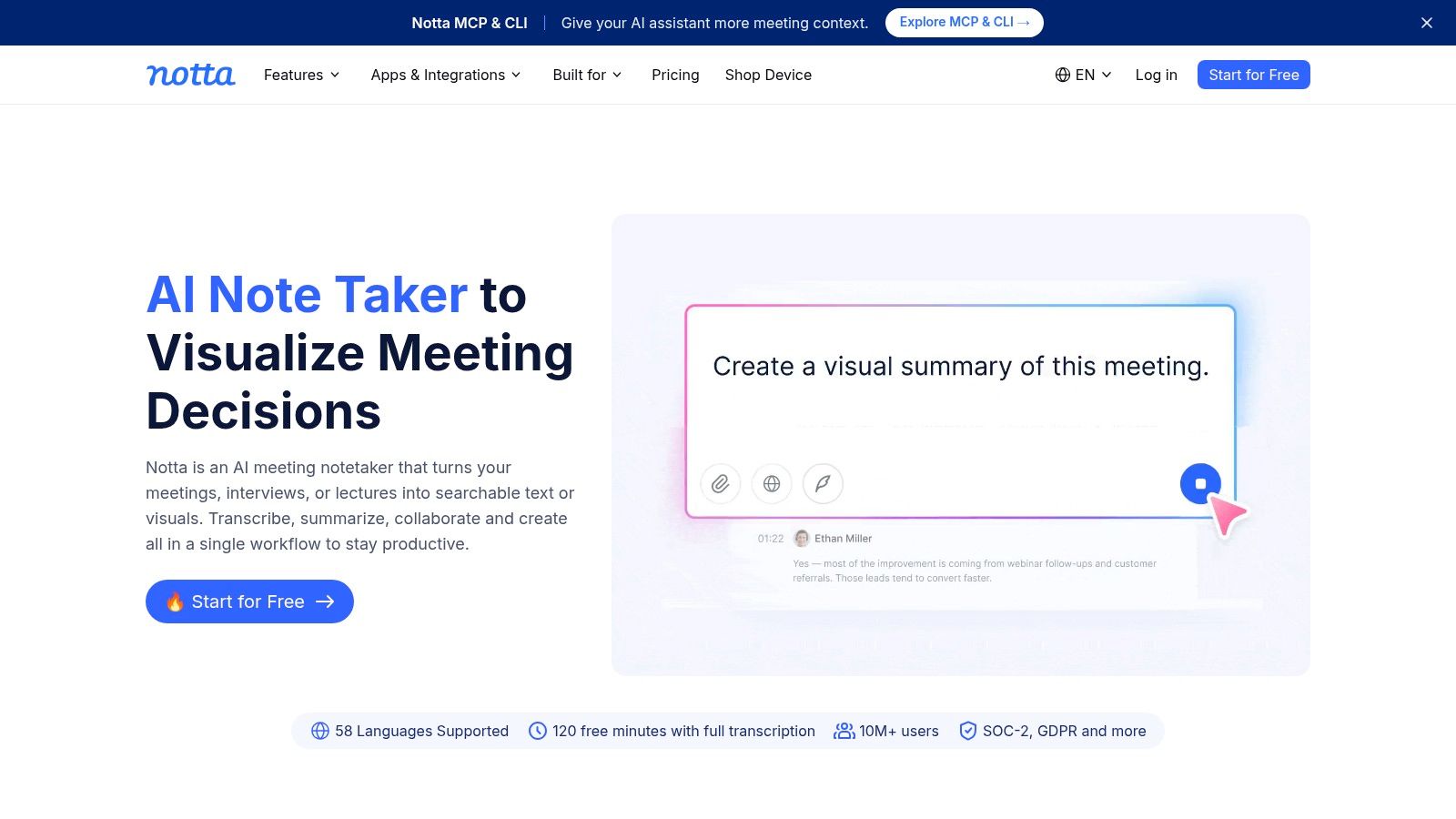
You record a conversation on your phone in the morning and want to work on the transcript at your desk in the afternoon. Notta is built for that movement, with web and mobile apps under one account covering live speech, meetings, and uploaded files.
That cross-device access makes it a practical alternative to developer speech services for people who want an app. Paid plans carry different usage allowances, and collaboration and export options vary by plan, so the tier you choose should reflect how much you record each month rather than which features sound appealing in a demo. A free tier lets you test the workflow across your own devices before paying.
Checks Before You Subscribe
- Usage limits: Free and paid plans cap transcription, so estimate your monthly recording volume first.
- Platform differences: Feature availability depends on plan and platform, so confirm the phone and web versions both do what you need.
- Language fit: Verify language and recording limits against your intended use, especially for multilingual meetings.
Notta won't replace a human-reviewed service or an API, and it isn't trying to. Its value is convenience for individuals and small teams who move between devices all day.
8. Dragon Professional
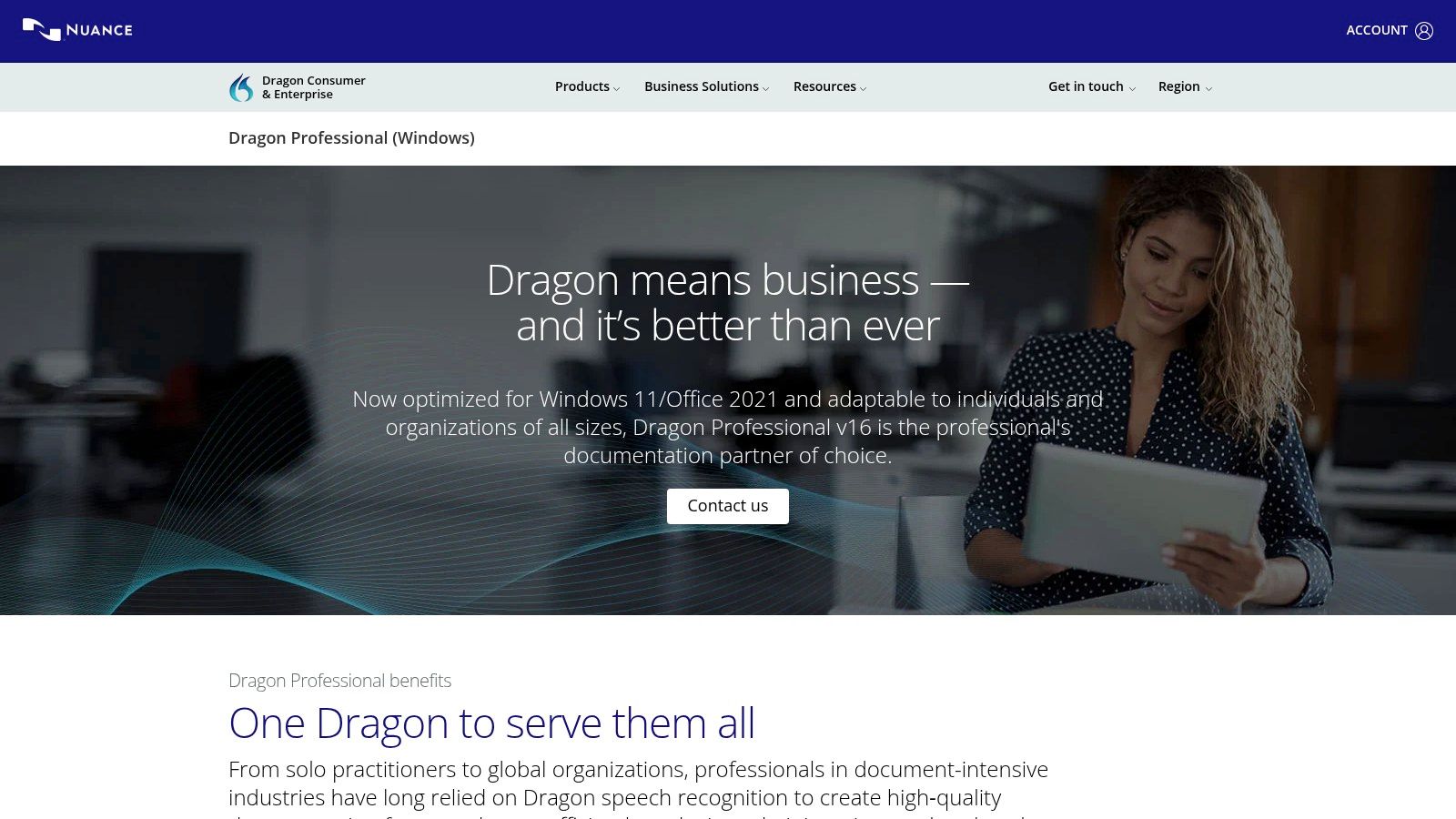
Dragon Professional comes from the dictation tradition, not the meeting-notes tradition. It's a Windows speech-recognition product for professionals who create and edit documents by voice, with live dictation plus transcription of prerecorded audio when you have recordings to process later.
That heritage shows in its priorities. Professional vocabulary and customization workflows matter if your documents are full of specialized terminology that general-purpose tools repeatedly get wrong, and options exist for individual and organizational deployments. For document-intensive work, hands-free drafting and editing inside your normal writing environment is the point, not summaries or shared highlights.
The boundaries are equally clear. The product page specifies Windows 10 and 11, so Mac and mobile users are out. It's less oriented toward collaborative meeting notes, media editing, or caption production than tools like Otter.ai or Descript. Pricing and purchase terms should be confirmed directly with the vendor, since organizational arrangements vary.
Choose Dragon Professional if dictation is how you write, all day, on Windows. Choose something else if transcription is something your team does to recordings after the fact. Those are different jobs, and this product knows which one it's for.
9. AssemblyAI
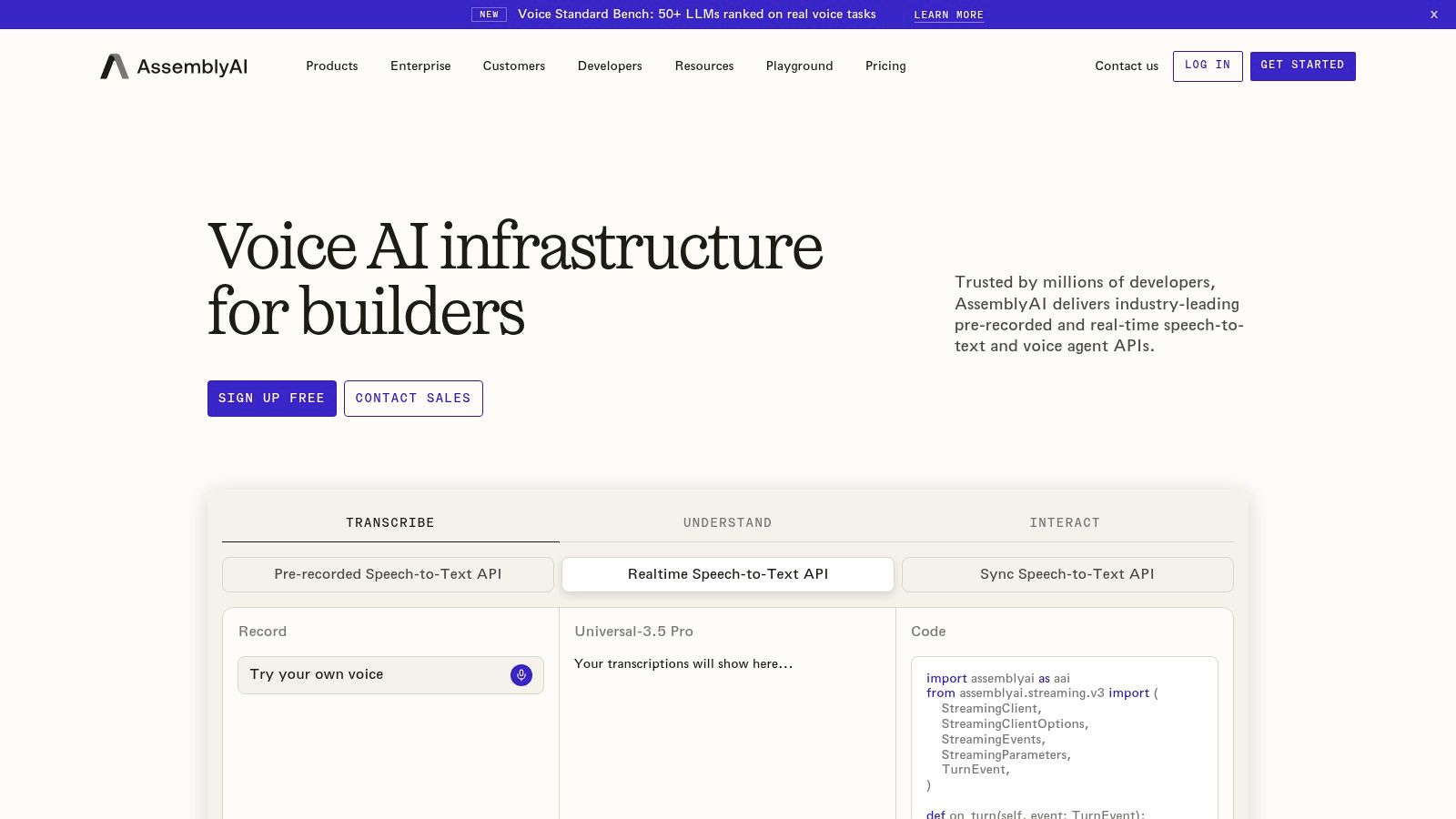
AssemblyAI isn't an app you open to transcribe a meeting. It's a speech AI API for developers building transcription into their own products, handling both prerecorded and real-time audio with features such as speaker diarization and word-level timestamps that applications can build on.
That distinction should drive the decision. If you're adding voice features to a product, perhaps alongside capabilities you'd evaluate in areas like AI contract review tools, an API gives you control over the experience, the data flow, and what happens to the transcript after it's produced. Pay-as-you-go usage suits variable workloads, with custom options for larger needs, and language-related features extend the basic transcript.
- Advantage: Capabilities beyond raw text, designed for product integration rather than manual uploads.
- Cost of entry: Your team has to build, integrate, and operate the integration, including monitoring usage.
Costs depend on audio volume and the models or features you select, so model your expected minutes before committing. Nontechnical users who want finished meeting notes should buy an app instead. Developers who need transcription as infrastructure will find AssemblyAI speaking their language.
10. Deepgram
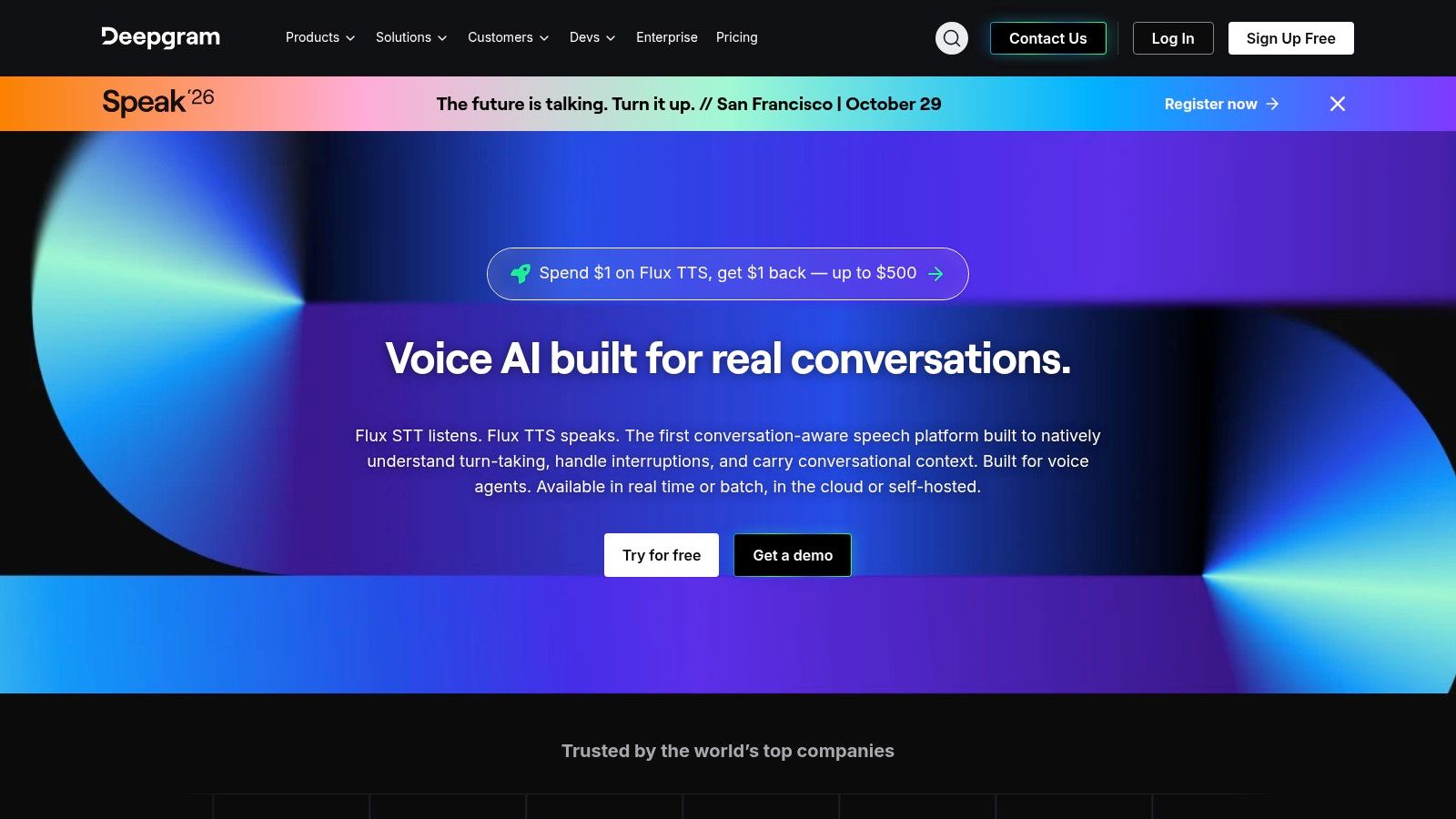
Scale is where Deepgram positions itself. It's a speech-to-text API platform offering real-time and batch transcription, usage-based plans, and published concurrency information that helps engineering teams judge whether it can handle live voice interfaces or call-processing systems processing speech in volume.
For product teams, that published detail is useful during evaluation. You can compare expected concurrent streams and monthly volume against plan structures, rather than discovering limits in production. Deepgram's pricing page advertises free credit for new users, which lowers the cost of running a realistic pilot, and related voice AI services sit on the same platform if your roadmap expands beyond transcription. Teams researching adjacent growth tooling, such as AI search optimization tools, will recognize the pattern of testing infrastructure against real workloads before scaling spend.
The Trade-Offs
Deepgram requires technical integration and ongoing usage monitoring. Pricing comparisons demand modeling your expected volume and feature mix, because a per-minute rate means little without your numbers attached. It's not a consumer transcript editor or meeting-notes product, and evaluating it as one will only confuse the decision.
11. Google Cloud Speech-to-Text
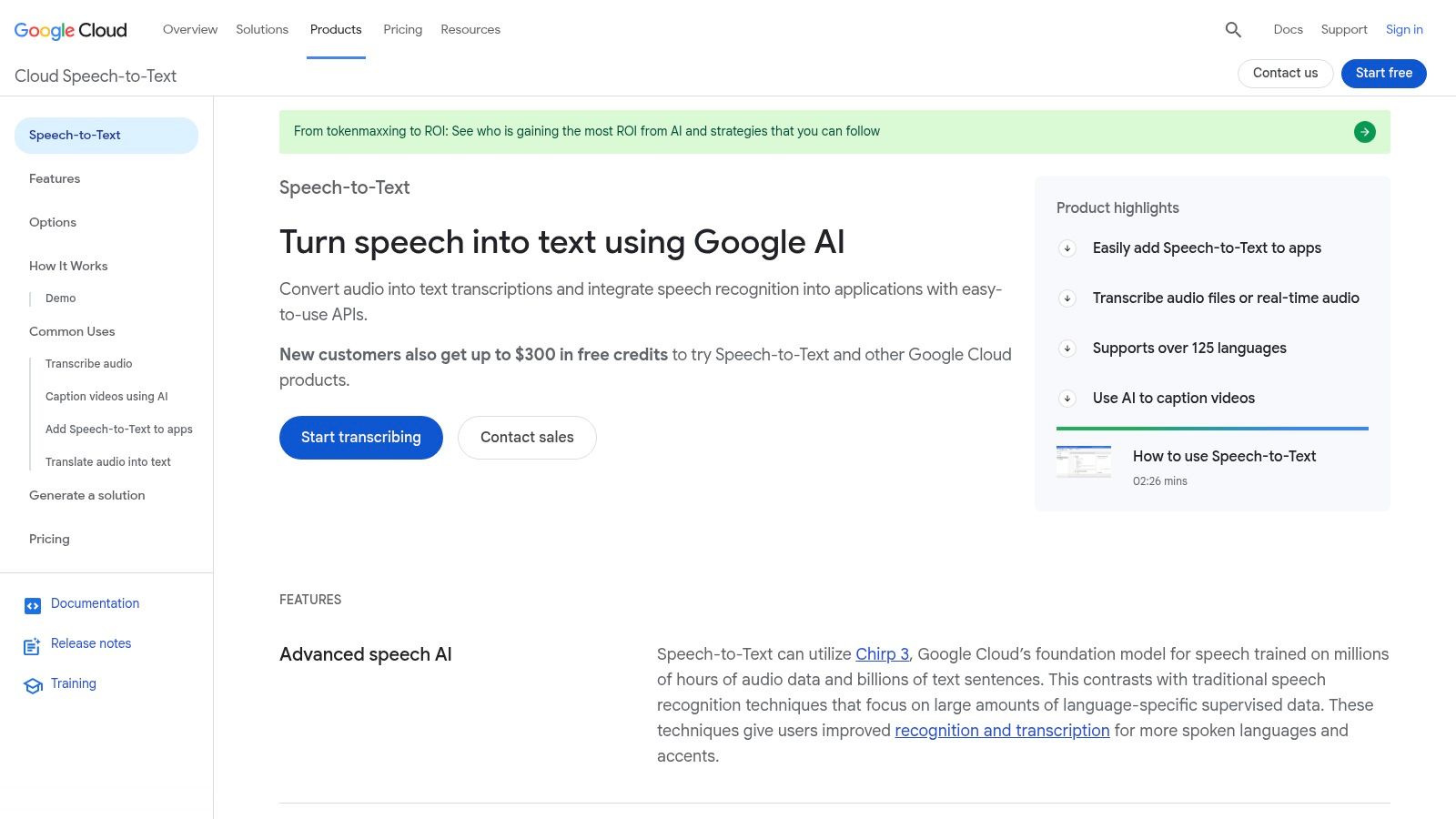
If your product already runs on Google Cloud, Google Cloud Speech-to-Text is the path of least resistance. The API offers synchronous, long-running, and streaming recognition, so short clips, long recordings, and live audio each have an appropriate method, with models tuned for different audio types including telephony.
Features such as punctuation and speaker diarization are available depending on configuration and language, and integration with other Google Cloud services simplifies billing, identity, and infrastructure for teams already committed to that ecosystem. In one independent benchmark of IBM Watson, Google Speech-to-Text, and Wit, Google recorded the lowest overall word error rate at 20.63%, compared with 36.0% for Wit and 38.1% for IBM in that study's test setup, as reported in CEASR evaluation research on commercial speech recognition. Treat that as evidence about test conditions, not a universal ranking.
- Best for: Developers already operating on Google Cloud who need both real-time and batch workflows.
- Friction: Technical setup, cloud billing, and feature availability that varies by language, region, and API version.
Pricing depends on the audio processed and the model selected, so estimate volume carefully. For nontechnical buyers, this is infrastructure, not software you can start using right away.
Best Speech-to-Text Software: Top 11 Compared
| Product | Core capabilities | Best suited to 👥 | Standout advantage ✨ | Pricing and value 💰 |
|---|---|---|---|---|
| AIDictation | macOS dictation, meeting transcription, AI cleanup, local and cloud modes | Mac users drafting emails, notes, or documents by voice | ★ On-device dictation; app-specific formatting and custom dictionary | Free: 2,000 words/month; Pro plans include monthly, annual, and lifetime options |
| Otter.ai | Live meeting transcription, searchable notes, summaries, collaboration | Individuals and teams that need shared meeting records | 🏆 Meeting capture and follow-up in one workflow | Free plan available; paid plans have usage limits |
| Rev | AI and human transcription, captions, subtitles, transcript editing | Interviews, publishing, and projects needing reviewed transcripts | ✨ Choice of automated or human-produced work | AI and human services priced separately; human transcription costs more |
| Descript | Transcription, text-based audio/video editing, captions, exports | Podcast and video teams editing media alongside transcripts | ✨ Edit recordings by editing transcript text | Free and paid plans; usage allowances vary |
| Happy Scribe | AI transcription, subtitling, speaker detection, human proofreading | Creators and businesses producing multilingual media | ★ Transcript-to-subtitle workflows with human review option | Free tier; paid AI minutes and proofreading options vary |
| MacWhisper | Local Mac transcription, audio/video file support, text and subtitle exports | Mac users prioritizing local processing of recordings | ✨ On-device Whisper models and one-time Pro license option | Free and paid capabilities; Pro offers a one-time license |
| Notta | Web and mobile recording, transcription, meeting workflows | People switching between phone and computer | ✨ Cross-device access through web and mobile apps | Free tier and paid plans; usage limits vary |
| Dragon Professional | Live dictation, prerecorded-audio transcription, vocabulary customization | Windows professionals creating documents by voice | ★ Focused on hands-free document creation | Confirm current pricing and purchase terms with vendor |
| AssemblyAI | Real-time and prerecorded transcription API, speaker labels, timestamps | Developers adding speech features to products | ✨ API features for integrating transcription into applications | Usage-based pricing; costs depend on volume and features |
| Deepgram | Batch and real-time transcription API, voice AI services | Teams building voice products or processing speech at scale | 🏆 Developer-focused platform with usage-based options | Usage-based plans; free credit advertised for new users |
| Google Cloud Speech-to-Text | Streaming and batch recognition API, configurable models | Developers and teams already using Google Cloud | ✨ Integrates with Google Cloud services and infrastructure | Usage-based; pricing varies by model and audio volume |
Choose by Workflow, Then Test Before You Commit
The history of this technology explains why headline accuracy claims deserve skepticism. In 1952, Bell Laboratories' AUDREY recognized spoken digits 0 through 9 at roughly 97% to 99% accuracy under controlled conditions with one trained speaker, yet accuracy could fall to roughly 50% to 60% without speaker-specific adjustment, according to historical technical reviews of spoken language communication with machines. Seventy years later, the lesson holds. Accuracy depends on vocabulary, speaker variation, acoustic conditions, and whether speech is isolated or continuous.
Measure candidates with word error rate, which counts substitutions, deletions, and insertions. A 1993 DARPA evaluation recorded baseline error rates from 6.9% to 15.0%, with non-baseline results from 5.3% to 16.8%, as documented in the DARPA Spoken Language Program evaluation. Ranges like that, rather than a single score, are what real deployments look like. Your meetings, phone calls, and field recordings will produce their own range, and only your audio can reveal it.
Accent coverage deserves its own test, because aggregate scores hide unequal performance. A longitudinal benchmark found average absolute word error rate differences from 9 percentage points for British versus Irish English to 26 points for mainstream US English versus Vietnamese English, as reported in longitudinal research on accent gaps in speech recognition. A 2025 ASR-FAIRBENCH study built a 26,500-utterance dataset from 593 U.S. participants and introduced a fairness-adjusted score precisely because aggregate error rates miss these gaps, according to the ASR-FAIRBENCH fairness study. If your team or your customers span accents and languages, test each group separately and set acceptance thresholds per use case.
Privacy should be decided at the architecture level, not from a badge on a pricing page. A 2025 offline voice-assistant study reported 88–92% recognition accuracy in normal indoor conditions, remaining above 80% in noisy environments across English, Hindi, and Kannada, as described in research on offline voice assistant performance. Offline tools like MacWhisper and AIDictation's Local Mode trade setup effort and hardware demands for control, while cloud services trade governance obligations for collaboration and coverage. Ask every vendor about retention, training opt-out, subprocessors, residency, deletion, and audit logs before regulated audio touches their servers.
So match the tool to the job. Otter.ai suits meeting-heavy teams, Descript and Happy Scribe fit media workflows, Rev serves projects needing human review, MacWhisper prioritizes local Mac processing, AIDictation serves Mac users who want polished dictation, Dragon Professional supports Windows dictation, and AssemblyAI, Deepgram, and Google Cloud Speech-to-Text fit application builders. Run one representative recording through your top two candidates this week, time how long correction takes, and check speaker separation and exports. Then visit The SaaS Hub to compare the adjacent productivity and automation tools that will complete your workflow, and buy only after your own audio has made the decision for you.