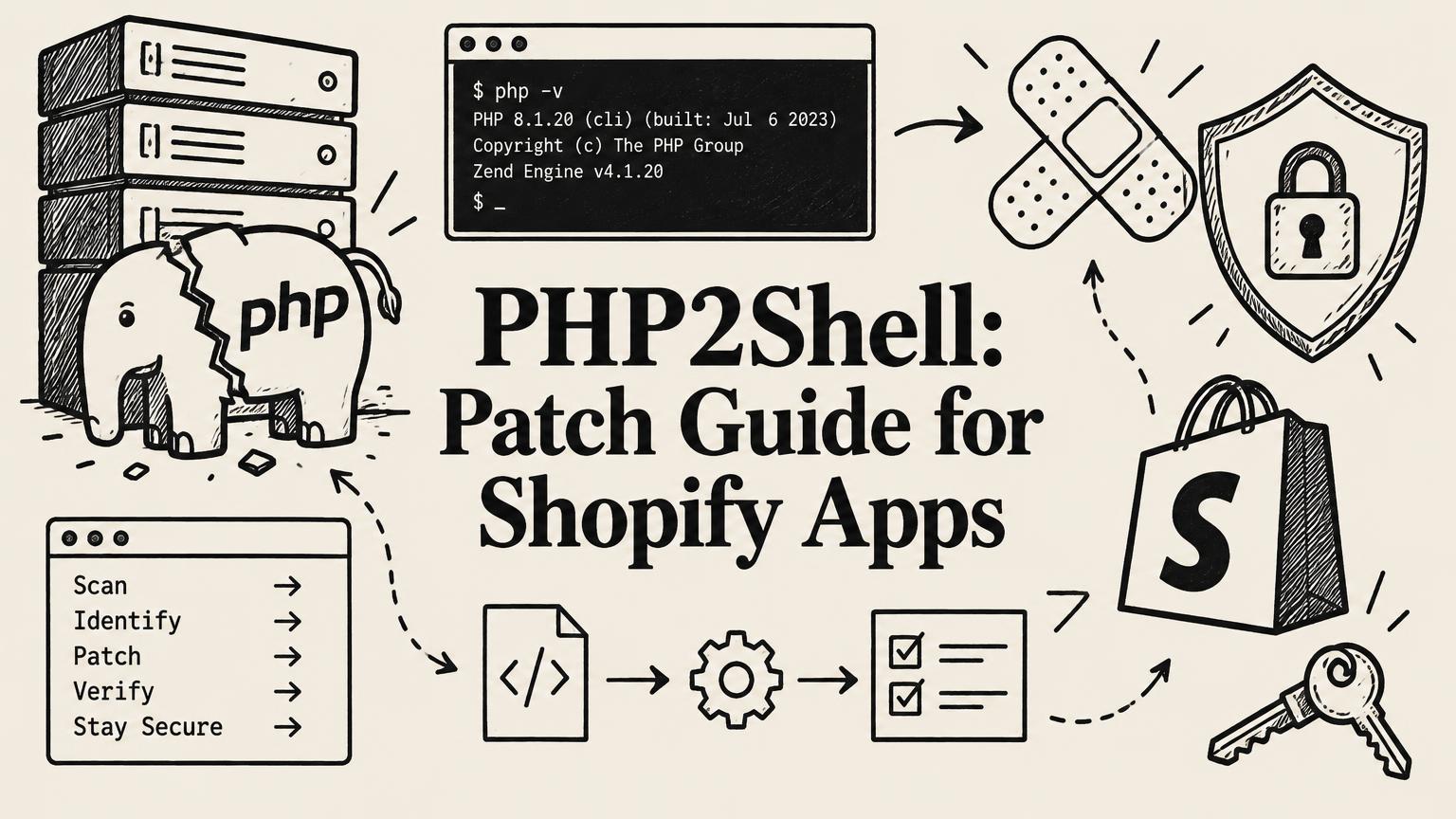
PHP2Shell (CVE-2026-109618 and CVE-2026-109619): Patch Guide for Shopify App Developers
Two critical PHP flaws (CVSS 9.2) put Shopify app backends at risk. Fixed versions, how to check your stack, temporary mitigations, and how to protect merchant tokens.
By Yuvraj Kewate · 2026-10-26
On October 21, 2026, the PHP project released emergency fixes for two critical remote code execution flaws now widely called PHP2Shell. Both are rated 9.2 out of 10 under CVSS v4.0. Exploit attempts were seen before the fixes went out.
This landed the day after Shopify asked every app developer to tighten security following the October checkout hijacks. For anyone running a Shopify app on PHP, the timing could not be worse.
A lot of Shopify apps run on PHP. Laravel is one of the most common backends in the ecosystem, and Shopify's own new shopify app security check names Laravel as a supported framework. If your app runs on PHP and you have not patched yet, stop reading after the next section and go patch.
There is no public report of a Shopify store breach from these flaws as of October 29. This article is about making sure there is never one from your app.
The Short Version
- What: Two flaws in PHP core, CVE-2026-109618 and CVE-2026-109619, that can let an unauthenticated attacker run code on your server
- Severity: CVSS v4.0 9.2 (critical), per the PHP project
- Affected: Every PHP installation that serves web requests, across all supported versions and older ones
- Fixed in: PHP 8.5.12, 8.4.27, 8.3.36, and 8.2.35, per the PHP project's October 21 releases
- Not fixed upstream: PHP 8.1, 8.0, and 7.4, which only get fixes through vendor backports
- Exploitation: Attempts observed before disclosure, and Singapore's Cyber Security Agency reports widespread exploitation attempts
- Framework updates do not help: The flaws are in PHP itself, so updating Laravel, Symfony, or any package does not fix them
Confirm exact versions against the PHP project's October 21 announcement before you rely on them.
Why This Matters More for Shopify Apps
A normal website compromise is bad. A Shopify app backend compromise is worse, because of what an app server holds.
Your app server usually stores:
- Access tokens for every store that installed your app. Each one can read or change that store's data within your granted scopes.
- Your app's API secret, which signs session tokens and verifies webhooks
- Customer personal data, if your app has protected customer data access
- Whatever controls the code you deliver to storefronts, such as app settings, script configuration, or a custom JS feature
The October 2026 checkout hijacks showed what happens when an attacker gets into the vendor side of an app. They did not need to break Shopify. They used the app's own delivery path to put fake checkout scripts on merchant storefronts. A server-level compromise through PHP2Shell would give an attacker the same kind of reach, and possibly more.
One vulnerable server can mean hundreds or thousands of exposed stores.
What the Two Flaws Are
Full technical details are in the PHP project's advisories. At a high level:
CVE-2026-109618 involves how PHP handles running out of memory at the wrong moment during a request. When that happens, request data can be left partly set up, and an attacker can use that state to get code execution. Singapore's Cyber Security Agency describes it as an out-of-memory handling vulnerability.
CVE-2026-109619 involves state left behind between requests on the same PHP worker. A later request can reuse stale data from an earlier one. CSA describes it as a use-after-free vulnerability.
Both happen in PHP core before your application code runs. That is why the usual layers, such as framework updates, WordPress plugins, or input validation in your code, do not protect you.
Reported risk by setup:
- Apache with mod_php carries the highest reported risk, with an unauthenticated exploit demonstrated
- PHP-FPM has also had code execution validated
- php-cgi, FrankenPHP, and LiteSpeed are listed as affected
Security researchers also report that the public proof of concept works only on certain combinations of operating system, PHP version, and web server. That reduces the chance of a successful mass attack. It does not make an unpatched server safe.
A related third flaw
On October 23, a further issue, CVE-2026-115560, was disclosed. It requires an application to change the session serializer at runtime while session upload progress is enabled, which the PHP project calls an unlikely path. As of the latest reports, there is no fixed release for it yet, but the session upload progress mitigation below covers it.
Timeline
| Date (2026) | Event |
|---|---|
| October 17 | Earliest reported exploit attempt, seen against Amazon honeypots |
| October 20 | PHP publishes an advisory warning of emergency fixes the next day. Details leak early through a since-deleted Hacker News post (BleepingComputer report) |
| October 21 | Disclosure and fixed releases. Cloudflare reports blocking attempts from 03:02 UTC. Singapore CSA publishes an alert |
| October 22 | Fixed packages for Enterprise Linux and Fedora published by Remi |
| October 23 | CVE-2026-115560 disclosed. CSA updates its alert with monitoring guidance |
| October 24 | Red Hat lists fixed packages for RHEL 8, 9, and 10 |
| October 26 | Windows PHP packages rebuilt for a separate Brotli flaw |
Step-by-Step Patch Guide
1. Find every place PHP runs
Do not stop at your main app server. Check:
- Web and API servers
- Queue workers and job runners (Laravel Horizon, Supervisor workers)
- Admin panels and internal tools
- Staging and preview environments that are publicly reachable
- Any third-party tool you self-host that runs on PHP
Singapore's CSA specifically warns teams to look for PHP inside third-party components, even if your main product is not written in PHP.
Run this on each server:
php -v
php-fpm -v 2>/dev/null
Note the exact version string, including any distribution suffix.
2. Check whether your version is fixed
Upstream PHP: You need 8.5.12, 8.4.27, 8.3.36, or 8.2.35 or later on your branch.
Distribution packages: Linux distributions often backport the fix without changing the headline version number. For example, Ubuntu 24.04's 8.3.6-0ubuntu0.24.04.13 is reported as patched. Check your distribution's security notice for CVE-2026-109618 and CVE-2026-109619 rather than trusting the version number alone.
PHP 8.1, 8.0, or 7.4: There is no upstream fix. Either get a vendor backport or, better, upgrade to a supported branch. PHP 8.2 itself reaches end of life on December 31, 2026, so plan that move too.
3. Update
Ubuntu or Debian:
sudo apt update
sudo apt install --only-upgrade 'php*'
RHEL, Rocky, AlmaLinux, or Fedora:
sudo dnf upgrade 'php*'Docker: rebuild from a patched official base image tag, then redeploy every container. Do not just pull the image on a running host and assume running containers picked it up.
Managed platforms (Laravel Forge, Vapor, Cloudways, cPanel hosts, and similar): check your provider's status page and confirm they have rolled out the fix. cPanel shipped backports in release 25.91.
4. Restart PHP workers
This step gets missed. Running PHP-FPM pools and long-lived workers keep the old binary in memory until they restart.
sudo systemctl restart php8.3-fpm   # adjust for your version
sudo systemctl restart apache2      # if using mod_php
php artisan horizon:terminate       # Laravel Horizon, it will restart under your supervisor
Then run php -v again and confirm the running version.
5. If you cannot patch immediately, apply temporary mitigations
These reduce exposure. They are not a fix. One of PHP's core developers has publicly said that patching is the only real fix.
- Set
session.upload_progress.enabled=0inphp.inior your PHP-FPM pool config, then restart. This also covers CVE-2026-115560. - On PHP 8.5, set
fatal_error_backtraces=0. - Cap request body sizes, for example 8 MB if your app does not accept uploads, or 32 MB if it does.
- Make sure a web application firewall with current managed rules sits in front of your app. Cloudflare has rules blocking known attempts.
Assume Breach Until You Can Rule It Out
If your server was exposed and unpatched after October 17, treat it as possibly compromised until you have checked. For a Shopify app, that means:
Check for signs of compromise
- Unexpected processes, cron jobs, or new user accounts on the server
- New or changed files in your web root, especially PHP files you did not deploy
- Outbound connections to unfamiliar IP addresses
- Unusual activity in your Shopify API logs. Shopify's Dev Dashboard now lets you filter API traffic by client IP, so look for requests that did not come from your servers
- Changes to any setting that controls code on merchant storefronts
Singapore CSA has published "PHP2Shell: Monitoring for related compromises" guidance alongside its alert.
Rotate secrets
If there is any doubt:
- Rotate your Shopify app's API secret in the Partner or Dev Dashboard
- Rotate database passwords, cloud keys, and any third-party API keys stored on the server
- If you use non-expiring offline access tokens, plan to reissue them. This is a strong reason to finish migrating to expiring offline access tokens, which Shopify has required for new public apps since April 1, 2026 and says will soon be required for all public apps. A leaked expiring token stops working within about an hour.
Report if you find something
If you find evidence that merchant data or storefront code was affected, report it to partner-security-reports@shopify.com. Shopify's guidance is that developers are responsible for fixing the issue and notifying affected merchants.
Hardening Your Shopify App Backend Beyond This Patch
PHP2Shell will not be the last critical runtime flaw. A few changes make the next one much less damaging.
- Keep runtimes on supported branches and subscribe to security announcements for PHP and your distribution
- Automate patching for minor and security releases where you can
- Use expiring access tokens so a stolen token has a short life
- Encrypt tokens at rest and keep the encryption key outside the database
- Separate the code that controls storefront scripts from the rest of your app, and protect it with strong authentication and change alerts
- Close exposed ports. Shopify's App Store requirements already say services like MySQL, Redis, and Elasticsearch should not be publicly reachable unless strictly needed
- Run shopify app security check on every release. It will not catch PHP runtime flaws, but it catches the app-level gaps that make a server compromise worse
For the founder-side checklist, see Shopify app security: what every founder should check and what to do before the 2027 deadlines. For the full list of Shopify's 2026 security changes and a developer checklist, see my Shopify app security update 2026 guide.
What Merchants Should Know
If you are a merchant, you do not run PHP yourself on Shopify. Shopify's platform is not affected the way a self-hosted PHP server is.
The risk is indirect: some of the apps you install run their own servers, and some of those run PHP. It is reasonable to email the developers of your most important apps and ask, "Have you patched for the PHP2Shell vulnerabilities, CVE-2026-109618 and CVE-2026-109619?" A good developer will reply quickly with a clear yes.
For a full app audit, see Shopify app delisted? How to tell if it is safe and audit every app.
Frequently Asked Questions
What is PHP2Shell?
PHP2Shell is the common name for two critical PHP vulnerabilities, CVE-2026-109618 and CVE-2026-109619, disclosed on October 21, 2026. They can allow an unauthenticated attacker to run code on servers that use PHP to serve web requests.
Which PHP versions are fixed?
According to the PHP project's October 21 releases: 8.5.12, 8.4.27, 8.3.36, and 8.2.35. PHP 8.1 and older get no upstream fix. Distribution packages may include the fix under a different version number, so check your vendor's security notice.
Does updating Laravel fix PHP2Shell?
No. The flaws are in PHP itself. You need to update the PHP runtime and restart PHP workers.
Were any Shopify stores breached through PHP2Shell?
There is no public report of that as of October 29, 2026. The concern is that a compromised app server would expose access tokens and storefront code for every store using that app.
Is my Shopify store affected?
Shopify's own platform is not a self-hosted PHP server, so the platform is not affected in the same way. Third-party apps you install may run on PHP. Ask your critical app vendors whether they have patched.
What should I do if I cannot patch right away?
Disable session upload progress, set fatal_error_backtraces=0 on PHP 8.5, cap request body sizes, and put a web application firewall in front of the app. Then patch as soon as possible, because these steps only reduce exposure.
Last checked October 29, 2026. Version numbers and mitigations should be confirmed against the PHP project's official announcement and your distribution's security notices. This article will be updated as new information is published.
Sources
- PHP 2026 news archive, October 21 security releases (PHP project)
- Critical Vulnerabilities in PHP (PHP2Shell), AL-2026-151 (Cyber Security Agency of Singapore)
- PHP warns admins of two critical flaws, emergency patches coming (BleepingComputer)
- Securing your app, together (Shopify developer changelog)
- Expiring offline access tokens required for new public apps (Shopify developer changelog)
- App Store security requirements (Shopify docs)
PHP2Shell (CVE-2026-109618 and CVE-2026-109619): Patch Guide for Shopify App Developers